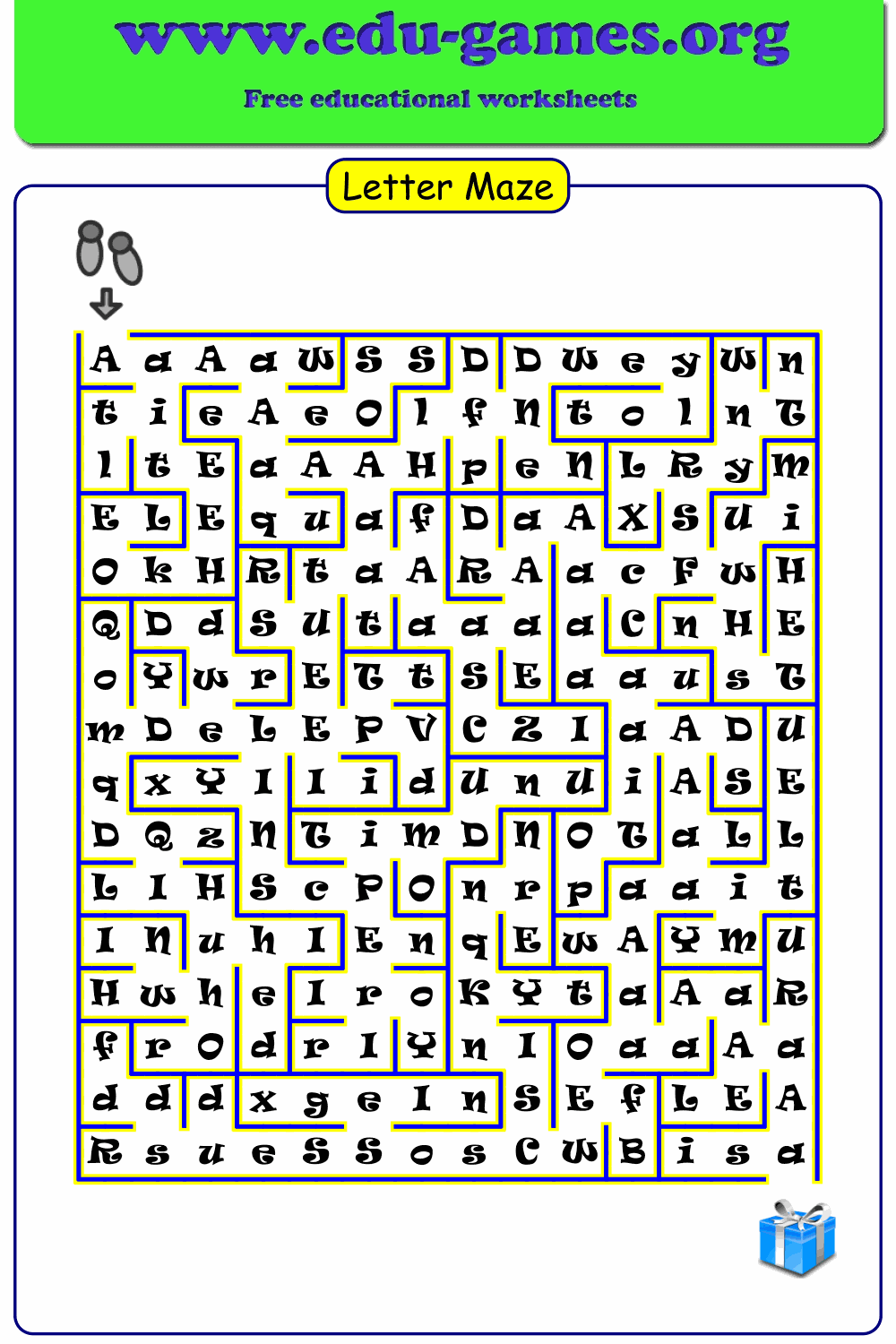
Free Printable Letter Maze Worksheet Generator
Create free, fun, and printable letter maze worksheets in just seconds. Pick any letter, choose grid size, font, and letter case — then download a print-ready PDF for your students.
Used by teachers worldwide · Instant PDF download · No account required
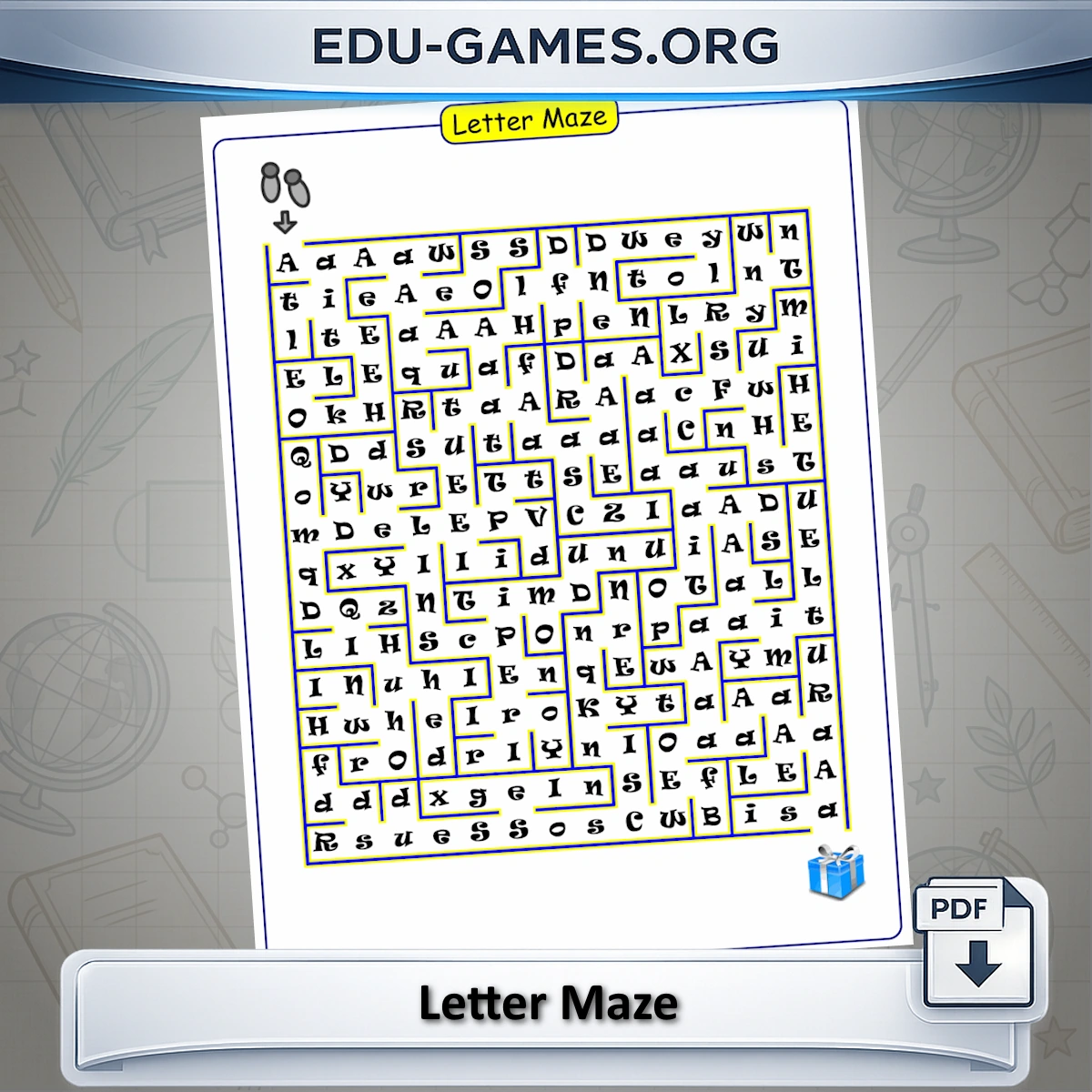
Create Your Letter Maze
How to Use the Letter Maze Maker
Create your own custom letter maze in just a few steps. This activity is a fun way for children to practice recognizing letters while solving a puzzle.
To get started, type the letter you want your learners to focus on. Next, adjust the size of the maze by selecting the number of rows and columns (10, 12, 14, or 16). Larger grids will make the maze more challenging.
You can also decide how the letters are displayed: all lowercase, all uppercase, or a random mix. The random option is especially challenging, since children need to pay closer attention to spot the correct letters.
Finally, choose from a variety of fonts. Start with an easy-to-read font so children can focus on the activity. When they're ready for a challenge, switch to a font that makes the letters a little harder to recognize.
In the maze, the starting point is shown with a pointing finger icon, and the finish is marked with a treasure chest. If you change the font, it may take a few seconds to load. If the maze doesn't update, simply click the "Show Solution" button to refresh the maze. (Please note: font loading may not work correctly in Internet Explorer or older versions of Microsoft Edge.)
Why Use Letter Maze Worksheets?
Letter maze worksheets turn a foundational literacy skill — letter recognition — into an active problem-solving task. Rather than simply tracing or copying letters, students must scan a grid full of distractors and follow one specific letter from start to finish. This demands both visual discrimination and sustained attention, which deepens the learning compared to passive exercises.
The font variety is what makes this generator particularly valuable in the classroom. Students who practise only with a single standard font may recognise the shape by habit rather than truly understanding the letter. Switching to a script or decorative font forces them to process the letter structure more carefully — an important step toward reading fluency across different printed materials.
The grid size control means you can match difficulty precisely to a student's level: a 10×10 grid for beginners, a 16×16 grid for fluent readers who need a challenge. Combined with the random letter-case option, there are enough variables to keep the activity fresh across many sessions.
FAQ - Letter Maze Maker
How are the start and end of the maze marked?
The starting point is shown with a pointing finger icon and the finish is marked with a treasure chest. Students follow the correct letter through the maze from the finger to the chest.How do I choose the maze grid size?
Select the number of columns and rows: 10, 12, 14, or 16. A 10×10 grid is easier for younger learners; a 16×16 grid creates a much denser and more challenging maze.What does the letter case option do?
Lower-Case fills the maze with small letters. Upper-Case uses capitals. Random mixes both — students must identify the target letter in both forms, which is significantly harder.Why does choosing a harder font make the maze more difficult?
Standard fonts train students to recognise the most common letter forms. A decorative or script font renders letters in unfamiliar shapes, which forces students to focus on the structure of the letter rather than recognising it by habit — a deeper letter recognition skill.What should I do if the maze does not update after changing the font?
Click Show Solution to force a canvas redraw. Font files are loaded dynamically and may take a moment to apply. Note: font loading may not work correctly in Internet Explorer or older versions of Microsoft Edge.Can I generate a different maze with the same settings?
Yes. Each time you click Generate a New Letter Maze, the path through the grid is randomised, producing a unique maze — even with the same letter, size, and font settings.Share this free letter maze worksheet generator