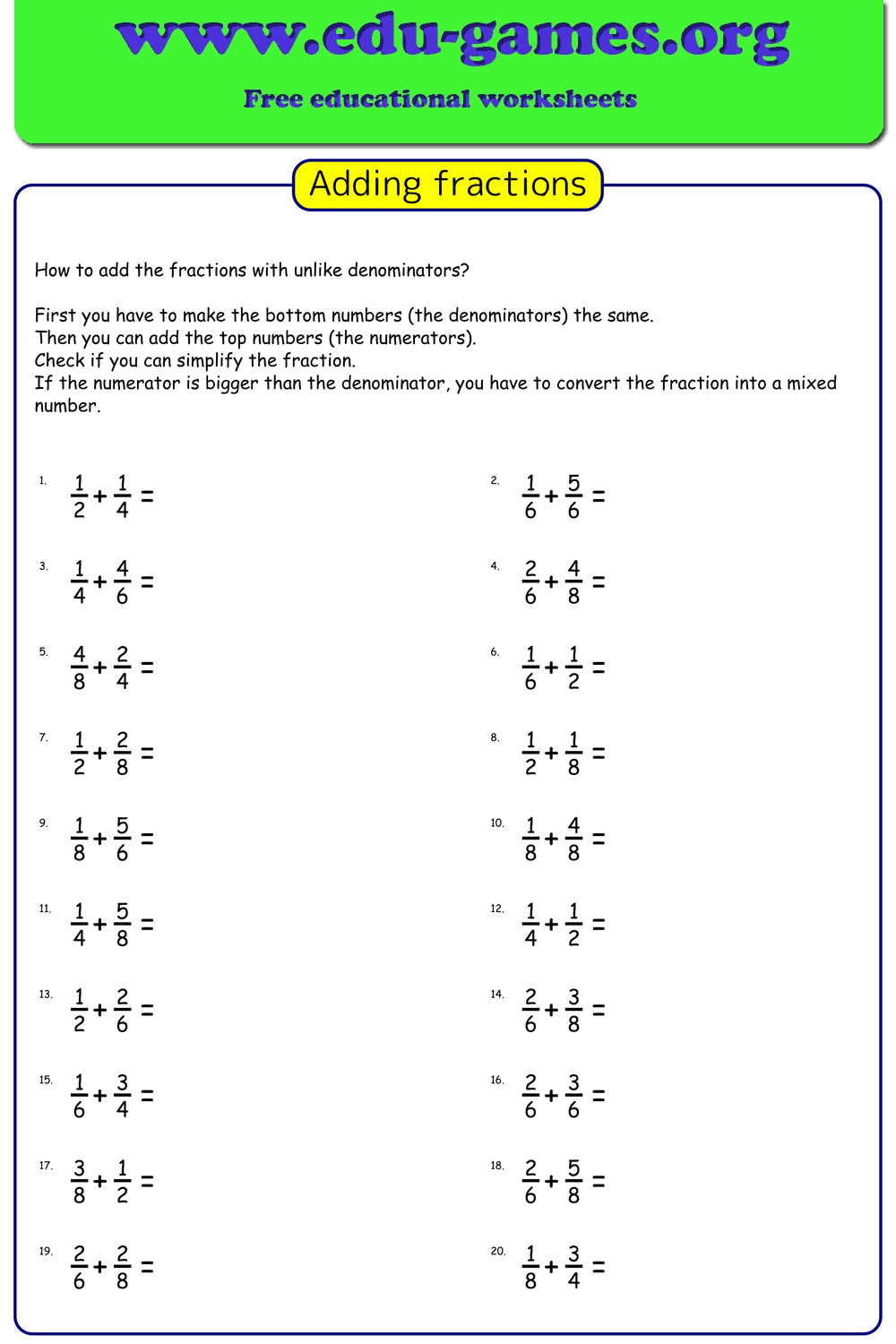
Free Printable Adding Unlike Fractions Worksheet Generator
Choose 2 or 3 fractions per sum, pick Easy / Medium / Hard denominator ranges or enter your own, toggle Like or Unlike mode, and download an instant PDF with answer key — ready to print on A4 or Letter.
Instant PDF · A4 & Letter · Answer key included · No account required
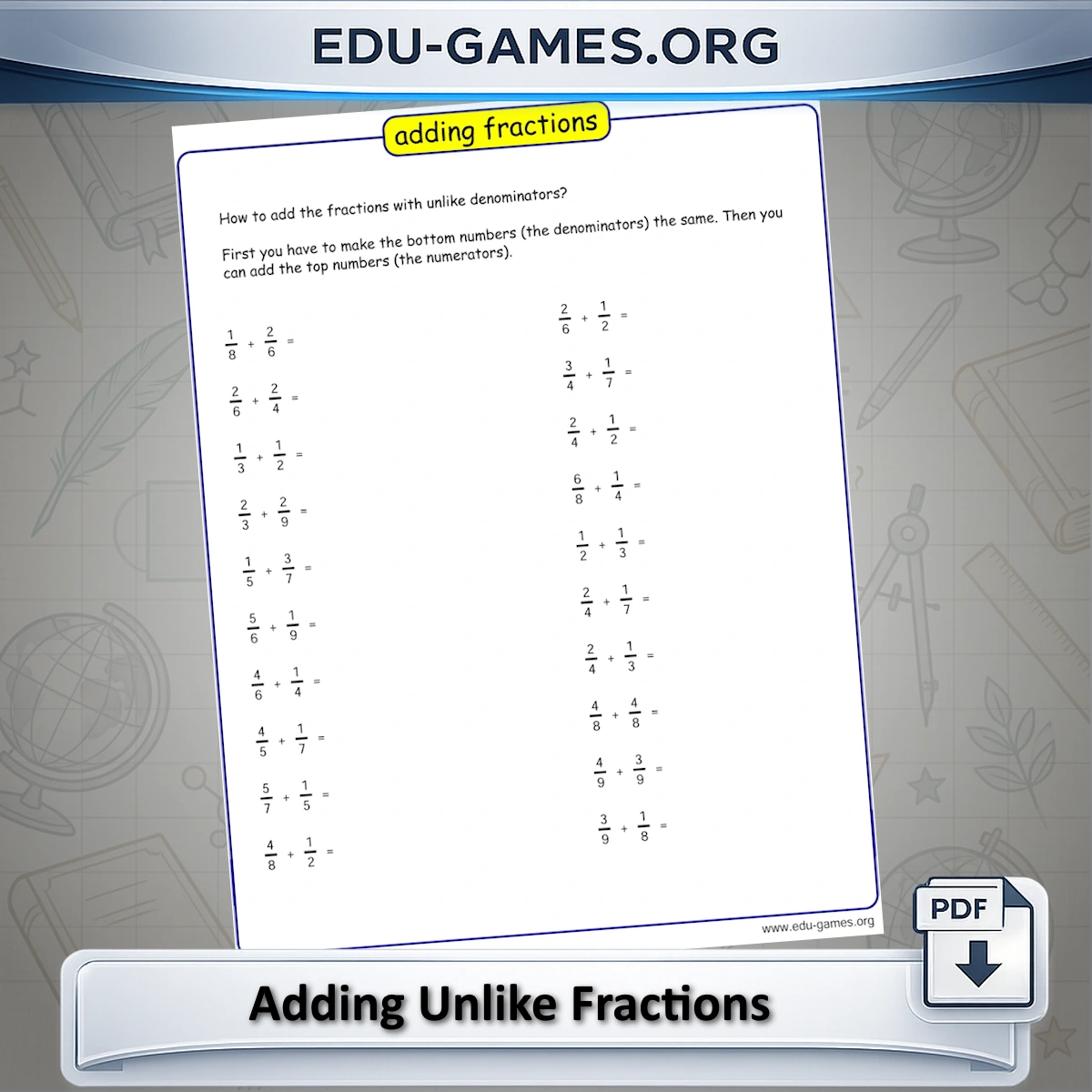
Customize and Generate Your Worksheet
How to use the unlike fractions worksheet generator
- Set the denominator range. Type specific values (2,4,6,8) or a continuous range (2-9), or click Easy, Medium, or Hard to fill in a preset. Larger denominators mean harder LCM calculations.
- Choose 2 or 3 fractions per sum. Start with 2 fractions for introductory practice; use 3 once students are comfortable finding a common denominator for two numbers.
- Select Like or Unlike denominators. Unlike is the default and requires finding a common denominator first. Like mode removes that step and is useful as a warm-up before tackling unlike problems.
- Toggle "Max Sum is 1" to control whether answers can be improper fractions. Leave it checked until students are ready to convert results to mixed numbers.
- Click "Create new Unlike Fractions sums" to generate a randomized set and see the preview on the right.
- Download the PDF and print. An answer key is included automatically on a second page.
Why practice adding fractions with unlike denominators?
Adding unlike fractions is the first fraction operation where students cannot simply act on the numerators directly. They must find a least common multiple, rewrite each fraction with the new denominator, and only then add — a multi-step process that trips up students who rushed through like-denominator work.
Unlike-denominator addition also underpins every subsequent fraction skill: subtracting unlike fractions, comparing fractions, and adding mixed numbers all require the same LCM step. A student who has drilled this procedure until it feels automatic will find the harder skills significantly easier.
This generator lets teachers target exactly the denominator values students are ready for. Moving from the Easy preset (multiples of 2, 4, 6, 8) to Medium (2-9) to Hard (10-25) creates a natural progression without needing a separate worksheet for each stage.
Looking for related generators?
Frequently Asked Questions
What is the difference between Like and Unlike mode in the generator?
In Like mode, all fractions in a sum share the same denominator, so students only need to add the numerators. In Unlike mode — the default — each fraction has a different denominator, and students must first find a common denominator before adding. Unlike is the default because it is the harder and more curriculum-central skill for Grades 5 and 6.What does the "Max Sum is 1" option do?
When checked, the generator ensures that the correct answer is always a proper fraction — less than 1 — so the result never needs to be converted to a mixed number. Unchecking it allows sums greater than 1, which is the right setting once students are comfortable converting improper fractions.How do I control the difficulty using the denominator range?
Type specific values separated by commas (e.g. 2,4,6,8) to restrict denominators to a set list, or use a dash for a continuous range (e.g. 2-9). The Easy preset uses 2,4,6,8 — denominators that are multiples of each other, making the LCM easier to find. Medium uses 2-9 and Hard uses 10-25, where finding a common denominator requires more steps.Why does the generator sometimes produce the same denominator in Unlike mode?
Unlike mode draws denominators randomly from your chosen range. When the range is narrow — for example, only 2 and 4 — the same denominator can appear more than once by chance. Widening the range or switching to the Medium or Hard preset reduces how often this happens and produces a more varied set of problems.Share this free adding unlike fractions worksheet generator