Free Math Square Puzzle Generator — Printable Worksheets
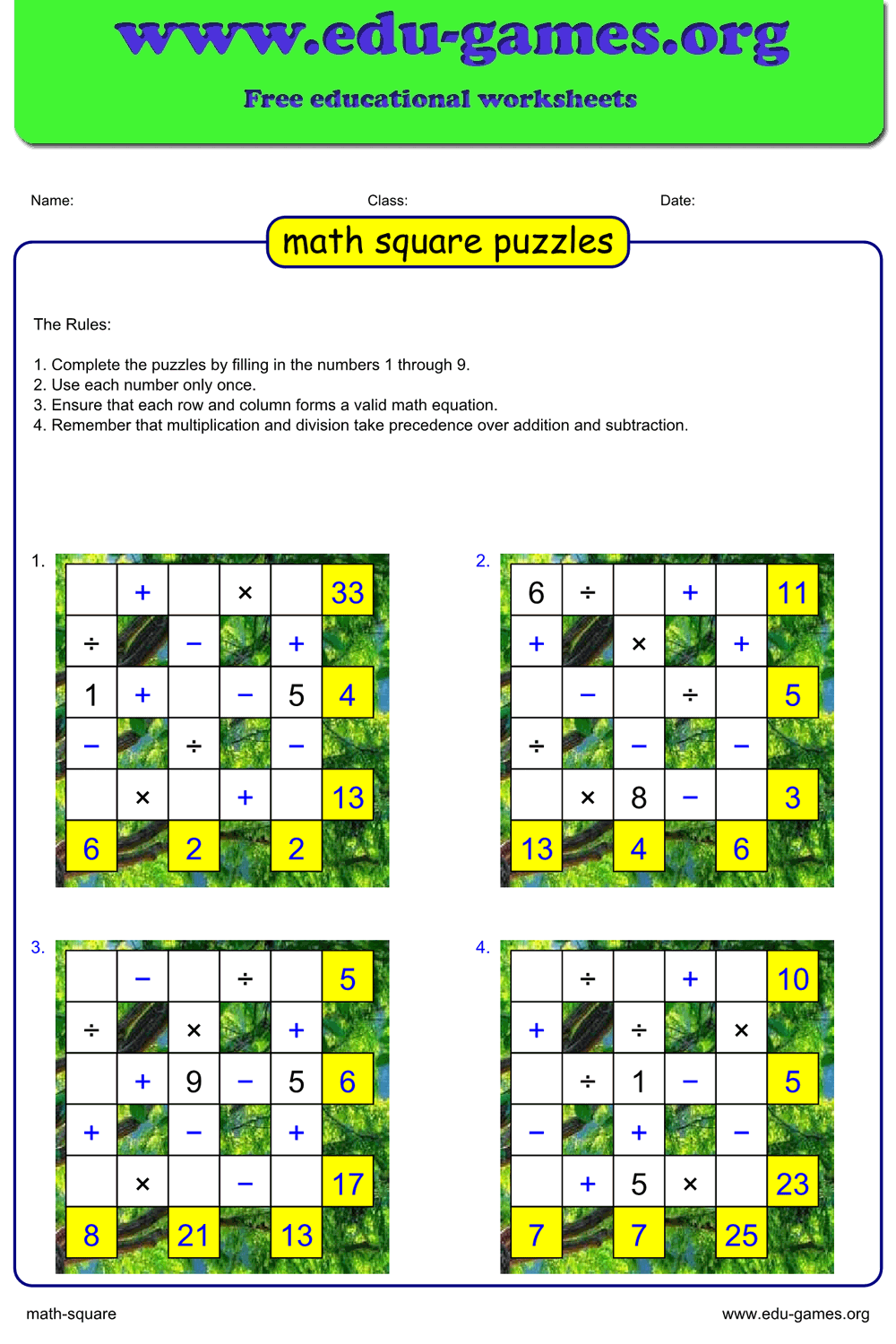
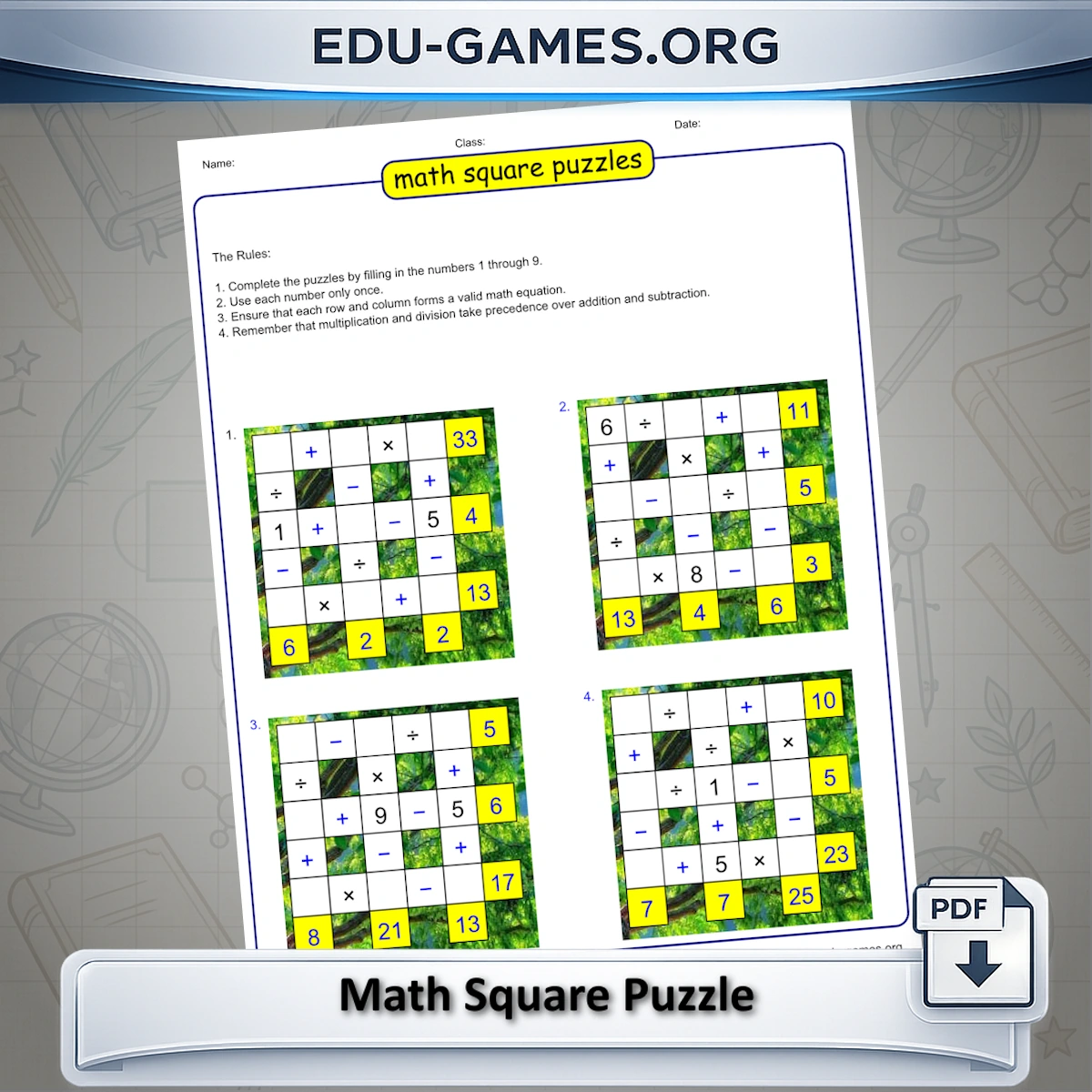
Create and download free printable math square puzzles with this online generator. Fill a 3×3 grid with the numbers 1–9 — each used exactly once — so every row and column equation is correct. Also known as math squares puzzles or maths square puzzles, the format covers all four operations. Choose how many numbers are pre-filled as hints and print 1, 2, or 4 puzzles per page. No account needed.
1.7M+ worksheets downloaded · Instant PDF download · No account required
Create your Math Square puzzle
How to Create a Math Square Puzzle
Choose the Number of Puzzles
Select 1, 2, or 4 puzzles per sheet from the "Number of puzzles" dropdown. Four puzzles fit on one A4 or US Letter page, giving each student more to work through in a single session.
Set the Number of Hints
Use Visible square to decide how many of the nine number cells are pre-filled. Set it to 0 for a fully blank grid (hardest) or up to 4 for a puzzle with four given numbers. The hints are placed randomly so each generated puzzle is different even with the same setting.
Generate and Preview
Click "Create a new Math Square" to build a fresh puzzle. The preview shows the grid with operators, the hint numbers, and the yellow result cells at the end of each row and column.
Check the Solution
Click "Show Solution" to reveal all nine number cells in the preview. Click it again to hide the answers before printing.
Download the PDF
Click "Download the Math Square in PDF" to get a print-ready file. Optionally include a solution page by ticking that option before downloading.
Why Use Math Square Puzzles in the Classroom?
All Four Operations in One Puzzle
Each grid mixes addition, subtraction, multiplication, and division. Students cannot focus on one operation — they must apply whichever symbol appears in each position, making this more demanding than a single-operation drill while still being accessible for primary and middle school.
The Uniqueness Constraint Builds Number Sense
Using each digit 1–9 exactly once turns the puzzle into a logic exercise as much as an arithmetic one. Students must track which numbers they have already placed, test candidates, and revise when a placement makes a later equation impossible. That constraint-based reasoning is a core component of mathematical thinking.
Adjustable Difficulty Without Extra Preparation
The Visible square control lets you tune difficulty in seconds: give struggling students four hint cells and advanced students none, all from the same generator. You can produce differentiated worksheets for the whole class in one session without building separate resources.
Self-Contained and Easy to Deploy
Math Square requires only a pencil and a printed sheet. There is no setup, no materials to distribute, and no teacher input while students work — ideal as a warm-up, an early-finisher task, or independent homework with a clear objective answer key.
Frequently Asked Questions — Math Square Puzzle Generator
What is a math square puzzle?
A math square puzzle (also called a maths square puzzle or math squares puzzle) is a 3×3 grid where you fill in the numbers 1 through 9 — each exactly once. Mathematical operators (+, −, ×, ÷) sit between the number cells, and the correct answer to each row and column equation is shown in a result cell at the edge of the grid. The challenge is to place all nine digits so that every equation holds simultaneously. This math puzzle generator produces a new unique grid each time you click Create.Why can each number from 1 to 9 appear only once in the grid?
The puzzle uses exactly the digits 1 through 9, each placed in one of the nine number cells. The uniqueness rule prevents the same digit from satisfying two equations at once, which would make the puzzle trivial. Every generated grid is verified to have a single, fully determined solution given the operators and the one-each constraint.What does the "Visible square" setting control?
Visible square sets how many of the nine number cells are pre-filled as hints — from 0 (all blank, hardest) to 4 (four numbers given, easiest). The hint cells are chosen randomly for each puzzle, so two worksheets with the same setting will still show different numbers in different positions.In what order are the operations in a row or column calculated?
Standard mathematical precedence applies: multiplication and division are evaluated before addition and subtraction within the same row or column. The generator follows this rule when computing the result shown in the yellow cell at the end of each row and column, so students must apply the same order when checking their answers.Can I print more than one puzzle on a single sheet?
Yes. The "Number of puzzles" selector gives you 1, 2, or 4 puzzles per sheet. With 4 selected, the generator places four independent 3×3 grids on one PDF page — all different, each with its own complete set of equations and result cells.What are the yellow cells with blue numbers at the edges of each grid?
Those are the result cells. They show the answer to the equation in that row or column: for example, if a row reads 3 × 4 − 5, the yellow cell at the right end shows 7. Result cells are always visible — they are never part of the puzzle to solve, only information that students use to find the missing numbers.Share this math square puzzle generator