Draw Angles with a Protractor — Free Printable Worksheet
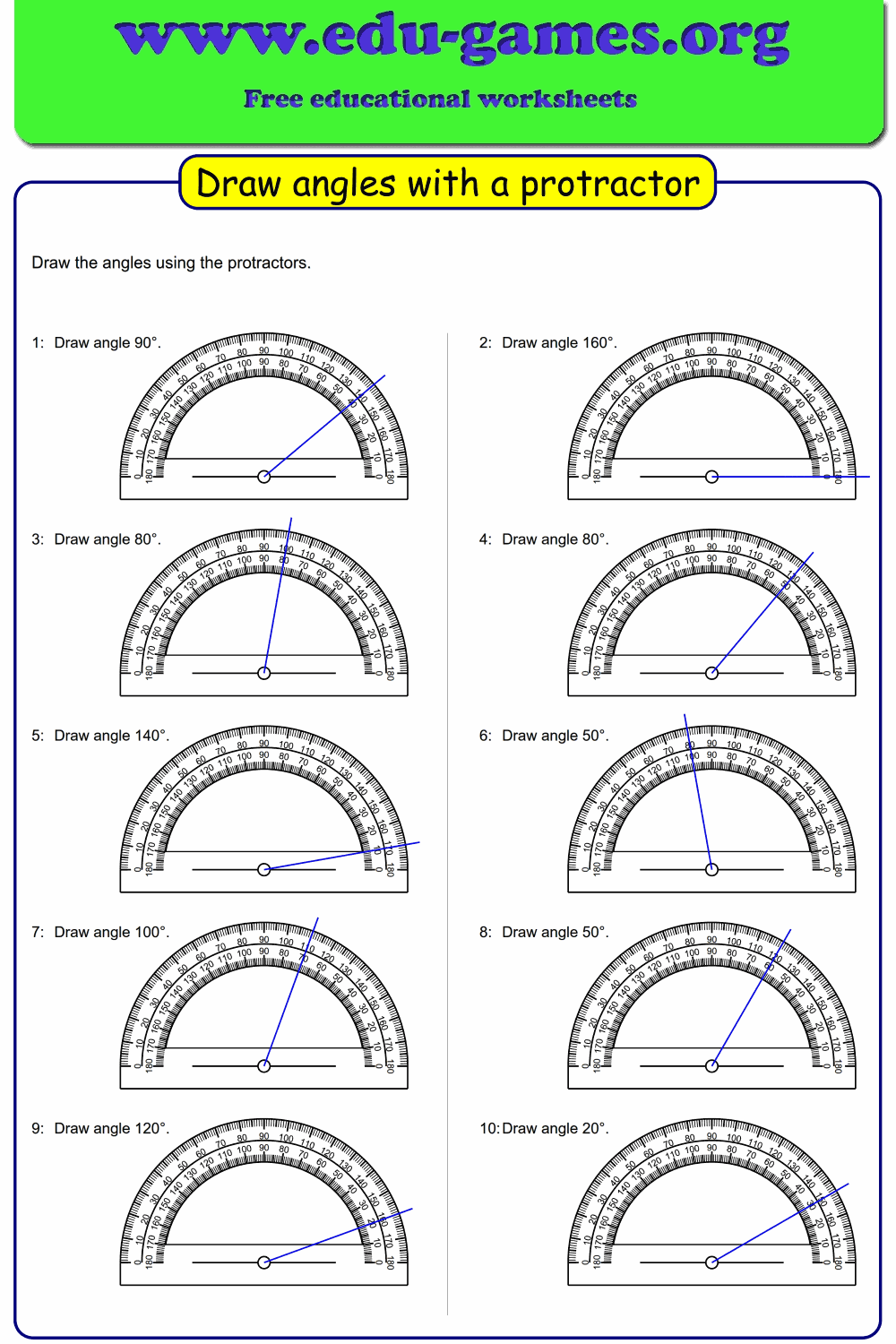
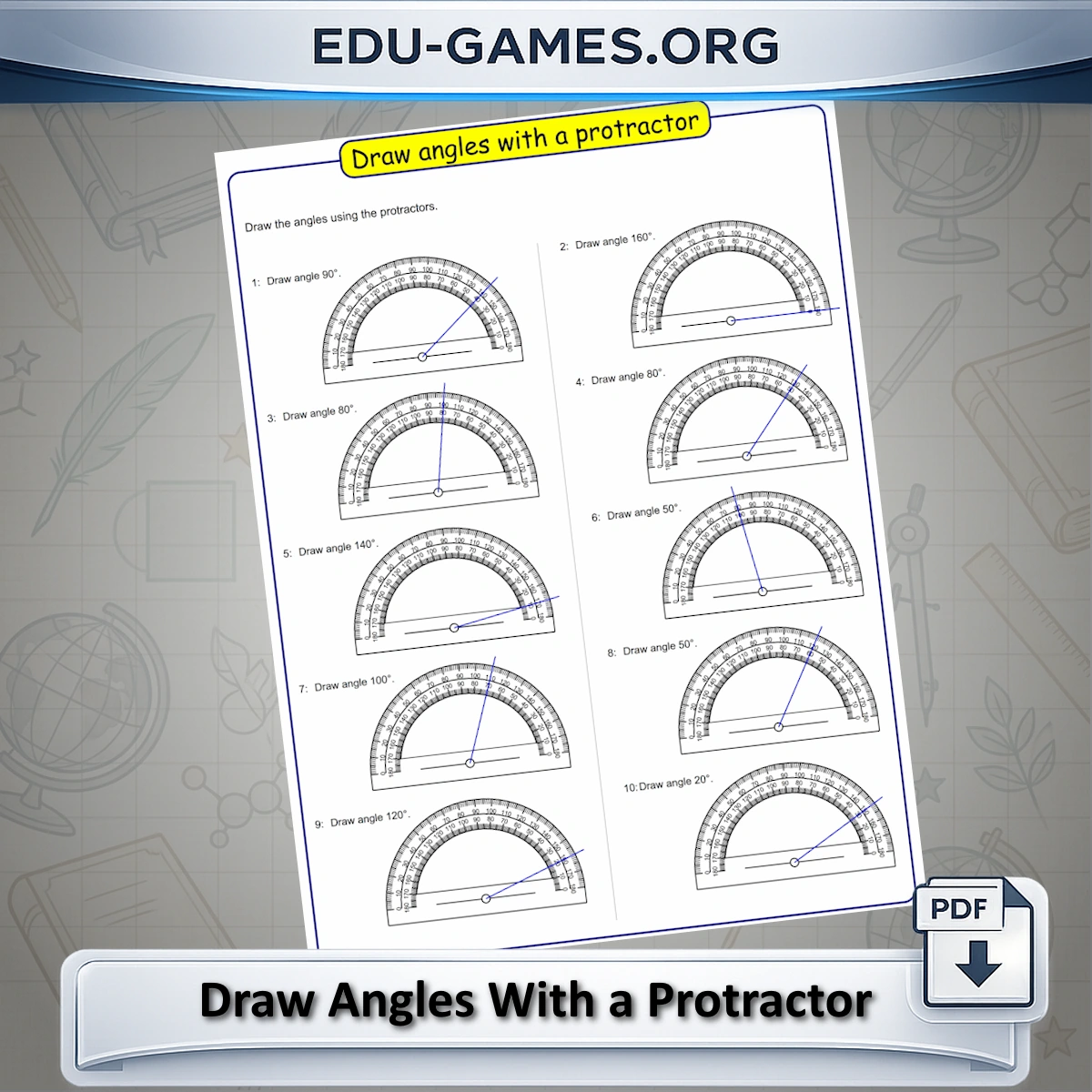
Generate printable worksheets where students draw angles using a protractor printed right on the page — no physical protractors needed in the classroom. Choose your angle interval, set the starting angle direction, and download a free PDF with 10 problems.
1.7M+ worksheets downloaded · Instant PDF download · No account required
Create your draw-angles worksheet
Angle interval:
Starting Angle:
Instructions:
Include solution page
Paper format:
How to create a draw-angles worksheet
- Choose an angle interval. Select 10 degrees for a straightforward worksheet, 5 degrees for moderate challenge, or 1 degree for maximum variety — every whole-number angle between 1 and 179 is possible.
- Set the starting angle. "0 degree" keeps the base ray horizontal and pointing right. "0 or 180 degrees" mixes right-facing and left-facing rays, requiring students to read the protractor from both sides. "Random" adds the most difficulty.
- Edit the instructions if you want to customise the text printed at the top of the worksheet — for example, your lesson objective or a technique reminder.
- Click "Create new protractor worksheet" to generate a unique set of 10 angles in the preview panel.
- Download the PDF. The file includes the problem sheet and the answer key with all correctly drawn angles.
Why use this worksheet generator?
Drawing angles is the natural follow-up to measuring them, and this generator makes it easy to practise at exactly the right difficulty:
- No physical protractors required. A full printed protractor accompanies every problem, so the worksheet is completely self-contained. Students use the printed protractor to position and draw each angle directly on the page.
- Three difficulty axes. Adjusting the interval and starting angle independently gives six combinations ranging from straightforward (10 degrees, fixed 0) to very challenging (1 degree, random base), without changing the number of problems.
- Unlimited unique worksheets. Every click generates a new random set of 10 angles, so you can give different worksheets to different students or repeat the exercise across multiple lessons without repetition.
- Curriculum-aligned. Covers the geometry standard of using a protractor to construct angles, typically introduced in grades 4 to 6 depending on the curriculum.
Frequently Asked Questions
What does the angle interval setting control?
The interval sets the step size used when generating random angles. At 10 degrees the worksheet uses multiples of ten such as 30, 70, or 140 degrees. At 5 degrees you get finer steps such as 25 or 155 degrees. At 1 degree any whole-number angle between 1 and 179 degrees can appear, making it the most challenging setting.What is the difference between the three starting angle options?
"0 degree" always points the base ray of the angle to the right — the standard position. "0 or 180 degrees" alternates between pointing right and pointing left, so students must read the protractor from both sides. "Random" places the base ray at an unpredictable angle, giving the highest difficulty.How many problems are on each worksheet?
Each worksheet contains exactly 10 problems. Because the angles are generated randomly each time you click "Create new worksheet", you can produce an unlimited number of unique worksheets at the same difficulty level.Can I change the printed instructions on the worksheet?
Yes. The Instructions text box lets you replace the default text with anything you like — for example your lesson objective or a reminder about protractor technique. The text you enter appears at the top of every printed page.Share this free draw-angles worksheet generator