Free printable Fallen Phrase Puzzle Maker for all ages
The Fallen Phrase Puzzle is a versatile tool for classroom activities and a fantastic way for adults to boost mental sharpness. Whether you are a teacher looking for engaging print-ready worksheets or an individual seeking a daily brain workout, our on-demand generator lets you create custom puzzles instantly — no download, no registration needed. Type any phrase, pick one from the built-in library, adjust the difficulty, and play online or download a PDF in seconds.
1.7M+ worksheets downloaded · Instant PDF download · No account required
Create your fallen phrase puzzle
How to Use the Fallen Phrase Puzzle Maker
Step 1 — Enter a Title
Give your puzzle a descriptive name, such as the topic or unit you are covering. The title appears at the top of the printed worksheet and helps students understand the context of the phrase.
Step 2 — Type or Find a Phrase
Paste any phrase, sentence, proverb, or quote into the sentence box. Alternatively, use the keyword search to browse the built-in phrase library — type one or more keywords and matching sayings appear in the results panel. Click any phrase to load it directly.
Step 3 — Generate the Puzzle
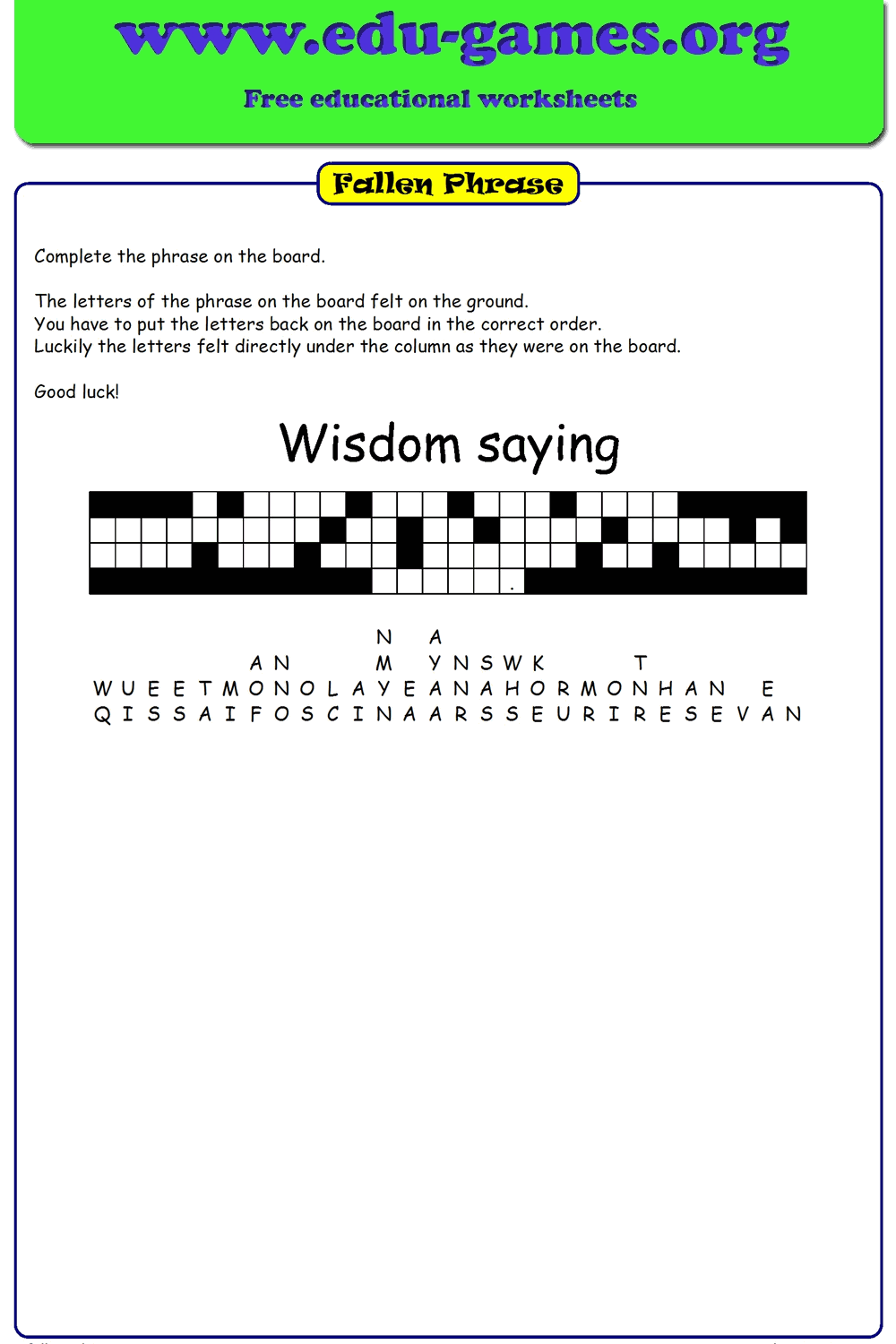
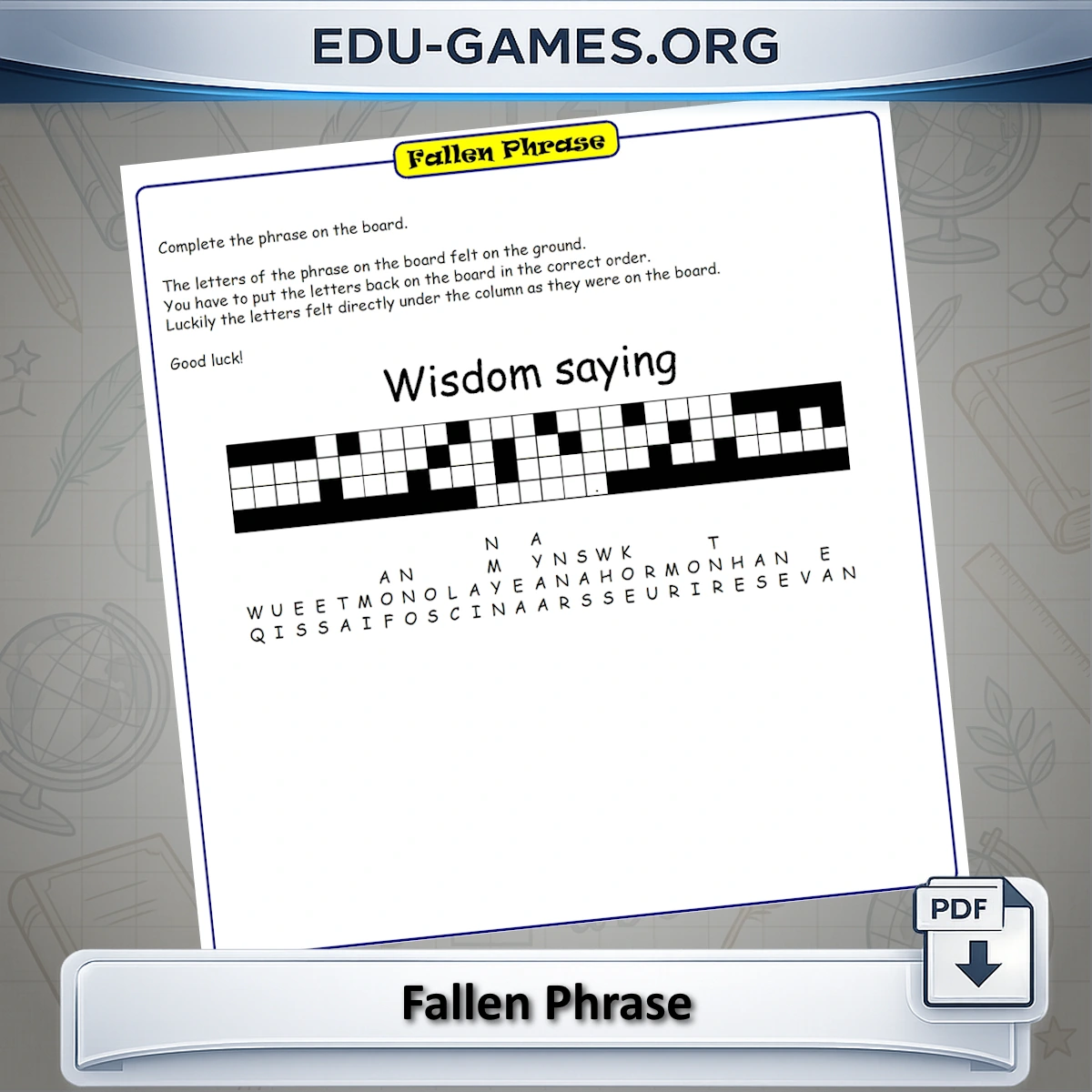
Click "Generate new Fallen Phrase Puzzle". The generator places empty column slots on the board and distributes all the letters beneath their correct columns in a random order. Every click reshuffles the pile, so you can create multiple unique versions from the same phrase.
Step 4 — Adjust the Difficulty
If the puzzle needs to be easier, click individual cells on the board to reveal letters in their correct positions. Each revealed letter disappears from the pile below. Reveal as many letters as you need before downloading — ideal for differentiating across ability levels in the same class.
Step 5 — Download as PDF
Click "Download the Fallen Phrase puzzle pdf" to save a print-ready file. The PDF includes the puzzle grid and, when selected, a solution page. You can also generate a shareable online play link so students solve the puzzle directly in their browser without printing.
Why Use the Fallen Phrase Puzzle?
The fallen phrase puzzle blends spelling, reading comprehension, and spatial reasoning into a single, self-checking activity. Unlike a word search where students scan for familiar patterns, this puzzle requires reconstructing a complete meaningful sentence — every letter matters, and the answer only emerges when every column is solved correctly.
For Teachers
Use phrases tied directly to your current unit — a science law, a historical quote, a key literary line — and reinforce subject content while simultaneously practising spelling and letter recognition. The built-in reveal feature lets you create differentiated versions from one source phrase: hand out the full puzzle to advanced students and a version with several letters pre-revealed to those who need more support, all without extra preparation. The puzzle generates in under a minute and keeps students quietly focused for 10–15 minutes — ideal as a warm-up, a transition filler, or an early-finisher classroom activity.
Why Play Fallen Phrase Puzzles?
- Sharpen your mind: Reconstructing hidden phrases trains pattern recognition and vocabulary recall — a genuine daily brain workout.
- Stress relief: The methodical, column-by-column solving process is a relaxing way to unwind after a busy day.
- Flexible play: Solve instantly online in your browser or print a custom PDF for offline use — the choice is yours.
- No registration: Jump straight into the action; no account or download required.
- Endless variety: Every phrase generates a unique scramble, so no two puzzles ever look the same.
Share this free printable fallen phrase puzzle maker