How to Play Guess the Phrase Online
The rules are simple:
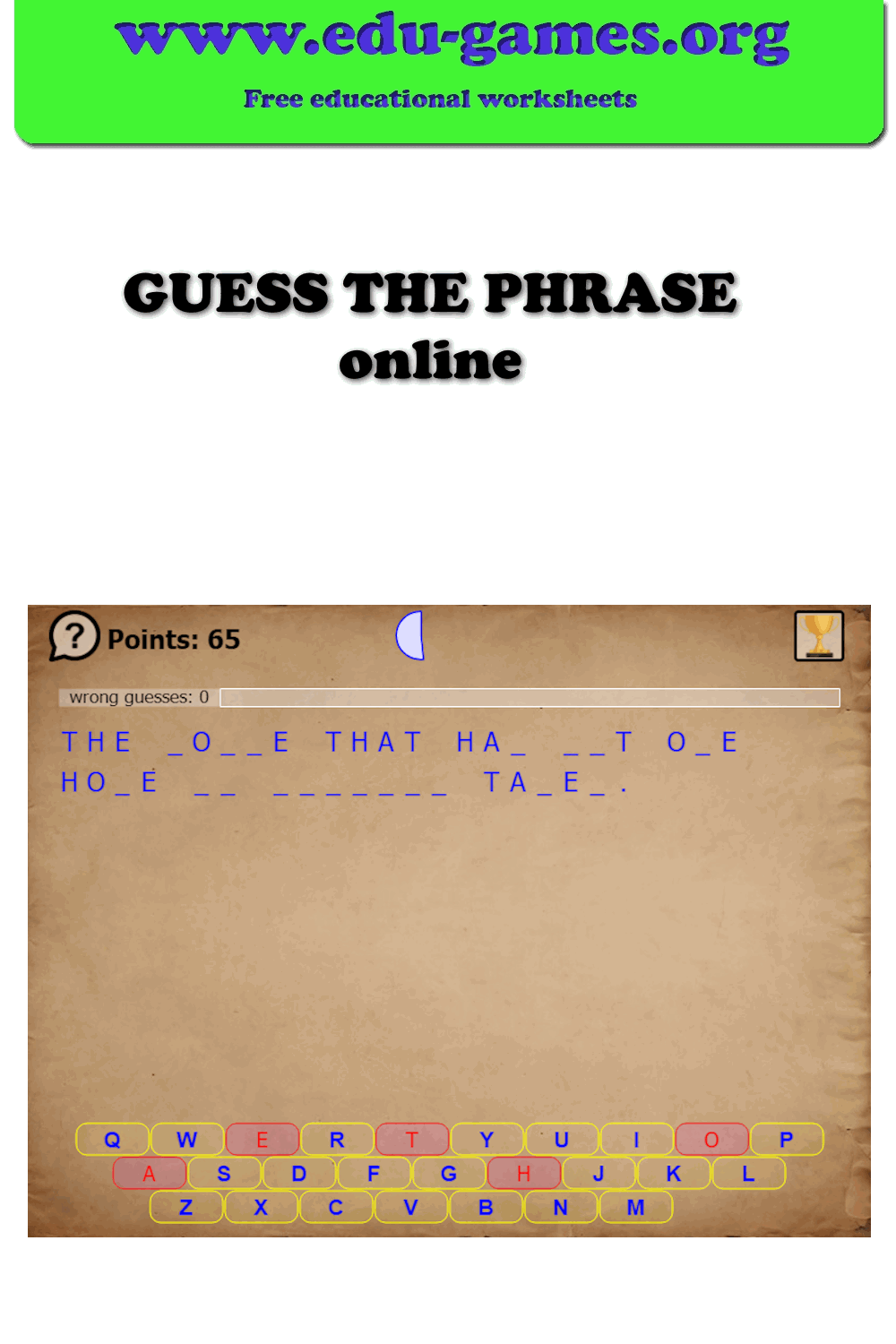
A hidden phrase is displayed as a series of blank spaces — one space for each letter. Spaces between words appear as gaps so you can see how many words the phrase has.
Guess letters one at a time. Every correct guess reveals that letter everywhere it appears in the phrase.
How to play:
Click a letter on the on-screen keyboard, or press a key on your physical keyboard.
If the letter is in the phrase, it is instantly revealed in all matching positions.
If the letter is not in the phrase, it is marked as used on the keyboard.
Think strategically — start with common vowels (A, E, I, O, U) and frequent consonants (T, N, S, R) to uncover as much of the phrase as possible early on.
Next puzzle:
When the phrase is solved (or the game ends), click the Next button to load a new hidden phrase.
FAQ for the Online Guess the Phrase Game
What kind of phrases appear in the game?
The game uses a mix of common idioms, proverbs, and popular expressions in English. Knowing everyday sayings and figures of speech will help you solve the phrases faster.
How do I guess a letter?
Click any letter on the on-screen keyboard displayed at the bottom of the game, or simply press the corresponding key on your physical keyboard. If the letter is in the hidden phrase, it will be revealed in all positions where it occurs.
What happens when I guess a wrong letter?
The guessed letter is marked as used on the keyboard so you know it is not in the phrase. Try to use common vowels first, then move on to frequent consonants like T, N, S, and R.
Can I play on a mobile device?
Yes. The game works on smartphones and tablets as well as desktop computers. Use the on-screen keyboard to guess letters by tapping.
How do I go to the next puzzle?
When the phrase is fully solved (or when the game ends), a Next button appears on screen. Click or tap it to load a new hidden phrase.