Free Sentence Scramble Maker — Printable Worksheet Generator
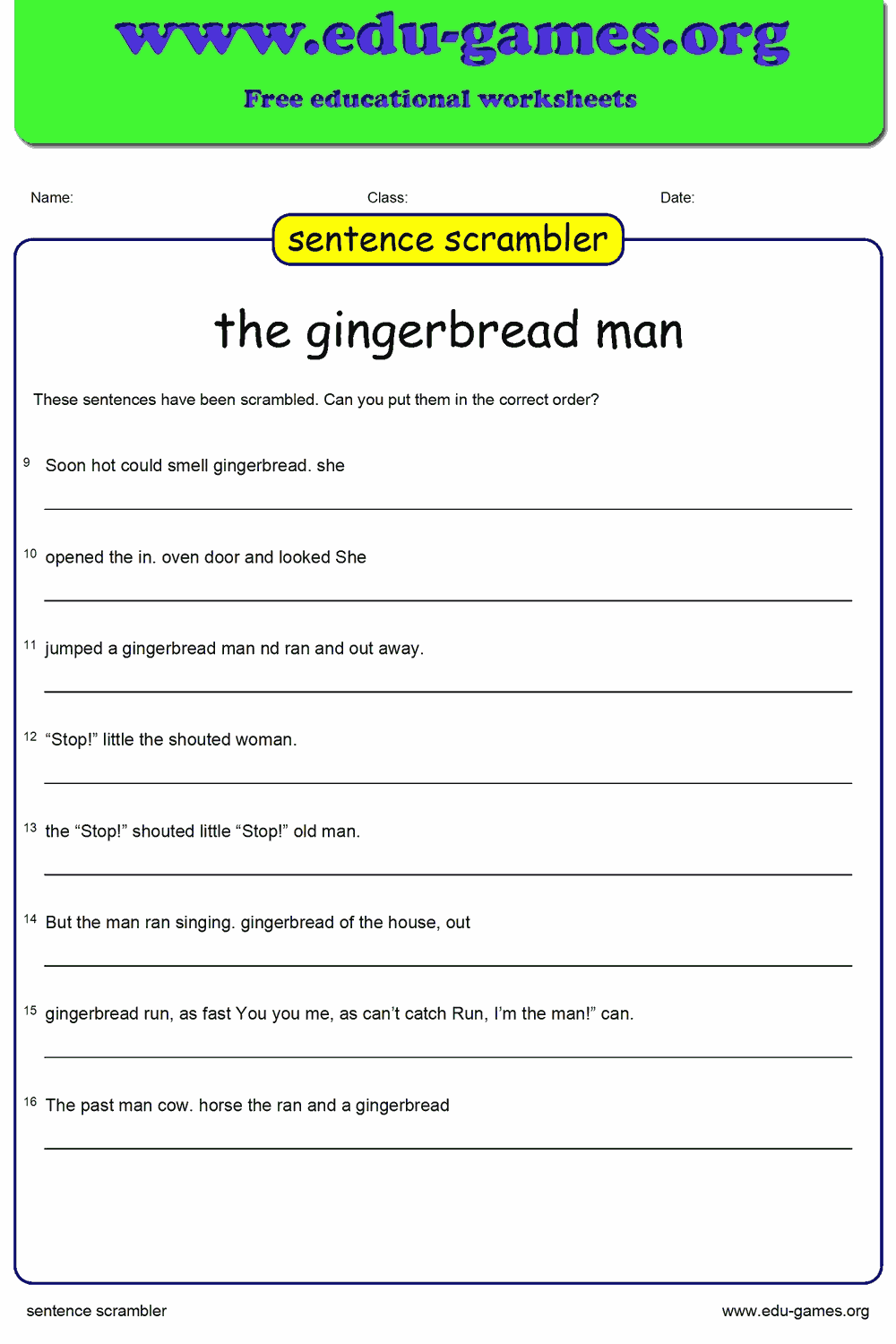
Create sentence scramble worksheets in seconds. Enter your own sentences, choose the difficulty, and download a print-ready PDF with answer key — free for teachers and classrooms.
Create your sentence scramble worksheet
| 1% | 50% | 100% |
Membership is free.
Game Instructions:
About the Sentence Scramble Maker
The sentence scramble maker is a free online tool that lets teachers and parents create custom sentence scramble worksheets in minutes. Type your own sentences, set the difficulty, and download a printable PDF with an answer key — no registration required.
Browse dozens of ready-made sentence puzzles in the built-in library, or enter your own text to match your current lesson topic. Any library puzzle can be modified and saved as your own.
Key Features
- ✅ Up to 50 sentences per worksheet
- ✅ Adjustable difficulty — shuffle as few or as many words as you like
- ✅ Right-click any scrambled sentence to re-scramble just that one row
- ✅ Remove punctuation cues to increase challenge
- ✅ Printable PDF with answer key included
- ✅ Save your puzzle and reuse it across lessons
- ✅ Completely free — no sign-up needed
Why Use Sentence Scramble Worksheets?
Unscrambling a sentence is deceptively simple — yet it requires students to understand grammar, word order, and meaning all at once. That combination makes sentence scramble worksheets one of the most efficient grammar practice activities you can print.
Word Order and Sentence Structure
English word order is one of the hardest rules for new learners to internalise. When a student reconstructs a shuffled sentence they must apply their knowledge of subject–verb–object order, adjective placement, and auxiliary verb position — all without being told which rule to use. The challenge is implicit, which makes it stick.
Active Grammar Practice
Reading a grammar explanation is passive. Reconstructing a sentence is active. Students who unscramble sentences make many micro-decisions per task — "Does the verb come before or after the subject here?" — far more than a gap-fill exercise would produce. That cognitive load is exactly what builds fluency.
Differentiating in Seconds
The adjustable difficulty slider lets you create three versions of the same worksheet — easy, medium, and hard — using identical content. Beginners work with two or three words swapped; advanced students face fully shuffled sentences. No rewriting. No extra preparation time.
Reading Comprehension in Disguise
To reconstruct a sentence correctly, students must understand what it means. A student who doesn't grasp the vocabulary or topic will struggle to restore the correct order — making this activity an effective, low-stakes comprehension check for any lesson theme.
Who Are Sentence Scramble Worksheets For?
Grades 2–6 — Core Literacy Classrooms
Sentence scramble activities are a natural fit for any Language Arts block in Grades 2–6. They reinforce the sentence-level grammar concepts introduced at each grade level and require no technology to complete — print one set and use it for the whole class.
ESL and EFL Learners
Word order is one of the defining challenges of learning English. Sentence scramble exercises are used in ESL and EFL classrooms worldwide precisely because they force learners to confront that challenge repeatedly, in context, using sentences drawn directly from the lesson material.
Literacy Centres and Small-Group Instruction
A printed sentence scramble worksheet drops into any literacy station without preparation. Students work independently or in pairs, making it a reliable choice for centres while the teacher pulls small groups for guided reading.
Homeschool Families
Parents who homeschool can type sentences from any book, topic, or unit the family is studying. The built-in library also provides ready-made sentence sets for immediate use — no lesson planning required beyond choosing a difficulty level.
Special Education and Intervention
The difficulty slider makes it straightforward to create a low-challenge version of the same worksheet the rest of the class is using. At the lowest settings only two words are swapped per sentence, keeping the cognitive load manageable while still practising the target skill.
How to Use the Sentence Scramble Maker
Step 1 — Enter a title
Type a worksheet name in the Sentence scrambler title field. This title will appear at the top of the printed worksheet so students immediately know what they are working on.
Step 2 — Add your sentences
Click any cell in the Sentences column and start typing. Each sentence is scrambled automatically in the Scrambled sentences column the moment you finish editing the cell — no button press is required. You can also use the search box to load a ready-made puzzle from the built-in library.
Step 3 — Set the difficulty level
Drag the Degree of difficulty slider to control how many words are rearranged in each sentence. At setting 1–2, only a couple of words swap positions — a gentle warm-up task. At setting 10, every word is shuffled, creating the hardest possible challenge. A minimum of two words are always swapped regardless of the slider position.
Step 4 — Optional: remove diacritics
Tick Remove diacritics to strip punctuation marks (periods, commas, question marks, and so on) from every sentence before scrambling. Without those cues students can no longer tell where a sentence starts or ends, making the exercise considerably harder.
Step 5 — Scramble all sentences
Click Scramble All Sentences to apply the current difficulty setting to every row at once. If one scrambled sentence looks too easy or too similar to the original, right-click it in the Scrambled column — only that sentence will be reshuffled.
Step 6 — Download or save
Click Download the Scrambled Sentence worksheet to save a print-ready PDF. The file includes the scrambled exercise on the first page and the original sentences as an answer key on a separate page. Use Download Excel to export your sentence list for easy re-upload in a future session, or click Save Puzzle to store it to your account.
Share the sentence scramble generator with your friends