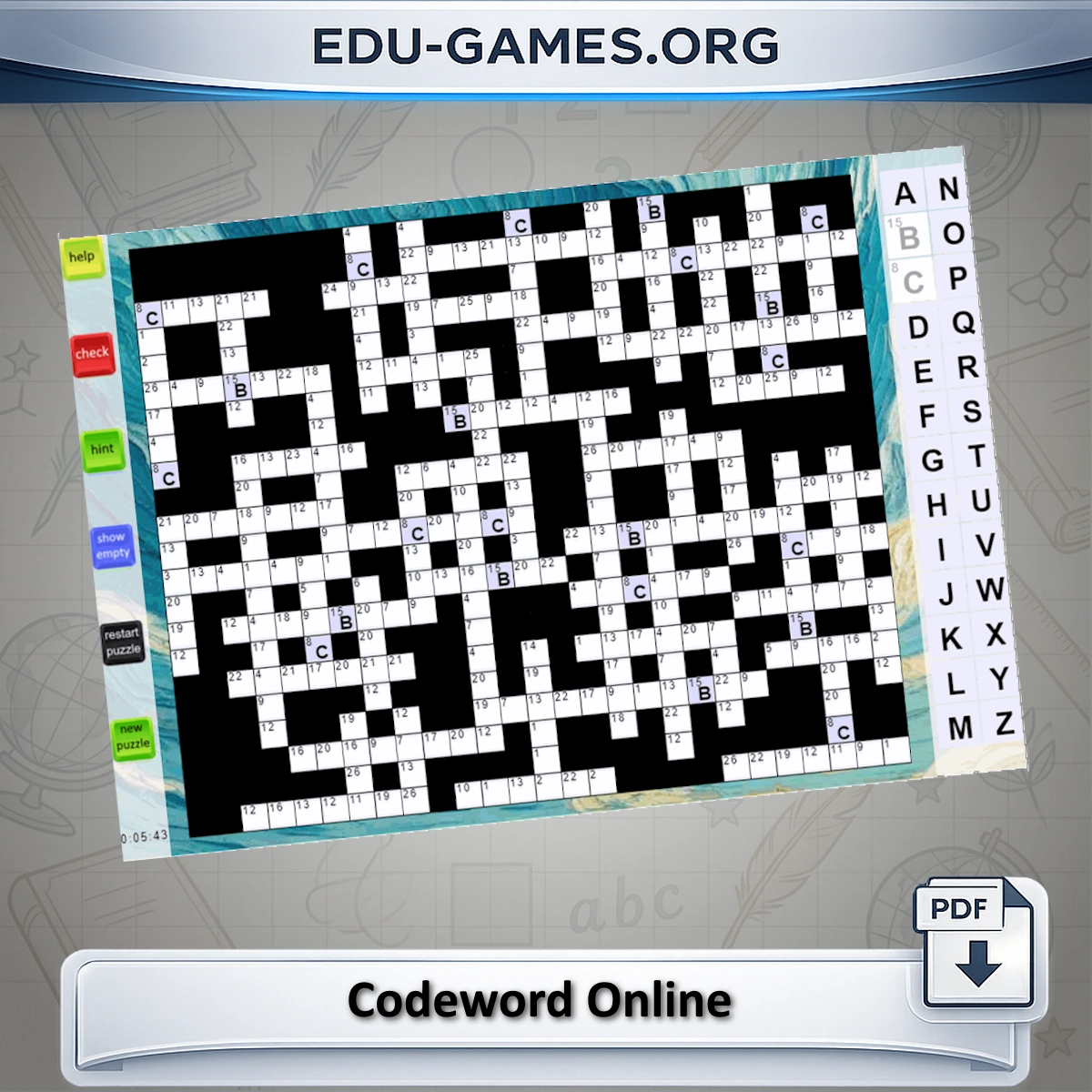
How to Play Codeword
Filling in the Grid:
Select a cell in the puzzle grid.
Choose a letter from the on-screen keyboard to fill in the cell.
Continue filling in the grid until every cell contains a letter.
Auto-Fill with the On-Screen Keyboard
If no cell is selected in the grid and you choose a letter from the on-screen keyboard, that letter will be placed in a random empty cell.
If you click the same letter again, it will be placed in another empty cell in the grid.
Erasing a Letter:
If you want to erase a letter, select the cell you wish to change.
Then, click the same letter on the keyboard panel to remove it.
Using a Hint:
To get a hint, select a cell in the grid.
Click the 'Hint' button, and the correct letter will automatically fill in that cell.
Complete the puzzle by filling in all the correct letters!
Click here to continue with the codeword puzzle.
Share this free online codeword game
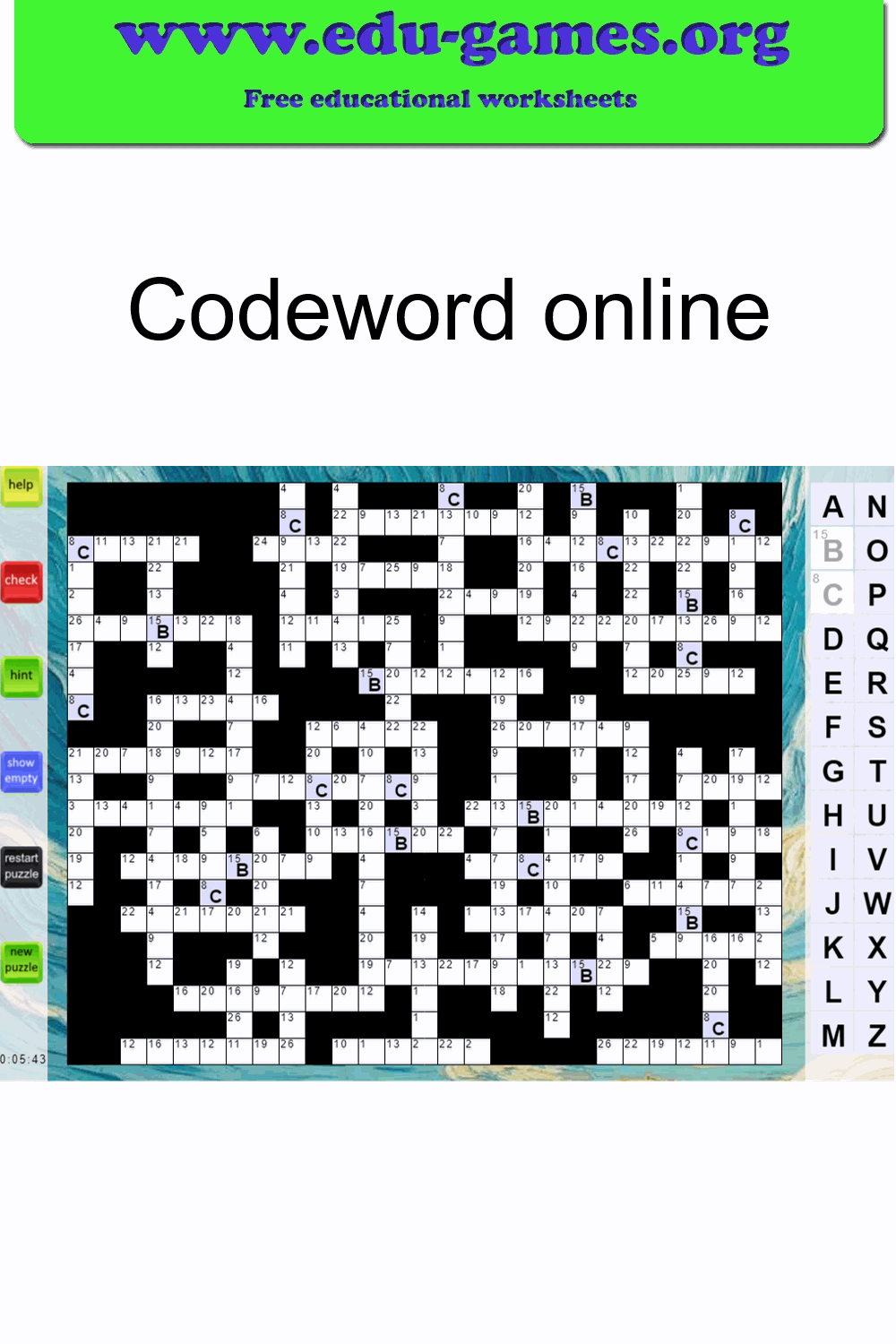
How to Play Codeword Online
A codeword is a crossword-style grid where every letter has been replaced by a number from 1–26. Each number always represents the same letter throughout the puzzle. A few letters are given as starters — use them as clues to work out the rest. It is a great daily brain-training exercise for word-puzzle fans of every age who enjoy a quiet, satisfying mental challenge without a time limit.
- Click a cell — selects it and highlights its code number in the key panel on the right.
- Type a letter — assigns your letter to that code number and fills every matching cell in the grid automatically.
- Hint button — select a cell, then click Hint to reveal the correct letter for that code number.
- Check button — highlights any incorrectly filled cells so you can spot and fix your mistakes.
- Restart button — clears all your entries and resets the current puzzle to its starting state.
- Next button — loads a new randomly chosen codeword puzzle after confirmation.