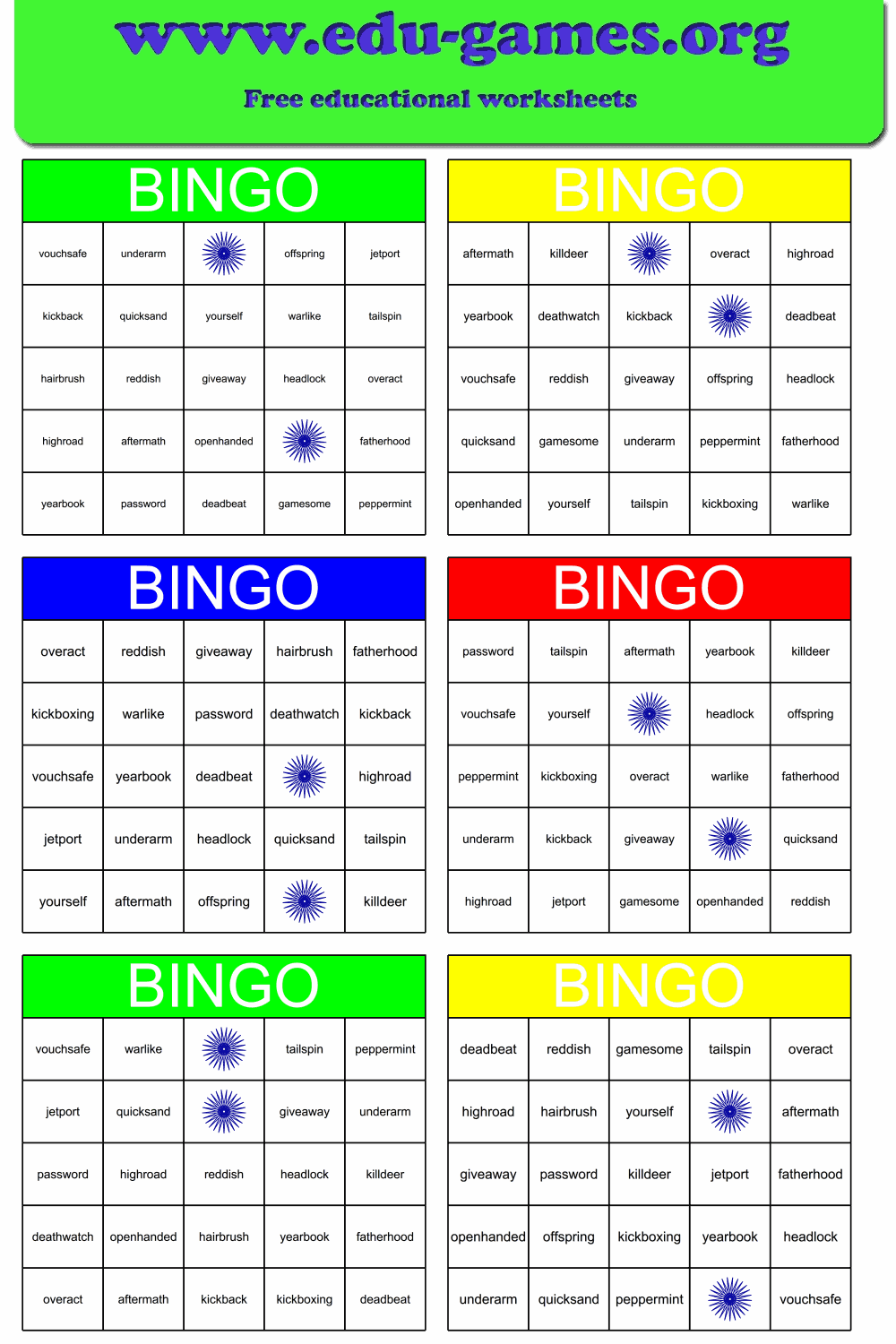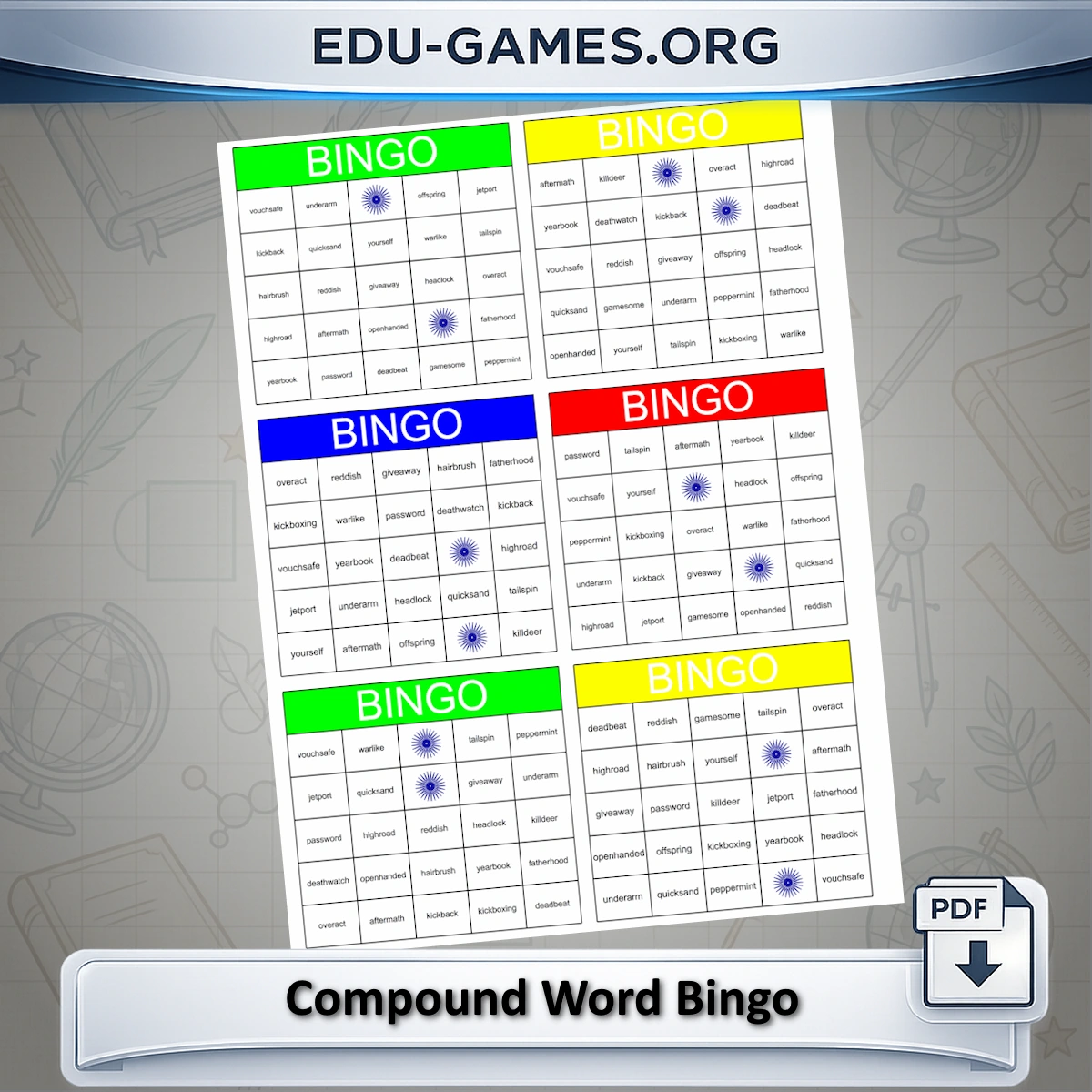
Create Your Compound Word Bingo Cards
compound word helper
Free bingo's:
Number of bingo cards:
Include solution page
Paper format:
This option is only for members.Membership is free.
How to Use the Compound Word Bingo Maker
- Build the word list — type a compound word into an input field, or use the helper: start typing and click any matching suggestion to add it to the list automatically. You can also type a word not in the helper directly.
- Choose a card size — select 3×3 for a quick game, 4×4 for a standard class session, or 5×5 for a longer end-of-unit review.
- Set free bingo squares — free squares are pre-marked at the start; lowering the count makes winning harder and extends the game.
- Set the number of cards — enter your class size so every student receives a uniquely arranged card.
- Choose the print option — "Whole compound word" prints the full word on each card; "Second half" prints only the second part, requiring students to mentally complete the word from the caller's clue.
- Download the PDF — click "Create a new set of Bingo cards" to generate the set, then download and print.
Why Use Compound Word Bingo in the Classroom?
Bingo pairs the engagement of a competitive game with focused vocabulary practice, making it effective for reviewing compound words without feeling like a drill. Every player participates simultaneously and must actively recall word components rather than passively copy them.
- Active word recognition — the second-half-only option forces students to mentally reconstruct each compound word from its first component, reinforcing the link between the two parts.
- Full-class engagement — because each card is unique, all students are searching for different squares at the same time, keeping attention high throughout the game.
- Flexible difficulty — whole-word cards work for Grade 2 introductions; second-half-only cards present a real challenge for Grades 4–5.
- No extra preparation — enter the word list, set the card count, and the PDF is ready to print before the lesson starts.
Share this free compound word bingo maker