Edu-Games.org
By Teachers, for Teachers

Play Free Word Fit Puzzles Online

Choose from hundreds of saved word fit puzzles or upload your own. Click a slot in the grid, pick the word from the list, and fill in the crossword — no download, no account needed.

Hundreds of puzzles  ·  Play Online  ·  No account required

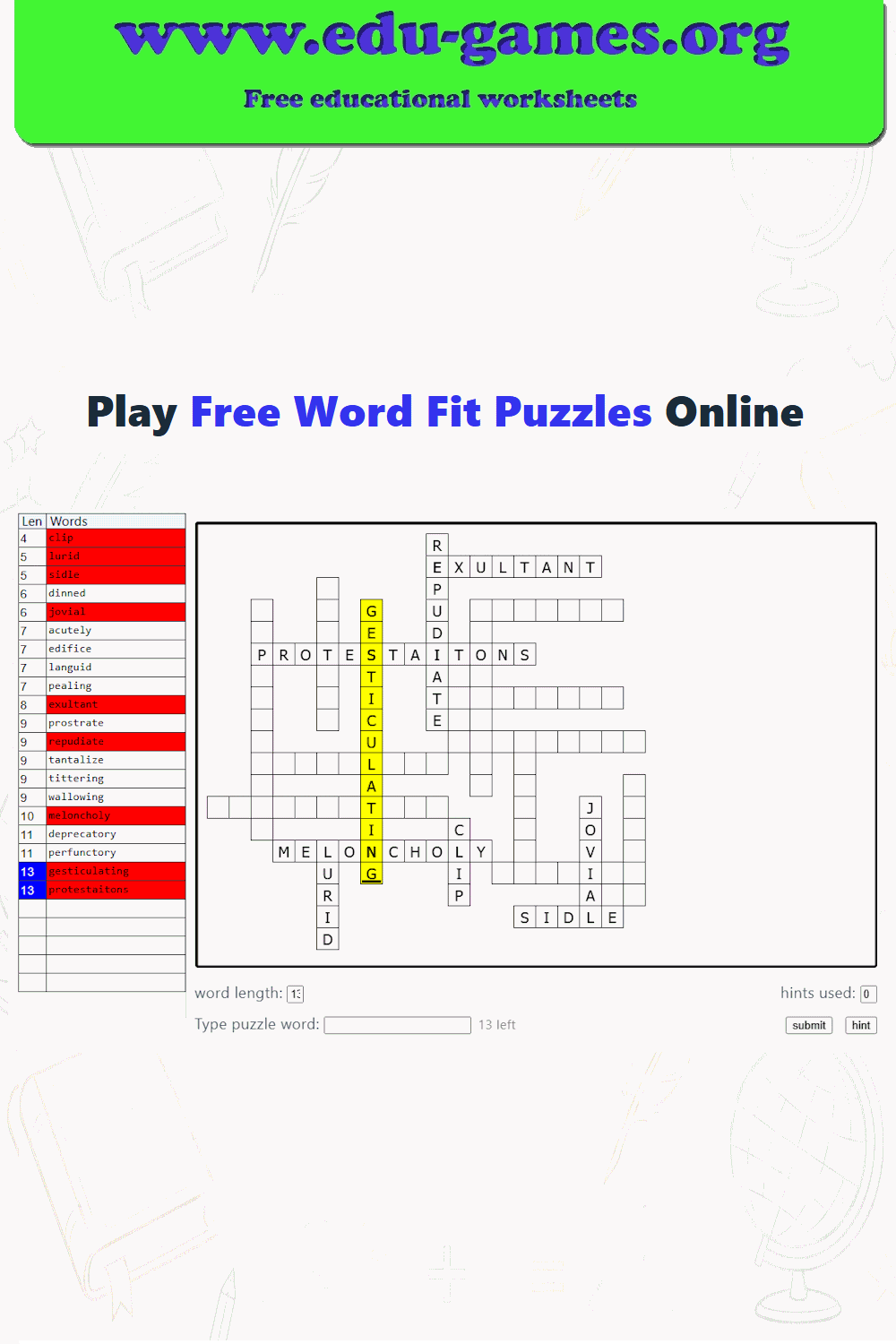
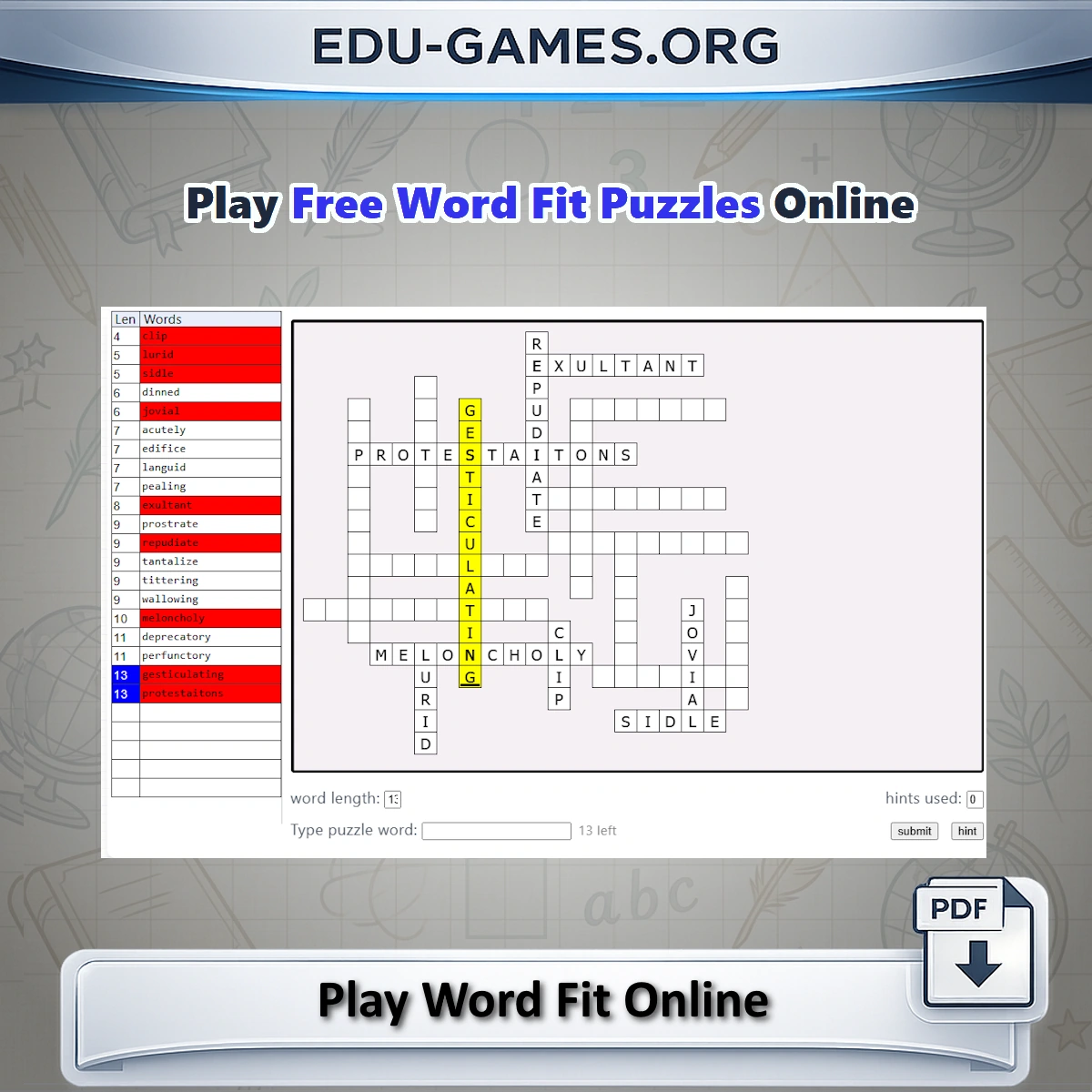
Free online word fit puzzle grid with word list — a browser word game for vocabulary practice
word length: hints used:
Type puzzle word:

How to Play Word Fit Online

A word fit puzzle is a crossword-style grid where all the answers are given — but not the positions. Your job is to work out where every word belongs so that the letters match at every crossing point. It is a satisfying challenge of logic and vocabulary for players of every age.

  • Click a cell — selects the word slot and highlights it in yellow; the word list highlights words of the same length.
  • Type the word — type directly in the grid or use the text field below and press Submit.
  • Crossings — clicking a crossing cell selects the horizontal word first; click again to switch to the vertical word.
  • Hint button — reveals one random letter from the correct word for the selected slot.
  • Solved words — the word in the list changes background colour when it has been placed correctly.

FAQ for the Online Word Fit Puzzle

How do I load a word fit puzzle to play?

Scroll down the page to the puzzle list and click any puzzle title. The grid and the word list load instantly on screen. You can also upload an Excel file you created with the crossword maker or saved from another word game on the site.

How do I select a word position in the grid?

Click any cell in the puzzle grid. The slot for the word in that position gets a yellow background and the cursor starts blinking. The word length field below the grid updates to show how many letters the word needs. Words of the same length are highlighted in the word list on the left to help narrow down your options.

What happens when two words cross?

When you click a cell where a horizontal word crosses a vertical word, the horizontal word is selected by default. Click the same cell again to switch the selection to the vertical word. The yellow highlight and cursor move to show which direction is now active.

What does the Hint button do?

Select a word position in the grid by clicking on it, then click the Hint button. One random letter from the correct word is revealed in the grid. The finish screen records how many hints you used so you can track your progress and aim for a hint-free solve next time.

Can I upload my own word fit puzzle?

Yes. Click the upload option and select an Excel file created with the crossword maker or from another word game on edu-games.org. The puzzle is imported automatically and ready to play within seconds.