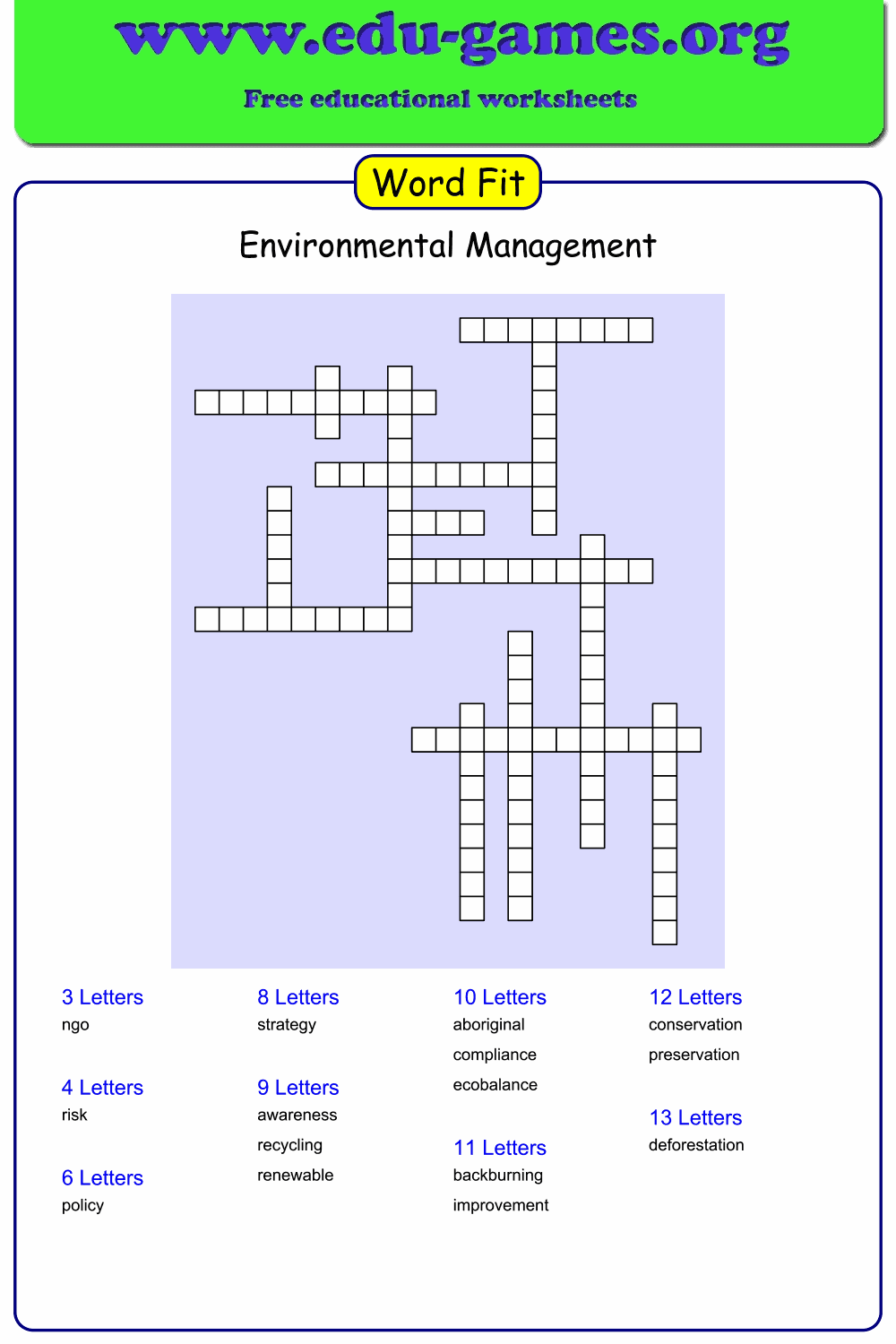
Free Printable Word Fit Puzzle Maker
Enter your vocabulary words, generate the grid, and download a print-ready PDF in seconds — free, no account needed. A word fit puzzle works like a crossword but without clues — students must fit each given word into the correct position in the grid. Also called a Criss Cross puzzle or word fill.
Used by teachers worldwide · Instant PDF download · No account required
Create your Word Fit Puzzle
Membership is free.
How to Use the Word Fit Puzzle Maker
- Enter a title. Give your puzzle a name so students know what vocabulary set they are working with — for example "Animals" or "Chapter 4 Vocabulary".
- Type your words. Enter up to 50 words in the word list, one per row. The generator places them automatically into a crossword-style grid.
- Add a description (optional). Type a short instruction in the Description field — for example "Place each word in the correct position in the grid." It will appear on the printed PDF.
- Click "Generate a New Word Fit Puzzle". A preview appears on the right. Words highlighted in red in the word list could not be placed — remove them or click Generate again to try a different arrangement.
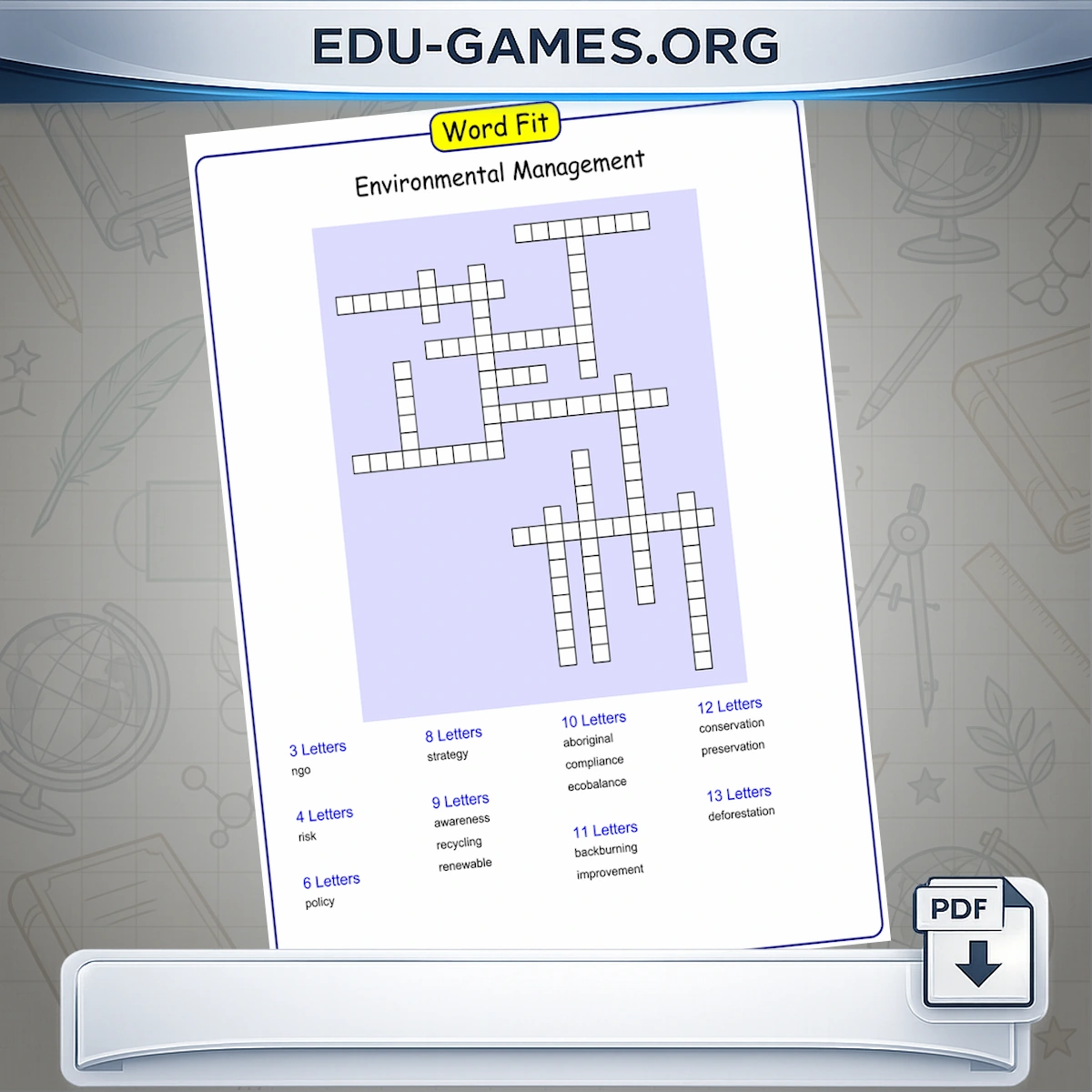
- Download the PDF. Click Download to save a print-ready PDF. The printed sheet shows the empty grid and the word bank — students must fit each word into the correct position.
Play online
After generating your puzzle, click Play Word Fit online to open it in your browser, or Create link to play online to get a shareable URL to send to students. You can also share the link via Facebook or WhatsApp using the share buttons that appear below the generator buttons. You need at least 10 words to use the social sharing feature.
Classroom tips
- Use this week's spelling list. Copy the words from your vocabulary list — the generator does the layout work automatically.
- Share before printing. If you only need a digital version, use the online link instead of downloading a PDF.
- Load a community puzzle. Scroll down to the puzzle library below the generator to load and edit any saved word fit puzzle.
What Is a Word Fit Puzzle?
A word fit puzzle — also called a criss cross puzzle or word fill — is a crossword-style activity where students are given the complete list of answers and must fit each word into the correct position in the grid. There are no clues, so the challenge is purely positional: figuring out which word goes where based on letter count and shared letters at intersections.
How is it different from a crossword?
In a standard crossword, students read a clue and recall the answer. In a word fit puzzle, all the answers are provided — the task is to place them correctly. This makes word fit puzzles more accessible for younger students or as a spelling reinforcement activity, because the focus stays on word recognition and letter patterns rather than recall.
Related vocabulary activities
If you enjoy word fit puzzles, try the Crossword Puzzle Maker for a clue-based grid activity, or the Word Search Maker to hide the same words inside a letter grid.
Why Use Word Fit Puzzles in the Classroom?
Word fit puzzles develop a different skill set from most vocabulary activities. Because all the answers are already given, the mental work is entirely positional: students must work out which word fits where based on letter count and the letters that intersect at shared squares. This trains systematic thinking and careful letter-by-letter comparison — not just word recall.
Accessible for all learners, including EFL and ESL students
Unlike crosswords, word fit puzzles require no language production. Students read and place words rather than retrieving them from memory, which makes the format significantly more accessible for English language learners, reluctant writers, or students with word-retrieval difficulties. The same puzzle can be used across ability levels without modification.
Strong spelling reinforcement
To place a word correctly, students must read it multiple times, compare it letter by letter with other candidates, and check that it intersects correctly with crossing words. This repeated, attentive reading is one of the most effective ways to consolidate correct spelling — more so than simply copying words.
Works with any topic or subject
The generator is topic-neutral. Use it with this week's spelling list, subject-specific vocabulary (body parts, countries, mathematical terms), foreign language word sets, or any other collection of words. Longer words and word lists with fewer shared letters produce harder puzzles; shorter words with many common letters produce easier ones.
Frequently Asked Questions — Word Fit Puzzle Maker
What happens to words that are highlighted in red?
Words highlighted in red could not be placed in the grid. This usually happens when words share no common letters with any other word in the list, or when the grid becomes too full to fit remaining words. Click Generate again to try a different arrangement, or remove the red-highlighted words from the list and regenerate.Does the downloaded PDF include a solution page?
That depends on the "Include solution page" option in the buttons panel. When the checkbox is ticked, the PDF contains two pages: the blank puzzle for students and a completed grid showing every word in its correct position. When unticked, only the blank puzzle is included.What is the Description field for?
The Description field lets you add a short instruction that appears on the printed PDF — for example: "Fit each word into the correct position in the grid." It is optional and has no effect on how the puzzle is generated.If I edit the words after generating, do I need to click Generate again?
Yes. The generator tracks whether the word list has changed since the last generation. If you edit any word and then click Download, you will see a warning telling you the word list has changed and you need to generate a new puzzle first. Make your edits, click Generate, then download.Can I load a puzzle from the library below and modify its words?
Yes. Click any puzzle in the community library below the generator — the words and title load into the input fields. You can then add, remove, or change words and click Generate to create a new version. The original puzzle in the library is not affected.Share the Word Fit Puzzle Maker with your friends