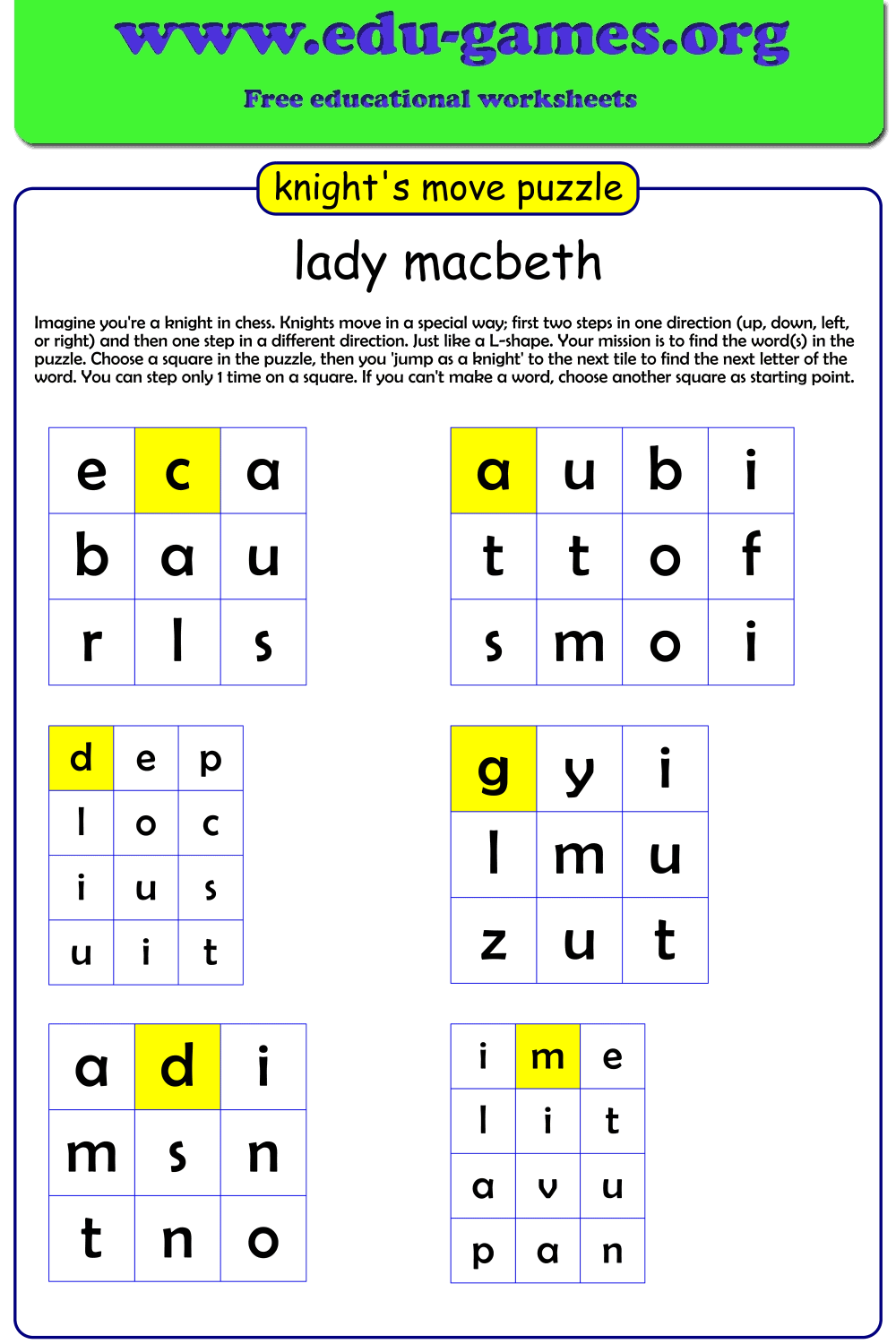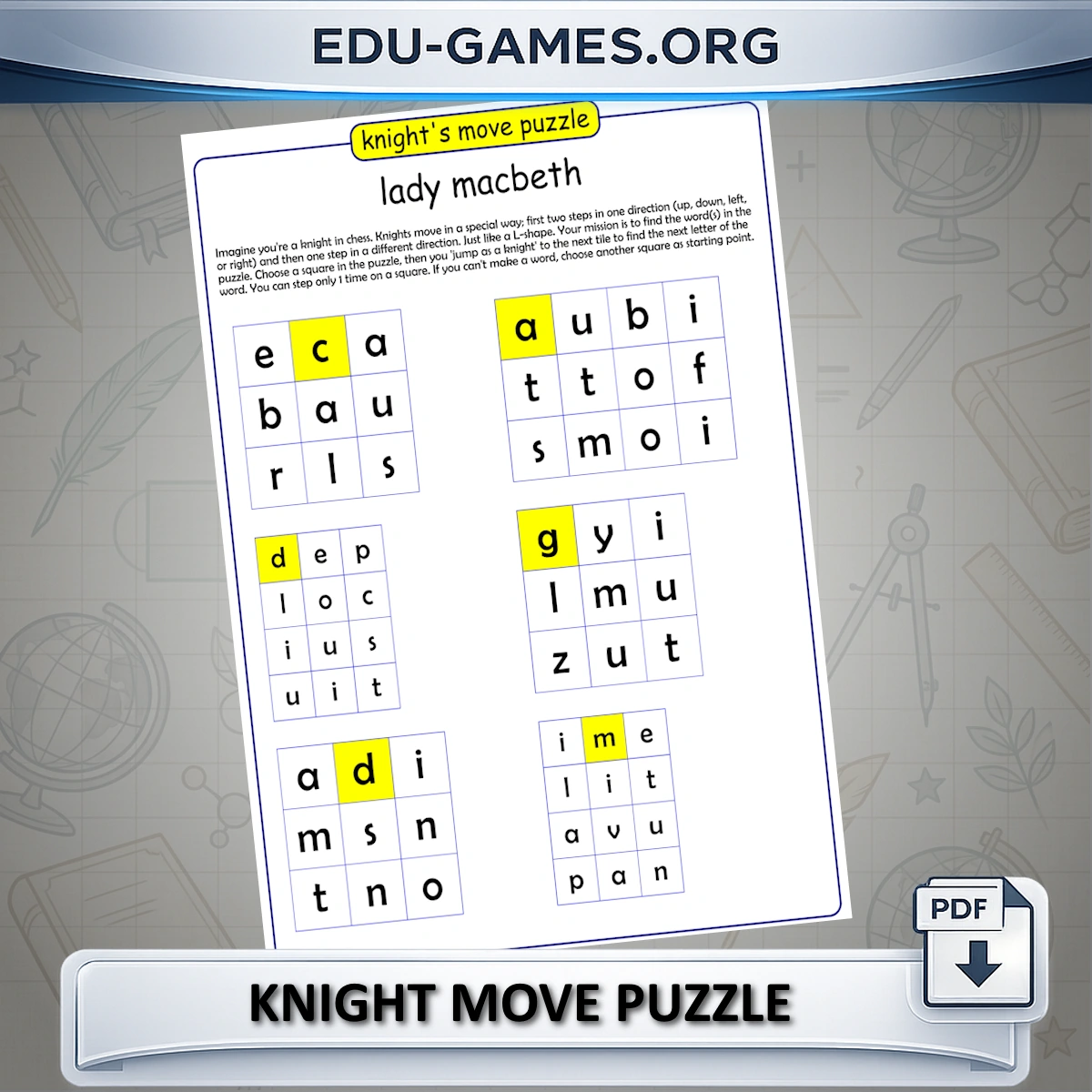
Knight's move puzzles are suitable for grades 3–8. Any student who knows — or can quickly learn — the chess knight's L-shaped jump can work through the puzzle independently. They fit naturally into vocabulary review, weekly spelling lists, foreign language word sets, and subject-specific terminology in science, history, or geography.
For grades 3–5, enable Show first letter to highlight each word's starting square in yellow — this removes the "where do I begin?" barrier while keeping the spatial challenge intact. Grades 6 and up can attempt puzzles without hints for a stiffer workout. Use 1 puzzle per word for short, focused practice or combine all words on one board for a longer whole-class activity.
Create Your Knight Move Puzzle
Membership is free.
Why Use Knight Move Word Puzzles?
The knight move is one of chess's most distinctive patterns — and it turns any vocabulary list into a spatial reasoning challenge:
- Builds spatial reasoning: Students must mentally trace the L-shaped path across the grid, strengthening their ability to visualise and plan moves in two dimensions.
- Reinforces vocabulary through active recall: Instead of passively reading words, students decode each one letter by letter — a far more effective form of practice than copying or matching.
- Adjustable difficulty: Enable "Show first letter" to highlight the starting square for beginners; remove it for a harder challenge. Switch between single-word and multi-word grids to control overall complexity.
- Works for any subject: Spelling words, science terms, foreign language vocabulary, history names — any word set becomes a unique puzzle in seconds.
How to Create a Knight Move Puzzle
- Enter a title for your worksheet in the Title field.
- Type your words in the Words column, one per row.
- Choose the puzzle type: "1 puzzle per word" gives each word its own grid; "1 big puzzle for all words" places every word on a single shared board connected by knight moves.
- Toggle the first-letter hint: Check "Show first letter" to highlight each word's starting square in yellow, or uncheck it for a harder puzzle.
- Edit the instructions text if you want to customise what students read on their worksheet.
- Click "Create new Knight Move Puzzle" to generate and preview the puzzle in the canvas on the right.
- Click "Show Solution" to display the numbered path and verify placement before printing.
- Download as PDF to print immediately, or as Excel to share digitally. Save your puzzle to reload it later.
Share the Knight Move Word puzzle maker with your friends