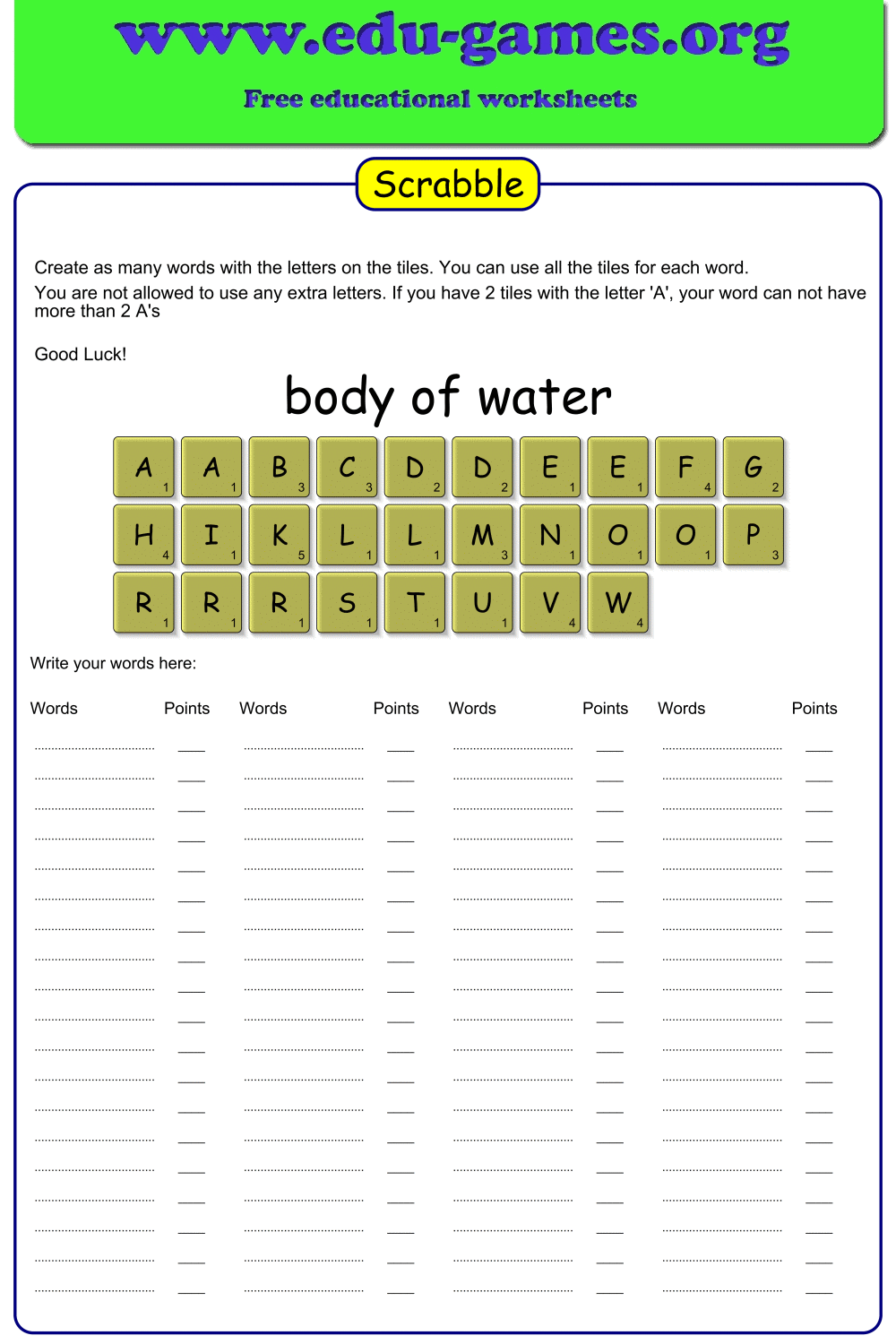
Free Scrabble Generator — Printable Word Game Worksheets
Create custom Scrabble-style worksheets in seconds. Enter your own vocabulary words and instantly generate a printable word game — perfect for ESL lessons, spelling practice, and classroom activities.
Used by thousands of teachers · Instant PDF download · No account required
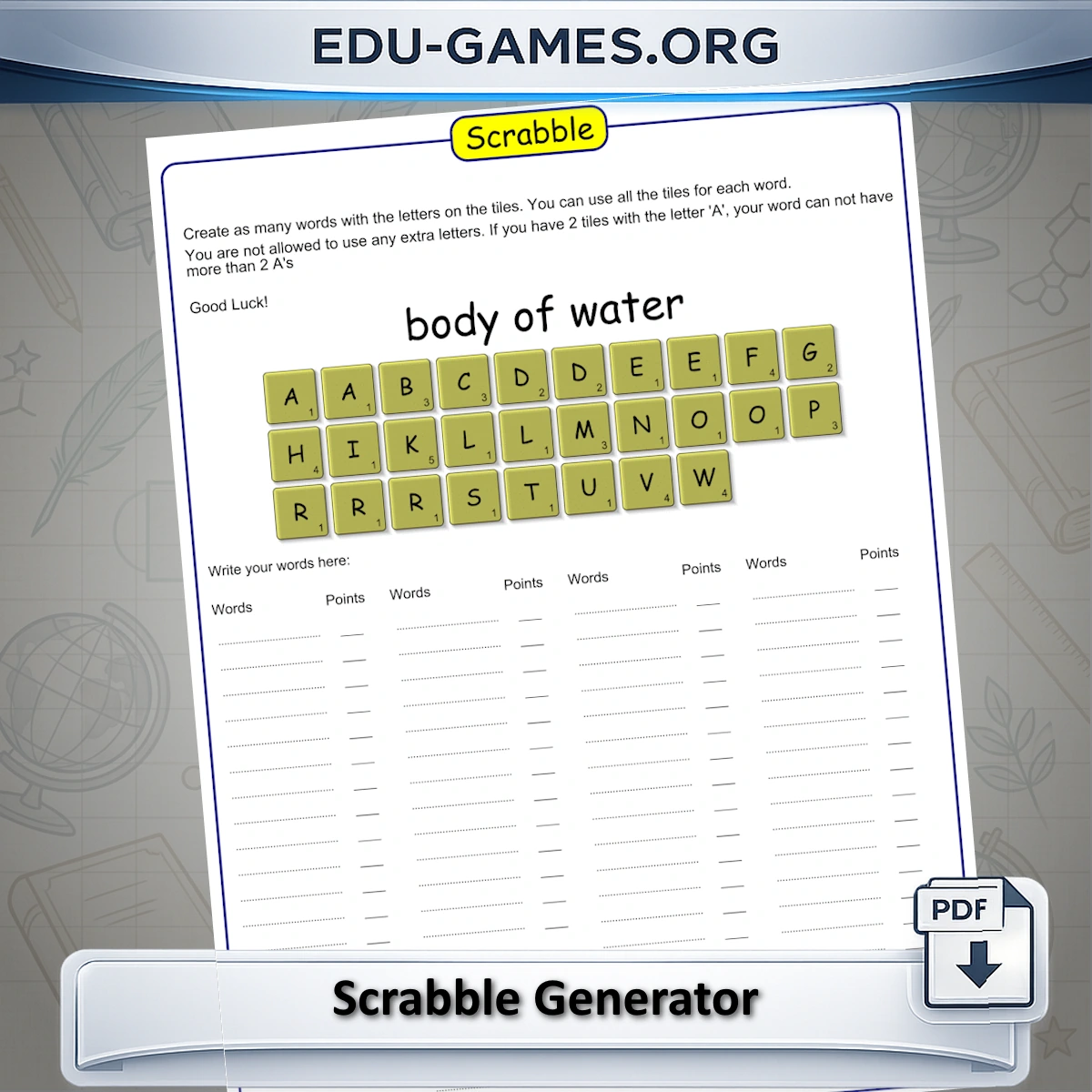
Create Your Own Puzzle with the Scrabble Generator
How to Create a Scrabble Worksheet
- Enter your custom vocabulary words in the word list on the left.
- The Scrabble Generator automatically creates all the letter tiles needed to build those words.
- Add a custom title, description, and game instructions if needed.
- Download the printable puzzle as a PDF and let your students form as many words as possible.
- Reward bonus points for each target word they find!
Why Use This Scrabble Maker?
Unlike generic Scrabble worksheets, this Scrabble Maker is fully customizable. You can add your own vocabulary list — perfect for ESL learners, spelling tests, and targeted vocabulary review. The Scrabble Generator creates all the tiles needed to build your chosen words. The more words you enter, the more letter tiles will be created, ensuring every puzzle is unique and tailored to your students' learning needs.
Scoring Ideas
You can choose different ways to score the game:
- Count the number of valid words students create.
- Count the number of letters they use in their words.
- Add up all the letter values, just like in classic Scrabble.
FAQ – Scrabble Maker & Scrabble Generator
How does the Scrabble Generator determine which tiles to create?
Each letter in each of your vocabulary words becomes one tile. For example, if your list includes "cat" and "cup", you end up with 2 C tiles, 2 A tiles, 1 T tile, and 1 U tile. Tiles are not shared between words — the total tile count grows with every word you add.Can a student use the same tile to build more than one word?
No. Each tile can only be used once per session. However, a student can use all available tiles to form a single word, as long as they do not use more of any letter than they have tiles for. This is the core challenge of the activity.Can I use my own vocabulary list?
Yes — that is exactly what makes this Scrabble Maker different. You can add any vocabulary words you like, which makes it ideal for spelling tests, ESL practice, subject-specific word lists, or any custom lesson.Can I customize the game instructions printed on the worksheet?
Yes. The Instructions field is fully editable. You can replace the default text with your own rules — for example, adjusting scoring, setting time limits, or specifying whether students work individually or in teams.Can this be used as a competitive classroom game?
Yes. Because every student receives the same tile set, you can run it as a group competition. Give a time limit and score students on the number of valid words they form. You can award points by word count, total letters used, or letter values, just like in classic Scrabble.Share this free Scrabble worksheet generator