Word Ladder with Clues Puzzle Maker — Free Printable PDF
Create custom printable word ladder puzzles with built-in dictionary clues. Choose word length, build your ladder step by step, reveal letter hints in the preview, and download a print-ready PDF for your students.
Free to use · Instant PDF download · No account required
Words found in dictionary:
You can also start typing letters in the editbox. While your typing, the website will give you suggestions of words that contains the letters. It checks the length of your word. When you're finished, click on the button " Go back to the puzzle" and the word is placed in the puzzle.
If you cannot find a word and want to go back to the puzzle, click on the button "go back to the puzzle".
Create a word ladder puzzle with clues
Membership is free.
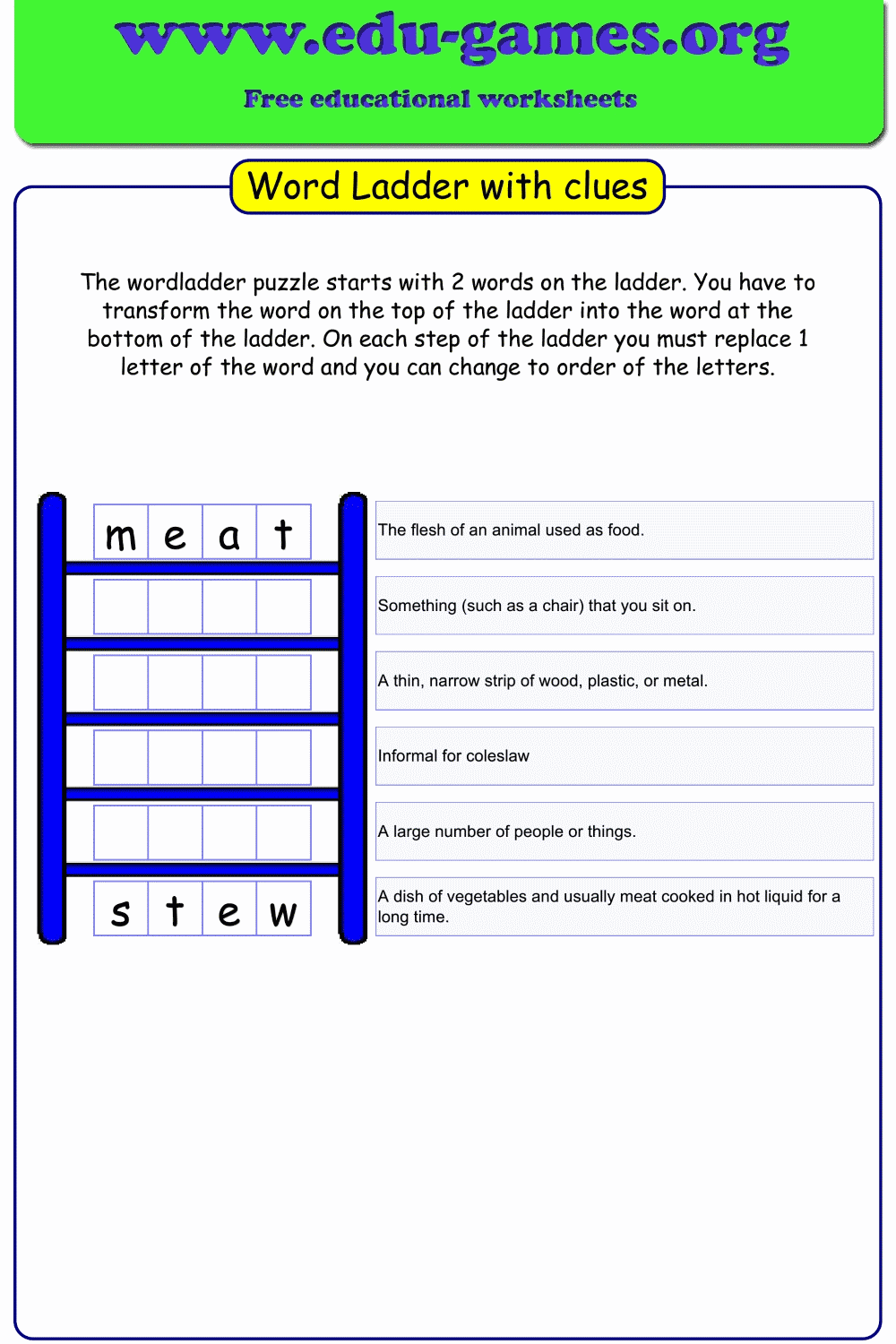
A word ladder puzzle has two words in the ladder, one at the bottom and one at the top. You must form a sequence of words (a word ladder). On every step of the ladder you must place a new word that only differs one letter than the previous word.
It is easy to create your own printable word ladder puzzle with this generator. Word ladder puzzles are fun to do, but difficult to make without the help of a program or website. Luckily you can create easily your own word ladder puzzle or load a puzzle from the list. The rules of the game are very simple. The game starts with two words, a begin- and an end word. The students need to change the begin word into the end word by changing one letter of the word at every step. This can be rather difficult. You can help your students to reveil one or more letters of the words in the word ladder. Click in the preview to show or hide letters in the puzzle.
How to use the word ladder generator
First select the word length. Then type the first word on the ladder or click on the 'pick a word' button to select a word from the dictionary. After this you can type or select the next word. It will be easier to use the 'pick a word' button, because you will get all possible words you can use. The webpage will check if the word you typed or choose is valid. If the word on the ladder is not valid, then the background will be red.
How to work with the clues
To help you even more, the website uses a dictionary. When a puzzle word is typed (and click on the next word), the website will look for a definition of the word. When found, it will print it in the clue box behind the word. If the website cannot find the definition or you don't like it, you can change the clue and it will be used on the pdf.
When you don't have the time to make your own puzzle, you can choose one of the many puzzles in the list.
FAQ - Word Ladder with Clues Puzzle Maker
How does the clue auto-fill work?
When you type a word and move to the next field, the generator looks up the word in its dictionary. If a definition is found, it fills in the clue box automatically. You can edit or replace that clue with your own text — whatever you type in the clue box will appear on the printed PDF.How do I show or hide letters in the word ladder preview?
Click directly on a letter cell in the preview canvas to toggle it between visible and hidden. Hidden letters appear as blank boxes on the printed worksheet, which students must fill in. Clicking the same cell again reveals the letter.What happens if I type an invalid word?
The background of the word input field turns red to indicate the word is not valid. A valid word must differ from the previous word by exactly one letter. Fix the word or use the "pick a word" button to choose from the dictionary.What does the "pick a word" button do?
Clicking "pick a word" opens a popup showing all valid words of the selected length that differ by one letter from the previous word. Double-click any word in the list to place it in the puzzle. You can also type letters in the input field to filter the suggestions.What word lengths are available?
You can choose word lengths from 3 to 7 letters. Select the length first before entering your words — all words in the puzzle must match the selected length.Share this free word ladder puzzle maker with clues