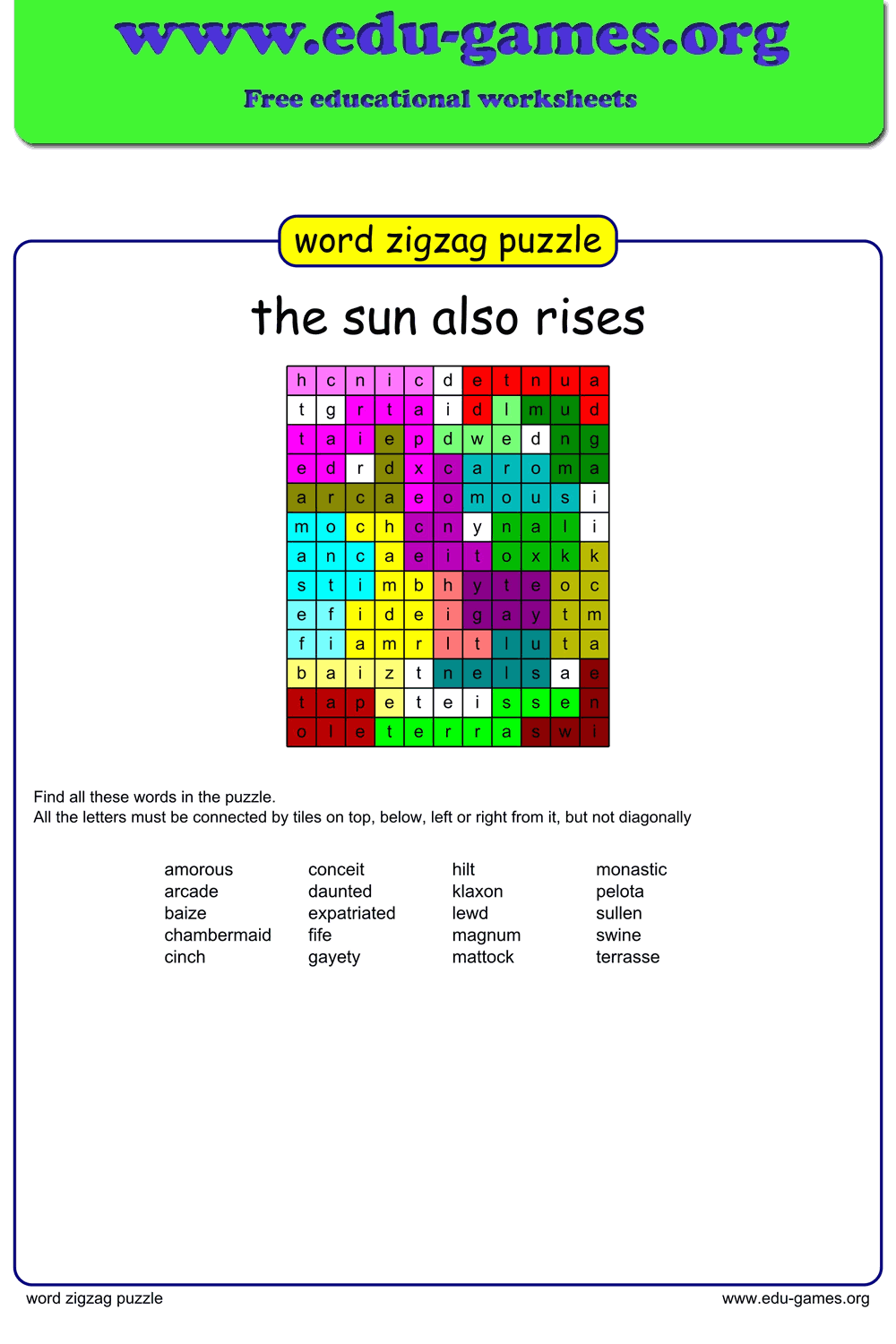
Free Printable Word Zigzag Puzzle Maker
Create and download free printable word zigzag puzzles for your classroom. Words bend horizontally and vertically through the grid — a more challenging twist on word search. Enter your own words, adjust the settings, and download a ready-to-print PDF in seconds. No account needed.
1.7M+ worksheets downloaded · Instant PDF download · No account required
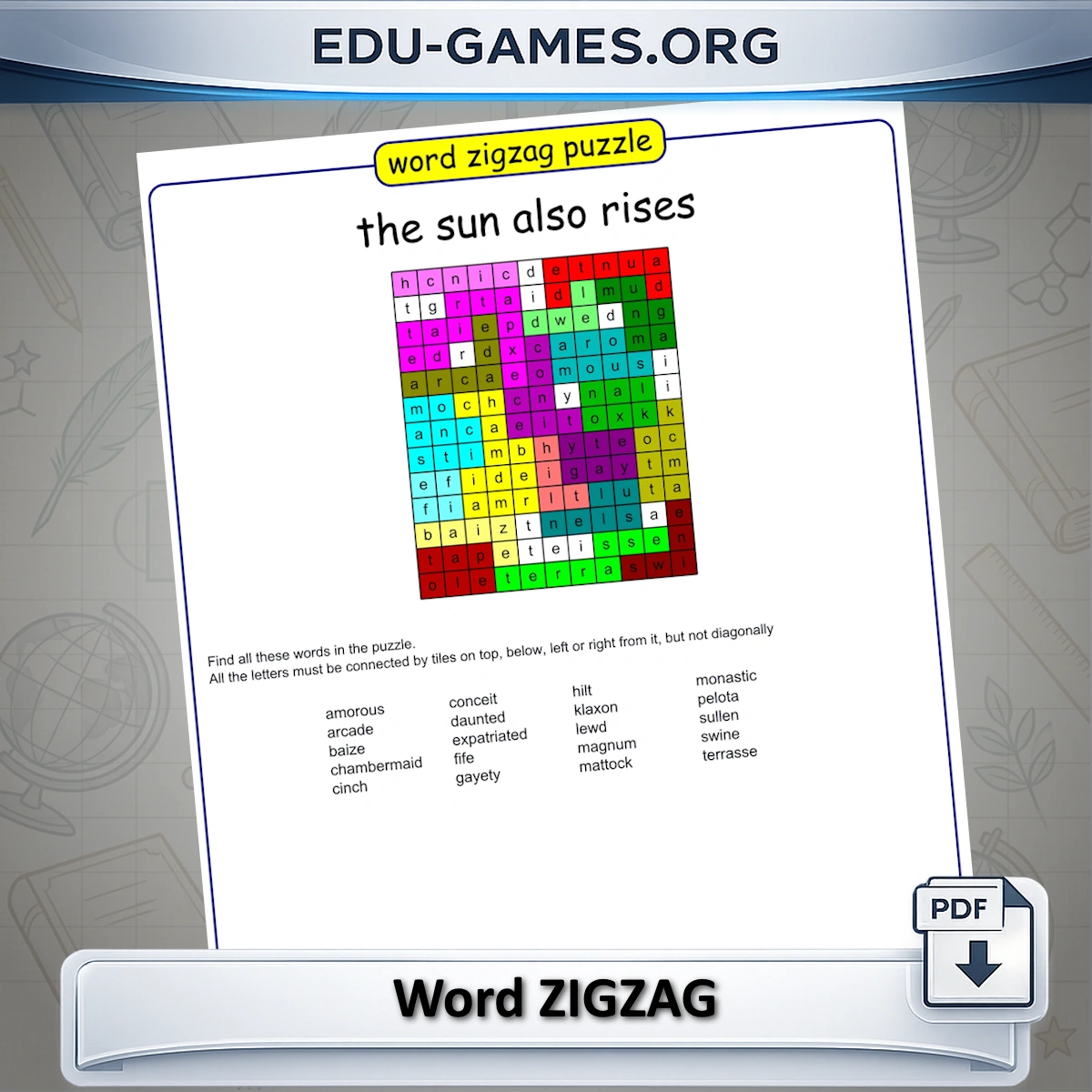
Word Zigzag is a mashup of word search and Boggle. Like a word search, you are given a list of hidden words to find in a grid. Like Boggle, the words don't run in a straight line — each word can bend left, right, up, or down at any letter, as long as every tile connects to the next. No diagonals, no jumps. The result is a puzzle that looks familiar but plays much harder: you can't just scan a row, you have to follow each word through its winding path.
Create your word zigzag puzzle
Membership is free.
How to Use the Word Zigzag Maker
Enter Your Words
Type your words into the word list panel. Each word appears as a tile you can edit or remove. The generator uses this list to build the puzzle grid — vocabulary lists, spelling words, and thematic word sets all work well.
Adjust the Settings
Give your puzzle a title so students know what topic they are working on. Check Capital Letters to switch the entire grid to uppercase — useful for younger learners or large-format printouts. You can also edit the instruction text that appears on the printed sheet.
Generate and Preview
Click "Generate a New Zigzag Puzzle" to build the grid. Each word is placed with at least one direction change, creating a genuine zigzag path. If a word does not fit in the current layout, click Generate again — a fresh random arrangement is tried each time.
Download as PDF
When you are happy with the preview, click "Download the Zigzag Puzzle in PDF". The file includes the puzzle grid, the word list for students to find, and a solution page showing the correct paths — ideal for self-marking or quick grading.
Save and Reuse
Click "Save" to store your puzzle on the server. Use "Download Excel" to export your word list so you can reload it into other puzzle makers — such as the Word Search Maker — and practise the same vocabulary in a different format.
Pro tip: Enable Capital Letters before downloading. In a zigzag puzzle the hardest part is finding where a word starts. With uppercase letters, the first letter of each word stands out more clearly in the grid, giving students a visual anchor to begin their search from.
Why Use the Word Zigzag Puzzle Maker?
A Step Up from Word Search
In a standard word search, students find words by scanning rows, columns, and diagonals in a straight line. In a word zigzag, each word bends — changing direction at any letter using only horizontal and vertical steps. Students cannot rely on linear scanning; they must follow every letter individually, which demands greater focus and sharpens letter-by-letter reading skills.
Vocabulary Practice That Feels Like a Game
Because students are searching for specific words rather than filling in blanks, word zigzag puzzles are particularly effective for spelling reinforcement. Tracing a word's winding path through the grid builds visual memory for letter order — especially valuable for irregular spellings that resist rote memorisation.
Flexible for Any Subject or Age Group
The maker works for any word list: science vocabulary, historical terms, foreign language words, or weekly spelling lists. The Capital Letters option makes puzzles accessible for early readers, while longer or less common words increase the challenge for advanced students. One tool covers the whole class.
Instant, No-Fuss PDF Output
There is no sign-up, no subscription, and no waiting. Enter your words, click Generate, and download a clean printable PDF — puzzle on one side, solution on the other — in under a minute. Export to Excel and rebuild the same puzzle list year after year.
FAQ — Word Zigzag Puzzle Maker
What makes a word zigzag puzzle harder than a regular word search?
In a word search, every word runs in a straight line. In a word zigzag, each word can change direction at any letter — bending up, down, left, or right — as long as every letter connects to the next through an adjacent tile (no diagonals). You cannot scan in one direction; you have to trace the path letter by letter, which makes the puzzle significantly more demanding.Can a single word bend more than once inside the grid?
Yes. A word can change direction as many times as needed to fit the grid. A five-letter word might start going right, turn downward after the second letter, and turn right again for the final letter. There is no limit on the number of bends per word — this is what gives zigzag puzzles their distinctive challenge.What does the "Capital Letters" option change in the printed puzzle?
When enabled, every letter in the grid and the word list is printed in uppercase. This is useful for younger students still learning capital letters, or for any setting where uppercase text is easier to read — for example on a projected screen or a large-format printout.How many words produce the best-looking grid?
Between 8 and 16 words is the sweet spot. Fewer than 8 leaves large empty areas; more than 16 may cause the generator to skip words it cannot place without violating the zigzag rules. If a word goes missing, click Generate again — the algorithm tries a fresh random layout each time.Can I reuse my word list in other puzzle types?
Yes. Click "Download Excel" to save your word list as an Excel file. You can then upload that same file into the Word Search Maker or Crossword Maker — the same vocabulary set in a completely different puzzle format.What happens to my puzzle after I save it?
Your word list and grid layout are stored on the Edu-Games server. If the puzzle passes a quality check — complete word placement and valid zigzag paths — it may be added to the public puzzle library so other teachers and students can load and use it from the puzzle list.Is this puzzle only for kids, or can adults play it too?
While it's built with classrooms in mind, the zigzag format works as a general word puzzle for any age — many adults use it as a quick brain-teaser or word-search alternative outside the classroom.Share this free printable word zigzag puzzle maker