Play Word Search Clues Puzzles Online — Free
Find the hidden words using only clues — no word list given. Load a saved puzzle or upload your own vocabulary list. Challenge yourself and your students with this more demanding twist on the classic word search.
Used by thousands of teachers · Free to play · No account required
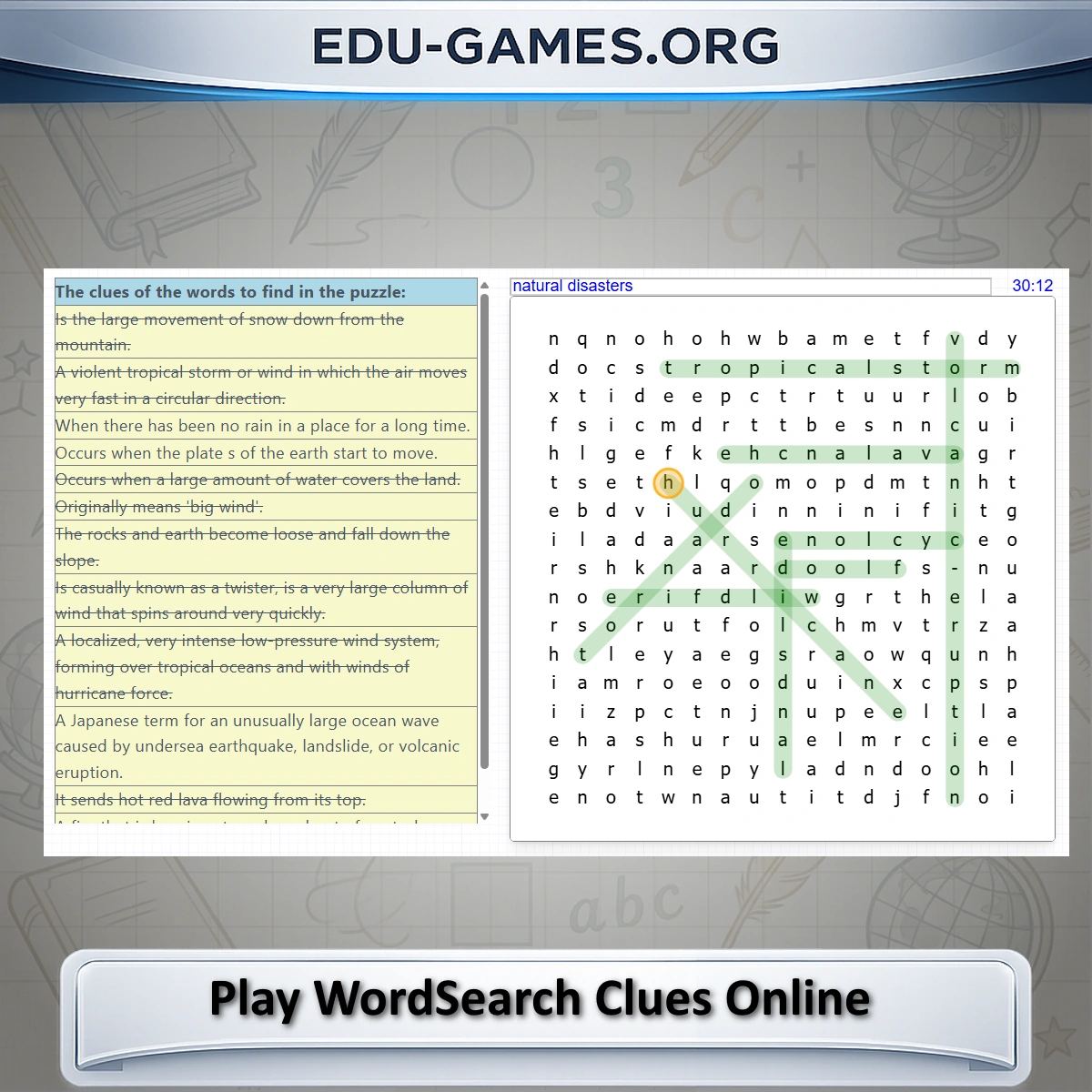
Choose one of the many saved puzzles at the bottom of the page, or upload an excel file created with the crossword maker or any other word games with clues.
How can you play a wordsearch clues online?
First load a game or upload an excel file. The page will create the puzzle; this can take a couple of seconds. When the wordsearch puzzle is created, you will see the puzzle grid and the clues are loaded on the page. Find the words you are looking for with the help of the clues. Then try to find the words in the grid. Click on the first letter in the grid and drag until the last letter of the word in the grid. When you selected the correct word, then the clue will be crossed of.Share this free word search clues game
How to Play Word Search with Clues
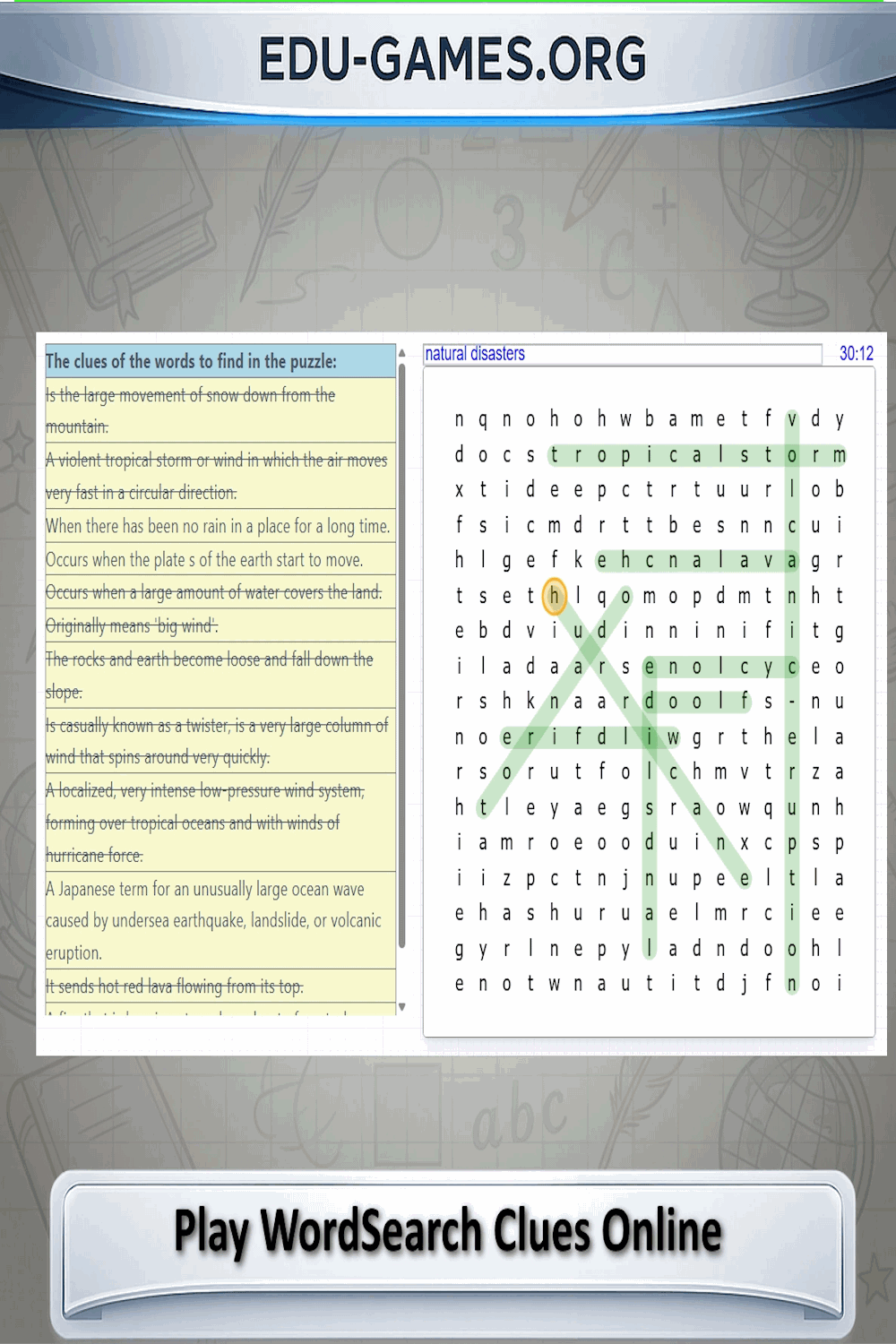
- Load a puzzle — Pick a saved puzzle from the puzzle box at the bottom of the page, or upload an Excel file you made with the Word Search Maker.
- Read the clues — The clue panel on the left lists hints for each hidden word. Work out what the word is before you start searching.
- Locate the word in the grid — Words can run horizontally, vertically, or diagonally depending on the puzzle settings.
- Select the word — Click on the first letter, hold, and drag to the last letter. Release when the full word is highlighted.
- Keep going — When you select a correct word, its clue is crossed off. Find all the words to complete the puzzle.
- Need a hint? — Double-click any clue in the panel and the first letter of that word will be highlighted with an orange circle on the grid.
Why Use This Word Search Clues Game
- Deeper vocabulary practice — Students must recall or deduce a word from its definition before searching for it, reinforcing both meaning and spelling at the same time.
- Works for any subject — Upload any vocabulary list with clues — science terms, historical events, foreign-language words — and the puzzle is generated instantly.
- More challenging than standard word search — Without the word list as a visual shortcut, players engage more actively with the language and develop sharper recall.
- Free and instant — No downloads, no sign-up, no waiting. Open the page, pick a puzzle, and play immediately on any modern browser.
- Great for classrooms — Share a link to a saved puzzle with your class so every student can work through it independently at their own pace.