How to Play Word Search Online
How to find and mark words:
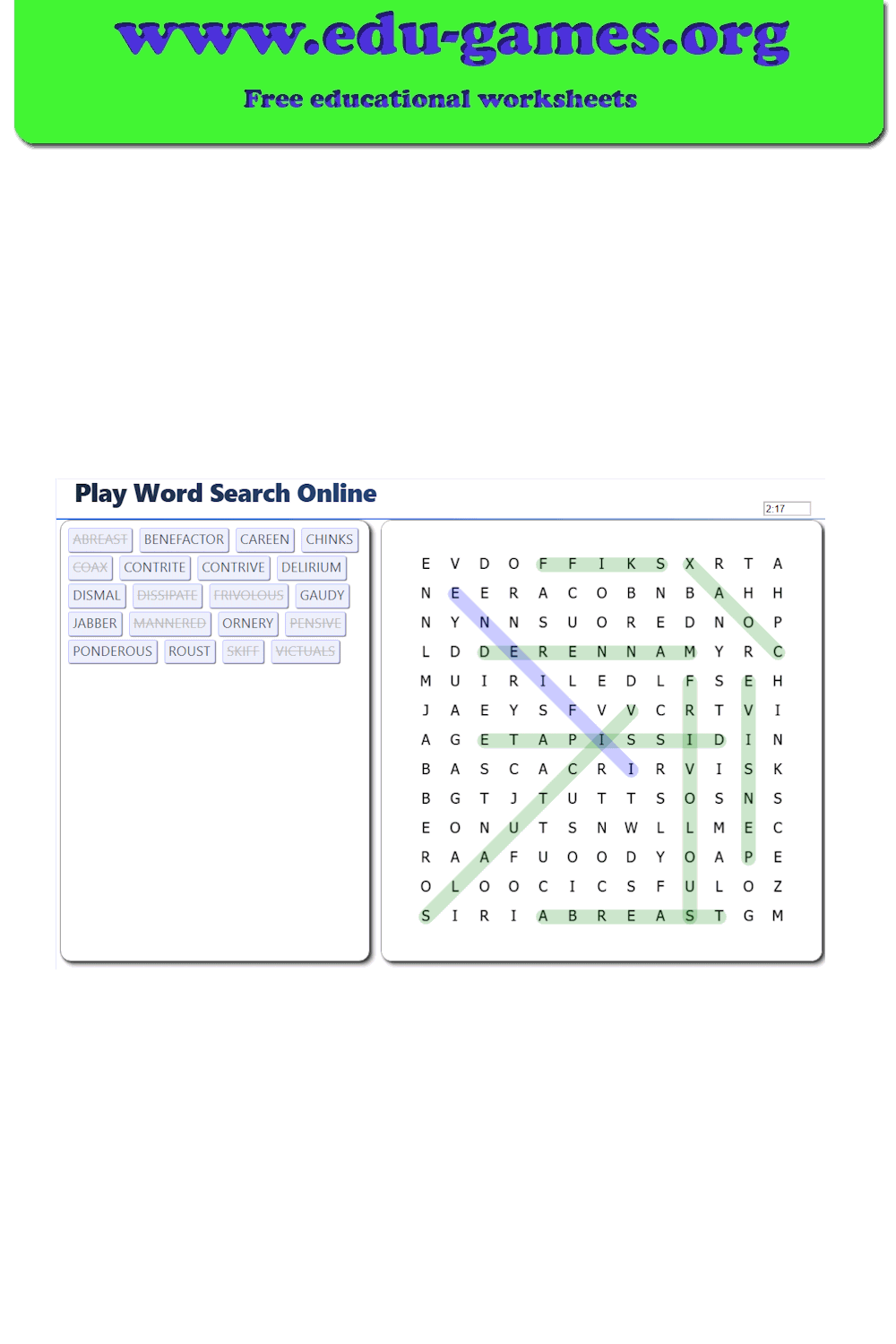
When the puzzle loads you will see the grid on the right and the word list on the left. Words are hidden in all directions — horizontal, vertical, and diagonal, including backwards.
Click and drag in the grid from the first letter of the word to the last (or from the last to the first). If the word is correct it stays highlighted and is crossed off the word list.
Selecting a puzzle:
Choose one of the saved puzzles at the bottom of the page. The page will generate the puzzle — this can take a couple of seconds. You can also upload a puzzle created with the word search maker.
FAQ for the Online Word Search Game
In which directions are words hidden?
Words can be placed horizontally, vertically, or diagonally — and in both forward and backward directions. Always look in all eight directions when searching for a word.
How do I mark a word I found?
Click on the first letter of the word in the grid, hold, and drag to the last letter (or start from the last letter and drag to the first). Release when the whole word is highlighted. If the word is correct it stays marked and is crossed off the list.
What does the Find Me button do?
Each word in the list has a Find Me button. Clicking it reveals the location of that word in the grid. You will lose some score points as a penalty for using the hint.
How is the score calculated?
You earn points for each word you find on your own. Using the Find Me hint deducts points. Finding all words quickly earns a time bonus.
Can I play on a phone or tablet?
Yes. The game works on touchscreens — tap the first letter and drag your finger to the last letter to mark a word.