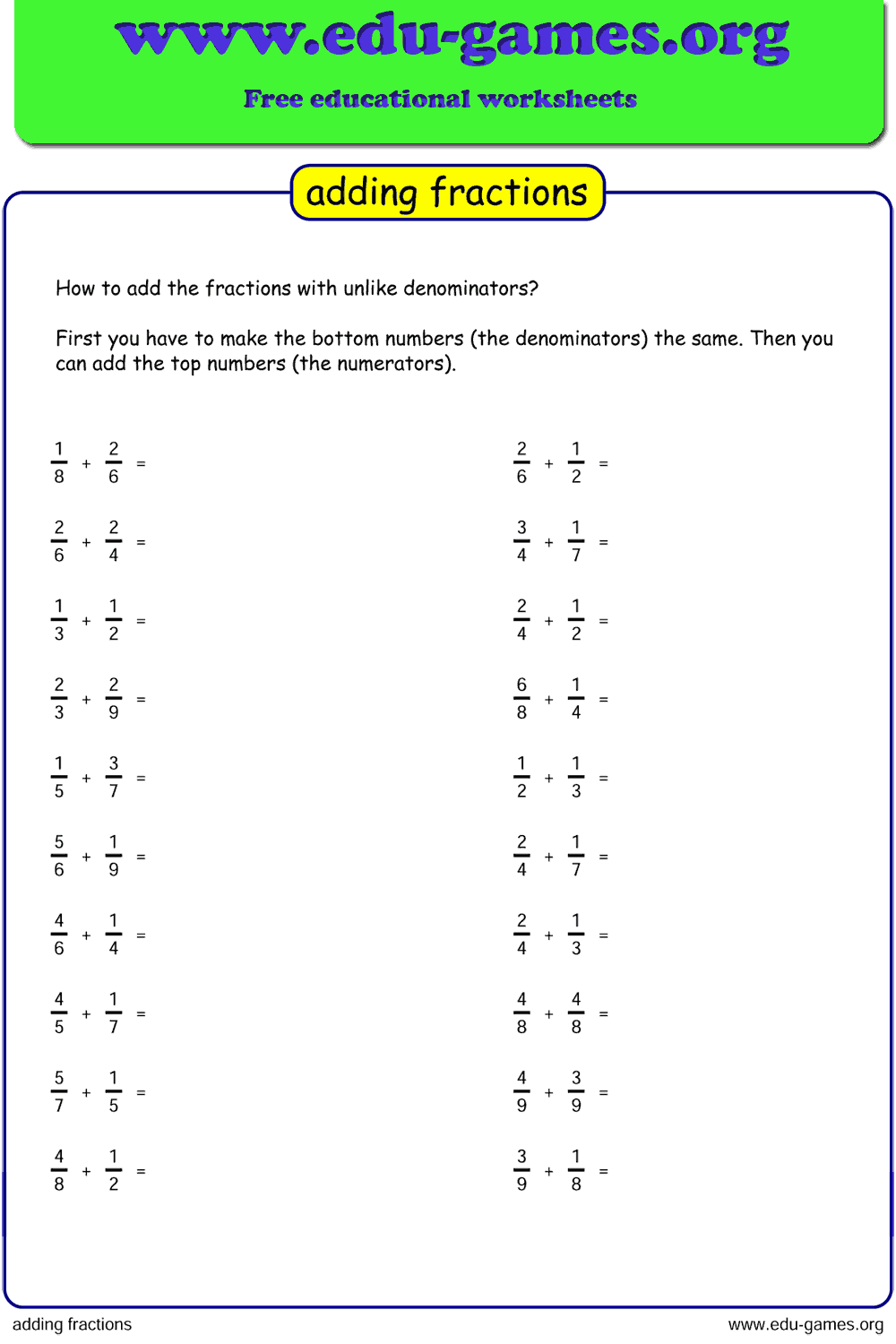
Free Printable Adding Fractions Worksheets
Generate free printable adding fractions worksheets for grades 3–6. Choose like or unlike denominators, add 2 or 3 fractions per problem, set a custom denominator range, and download a ready-to-print PDF in seconds. No account needed.
1.7M+ worksheets downloaded · Instant PDF download · No account required
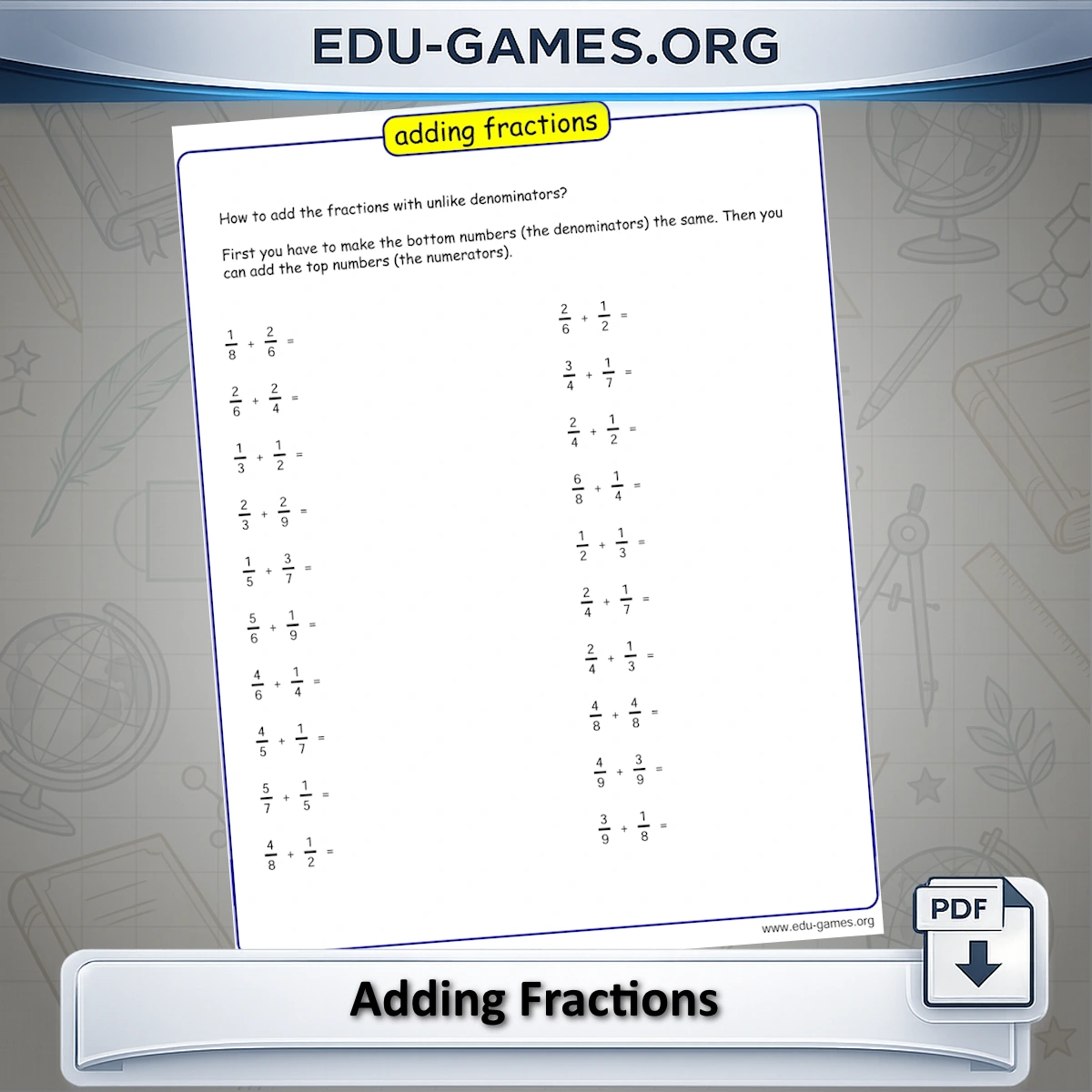
The Adding Fractions Worksheet Generator creates unique, printable fraction addition worksheets for grades 3–6. Choose like or unlike denominators, add 2 or 3 fractions per sum, set a custom denominator range, and download a clean PDF — ready to hand out the same day.
Create your adding fractions worksheet
Nr fractions per sum:
Denominator type:
Problems per page:
Instructions:
Include solution page
Paper format:
How to Use the Adding Fractions Worksheet Generator
- Set the denominator range — Type a range like 2-8 in the denominator field, or click Easy, Medium, or Hard to auto-fill a preset range suited to your grade level.
- Choose the number of fractions — Select 2 or 3 fractions per sum. Three fractions with unlike denominators is the most challenging combination.
- Pick like or unlike denominators — Like denominators let students add numerators directly. Unlike denominators require finding a common denominator first.
- Set the Max Sum option — Tick Max Sum is 1 to limit all answers to proper fractions, or leave it unticked to allow sums greater than 1.
- Choose problems per page — Select 16, 20, or 24 problems depending on the available class time.
- Download — Click the download button to save a ready-to-print PDF worksheet.
Why Use This Adding Fractions Worksheet Generator
Unlike static worksheet packs, this generator creates a unique worksheet every time. That means you can reuse it week after week without repetition.
- Targeted practice — Set the exact difficulty level by controlling the denominator range and fraction count.
- Curriculum-aligned — Covers adding fractions skills taught in grades 3–6, including like and unlike denominators and sums greater than 1.
- Print-ready PDFs — Every worksheet downloads as a clean, A4-formatted PDF ready to hand out immediately.
- No setup required — No registration, no login, no software to install. Just choose your settings and download.
FAQ for the Adding Fractions Worksheet Generator
What grade levels are these worksheets suitable for?
The generator is designed for students in grades 3 through 6. Grade 3 students can start with like denominators at an easy range; grades 5–6 students can tackle unlike denominators and three-fraction sums.What is the difference between like and unlike denominators?
Like denominators means both fractions share the same bottom number — students simply add the numerators. Unlike denominators require finding a common denominator first, which is the core skill for grades 4–6.Can I create worksheets where students add 3 fractions at once?
Yes. Use the Nr fractions per sum selector to switch between 2 and 3 fractions per problem. Adding 3 fractions with unlike denominators is the most challenging combination the generator offers.What does "Max Sum is 1" mean?
When this checkbox is ticked, every problem is guaranteed to have an answer that is a proper fraction — 1 or less. This is ideal for students who have not yet learned about improper fractions or mixed numbers.How do I set a custom denominator range?
Type a range directly into the denominator field, for example 2-10 to use denominators from 2 to 10, or list specific values with commas like 2,4,6,8. The Easy, Medium, and Hard buttons fill in preset ranges automatically.Share this free adding fractions worksheet