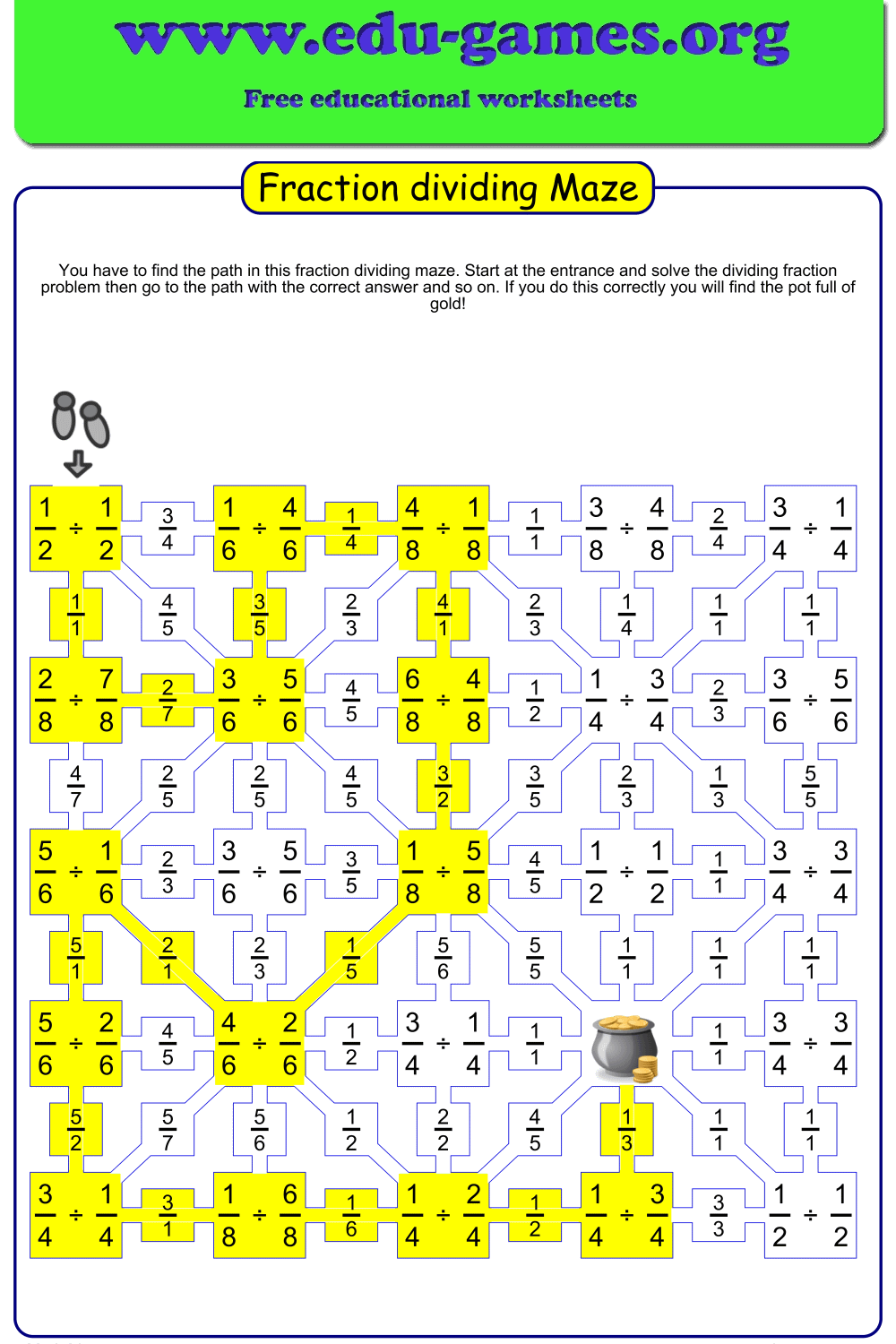
Free Printable Dividing Fractions Maze Worksheet Maker
Generate custom dividing fractions maze worksheets instantly — choose like or unlike denominators, set the denominator range, and download a unique printable PDF maze. Grades 4–6.
Used by teachers worldwide · Instant PDF download · No account required
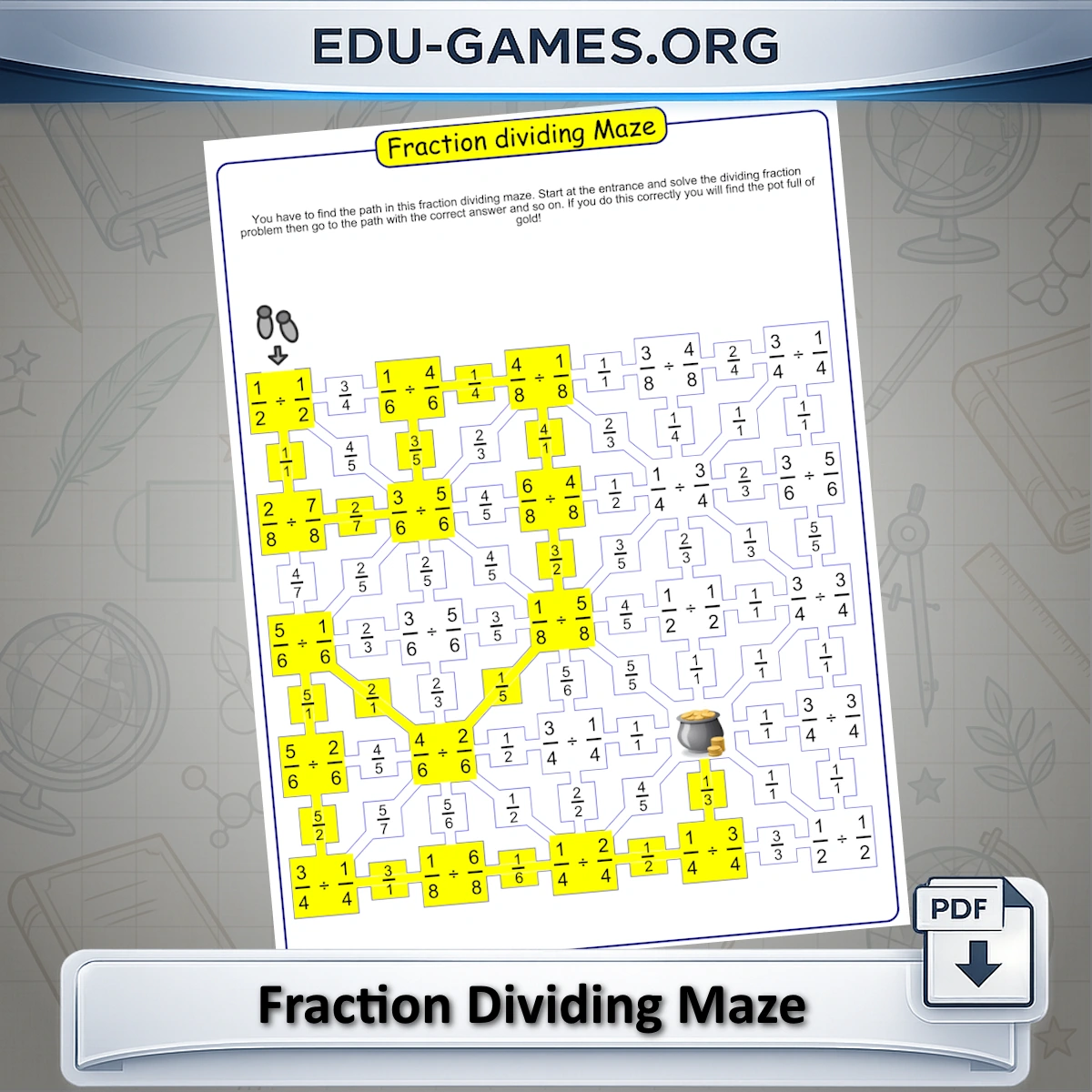
Create Your Dividing Fractions Maze
How to Use the Dividing Fractions Maze Maker
Creating a dividing fractions maze worksheet takes less than a minute. Here is what each setting does:
1. Set the Maze Size
Choose between 5 or 6 rows. A 5-row maze is shorter and suits a timed drill or warm-up. A 6-row maze contains more steps and is better for a full practice activity.
2. Set the Denominator Range
Type the denominators you want to appear in the sums. Use comma-separated values — for example 2,4,6,8 — or a hyphen to specify a continuous range, such as 2-9. Use the Easy, Medium, or Hard shortcut buttons to apply a ready-made preset instantly.
3. Choose Like or Unlike Denominators
Select Like to generate sums where both fractions share the same denominator — ideal for students who are first learning the division rule. Select Unlike for sums with different denominators, adding an extra layer of difficulty suitable for more confident students.
4. Generate and Download
Click "Create a new dividing Maze" to generate a unique puzzle. The maze appears on screen immediately. Click "Download the division Maze in PDF" to save a ready-to-print file. Generate as many unique mazes as you need — all free.
Why Use Dividing Fractions Maze Worksheets?
A maze format turns fraction division practice into an activity students actually want to do — and keeps them working longer than a standard drill sheet would.
Self-Checking by Design
The maze structure acts as built-in answer checking. If a student follows a wrong answer path they reach a dead end and must go back and recalculate. No teacher marking required for the initial practice round — students self-correct as they work through the puzzle.
Differentiation Through Denominator Control
The denominator range and the Like / Unlike toggle give you precise control over difficulty. You can run the same lesson with different worksheet versions for different ability groups — all generated in seconds from the same tool.
Unlimited Unique Worksheets
Every click of "Create a new dividing Maze" produces a different puzzle. You never run out of fresh practice material — useful for revision lessons, retests, homework, or early-finisher tasks throughout the year.
Curriculum Alignment
Dividing fractions is a key skill in Grades 4–6 across most national curricula. The like-denominator setting targets the introductory standard; unlike denominators extends to the full skill, including the step of finding equivalent fractions before applying the division rule.
Share this free Dividing Fractions Maze worksheet maker with your friends