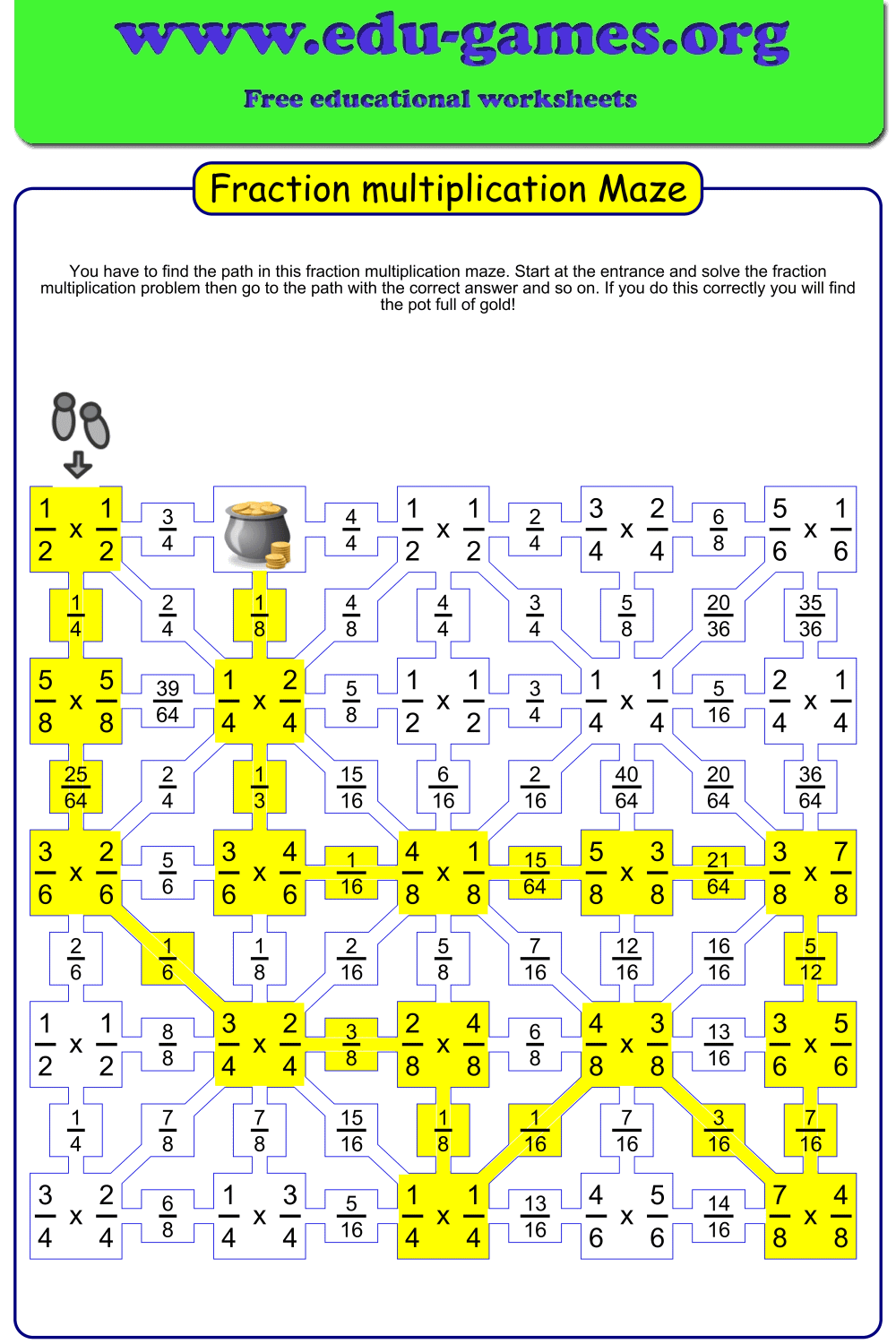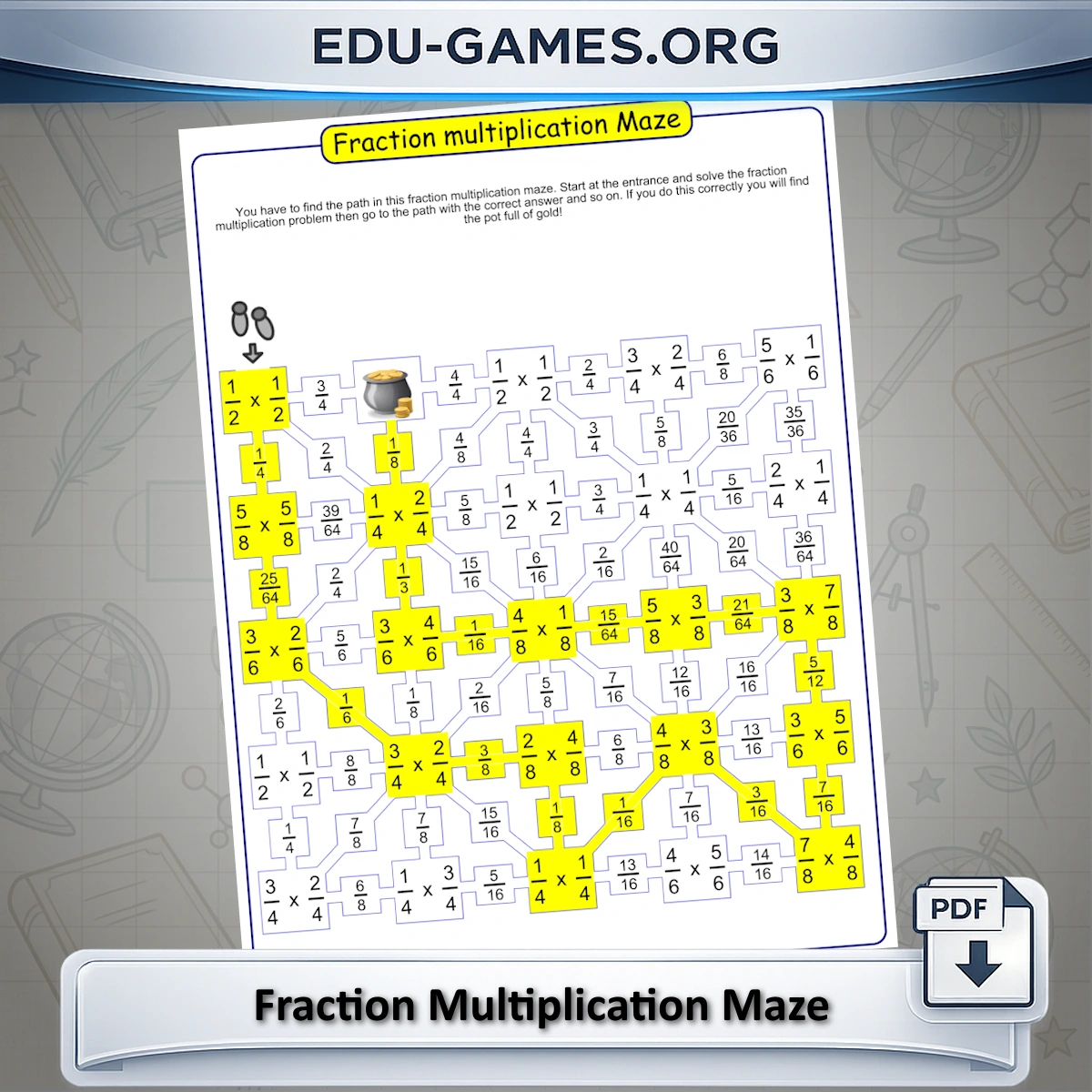
About the Fraction Multiplication Maze
This flexible fraction multiplication maze generator creates a grid puzzle where each cell holds a fraction multiplication problem. Students start at the entrance, solve the problem, and move to the neighbouring cell that shows the correct answer. Following wrong answers leads to dead ends — so every step requires accurate calculation.
With full control over the denominator range and type (like or unlike), you can create worksheets suitable for Grade 4 beginners through Grade 6 students practising with larger, more complex fractions.
How to Use the Worksheet Maker
- Choose the maze size: Select 5 or 6 rows. More rows produce a longer path with more problems, which is better for students who need extended practice.
- Set the denominator range: Type values directly (e.g., 2-6 uses denominators 2 through 6) or click the Easy, Medium, or Hard shortcuts for quick presets. A smaller range produces simpler products.
- Choose denominator type: "Like" produces problems where both fractions share the same denominator — suitable for Grade 4. "Unlike" generates more varied fractions and is the right setting for Grade 5–6 students.
- Edit the instructions: The instruction text appears at the top of the printed worksheet. Update it to match your lesson phrasing if needed.
- Generate and download: Click "Create New Multiplication Maze" for a fresh random maze, then download it as a PDF. Every click produces a unique layout.
Why Use Fraction Multiplication Mazes?
- Immediate self-checking: A wrong answer sends the student into a dead end. Students discover their own errors without needing to wait for teacher feedback, which reinforces the habit of checking work.
- Reinforces simplification: To match the answer shown in the maze, students must simplify their products — so the maze practises simplifying alongside multiplication automatically.
- More motivating than drills: The goal of finding the exit gives students a reason to stay focused. Maze worksheets are particularly effective for students who disengage during standard drill practice.
- Full difficulty control: The denominator range slider lets you fine-tune the challenge for any student level within Grades 4–6 — not just the fixed Easy/Medium/Hard presets.
- Unlimited unique mazes: Every click generates a different random maze, so the same problem set is never repeated.
Fraction Multiplication Maze — Frequently Asked Questions
What is a fraction multiplication maze and how does it work?
A fraction multiplication maze is a grid puzzle where each cell contains a fraction multiplication problem. Students start at the entrance, solve the problem, then follow the path to the cell with the correct answer. They continue solving and moving until they reach the exit. Choosing the wrong answer leads to a dead end, so students must calculate correctly to find the route through.What grade levels are fraction multiplication mazes designed for?
This generator is designed for Grades 4–6. Grade 4 students work with like denominators and simpler denominator ranges. Grade 5 moves to unlike denominators, which requires students to simplify their answers. Grade 6 students tackle larger denominator ranges and more complex products.How do you multiply two fractions?
Multiply the numerators together to get the new numerator, and multiply the denominators together to get the new denominator. Then simplify the result. For example, 2/3 × 3/4 = (2×3)/(3×4) = 6/12 = 1/2. Unlike adding fractions, you do not need a common denominator before multiplying.What is the difference between like and unlike denominators in fraction multiplication?
When you multiply fractions, you never need a common denominator — you always multiply straight across. However, selecting "Like" denominators in the generator produces problems where both fractions share the same denominator, making the products simpler and more suitable for Grade 4 students building early fluency. "Unlike" produces fractions with different denominators, generating more varied and challenging products.How do I control the difficulty of the maze?
Use the denominator range input to set the minimum and maximum denominator values. Smaller ranges (e.g., 2–6) produce simpler fractions. Use the Easy, Medium, or Hard shortcut buttons for quick presets. You can also choose 5 or 6 rows — more rows mean more problems and a longer path through the maze.What fraction skills does the maze reinforce beyond basic multiplication?
To navigate the maze correctly, students must also simplify their products to match the answer choices displayed in neighbouring cells. This means the maze reinforces simplifying fractions and recognising equivalent results alongside the multiplication procedure itself.Share these free fraction multiplication maze worksheets