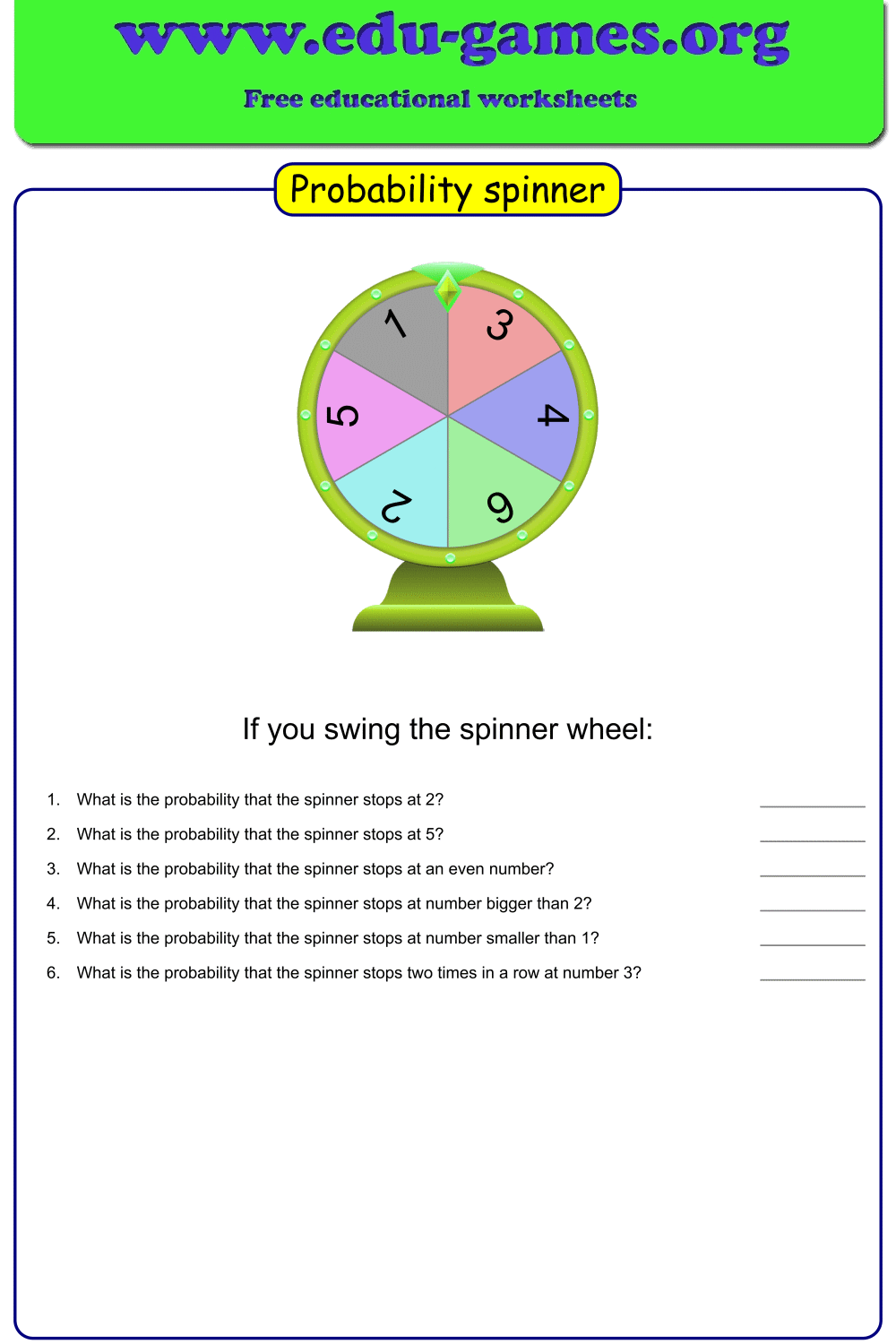
Free Probability Spinner Worksheet Generator
Build a custom probability spinner worksheet in minutes. Enter your values and counts to shape the wheel, write your own probability questions, and download a print-ready PDF — no account needed.
Used by teachers worldwide · Instant PDF download · No account required
Create your probability spinner worksheet
Include solution page
Paper format:
This option is only for members.Membership is free.
How to create a probability spinner worksheet
- Enter spinner values. Type each value (number, fraction, or word) into the data table on the left. You can mix integers, decimals, and text labels on the same spinner.
- Set the Count for each value. The Count controls how large each segment of the wheel is. A Count of 3 gives that value three times more space — and three times more probability — than a Count of 1.
- Write probability questions. Use the Questions area below the table to add your own questions, such as "What is the probability of landing on blue?" The questions print beneath the spinner on the worksheet.
- Click "Redraw the spinner" to update the preview with your current values and counts.
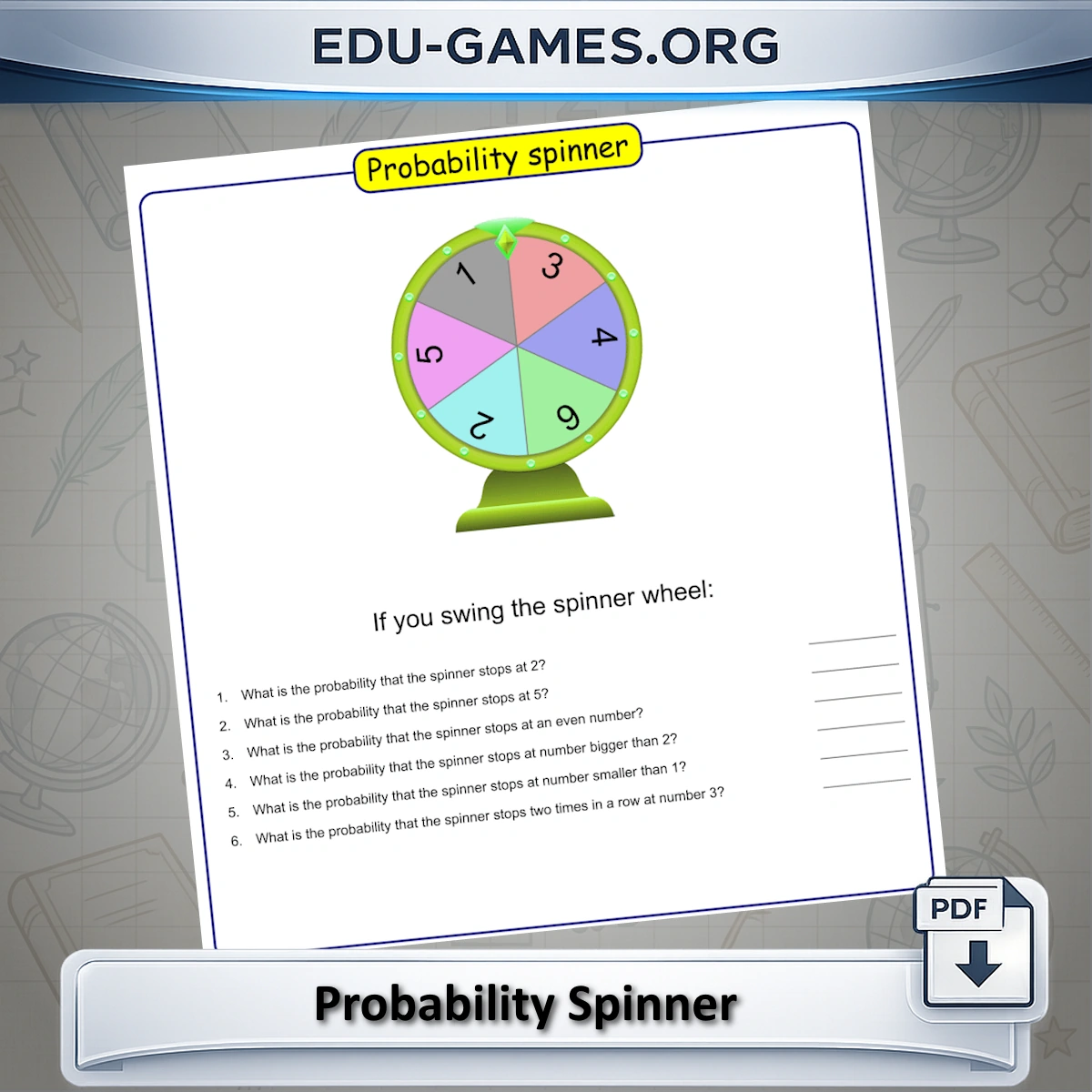
- Download the PDF. The file contains the spinner diagram and your custom questions, ready to print and hand out.
Why use this probability spinner generator?
Most classroom spinner resources use a fixed colour wheel. This generator lets you build exactly the spinner your lesson needs:
- Full control over probability. Set the Count of each segment independently to model any probability scenario — equal sections, heavily skewed spinners, or anything in between.
- Numbers or words. Use integers and decimals for maths lessons, or text labels (colours, names, categories) for language-arts and data-handling activities across subjects.
- Custom questions built in. Unlike a plain spinner image, this tool lets you type the probability questions directly into the worksheet. Students get the spinner and the task on a single printed page.
- Unlimited variations. Every combination of values and counts generates a different worksheet, so you can create differentiated resources or assign unique spinners to different student groups.
Frequently Asked Questions
What does the Count column in the spinner table control?
The Count value determines how large each segment of the spinner is. A value with Count 3 takes up three times as much of the wheel as one with Count 1. For example, if the total of all counts is 10 and one item has Count 4, that item occupies 40 % of the spinner — reflecting a 4 in 10 probability.Can I use text labels instead of numbers on the spinner?
Yes. The spinner accepts integers, decimal values, and any short text — colours, animal names, words, or symbols all work. This makes it suitable for language-arts probability activities as well as maths lessons.Can I write my own probability questions on the worksheet?
Yes. The Questions area below the data table is fully editable. Type any question you need — such as "What is the probability of landing on red?" — and it will appear printed on the PDF below the spinner diagram.What does the "Redraw the spinner" button do?
It refreshes the spinner preview to reflect any changes you have made to the values or counts in the data table. Use it after editing the table to see the updated wheel before downloading the PDF.Share this free probability spinner worksheet