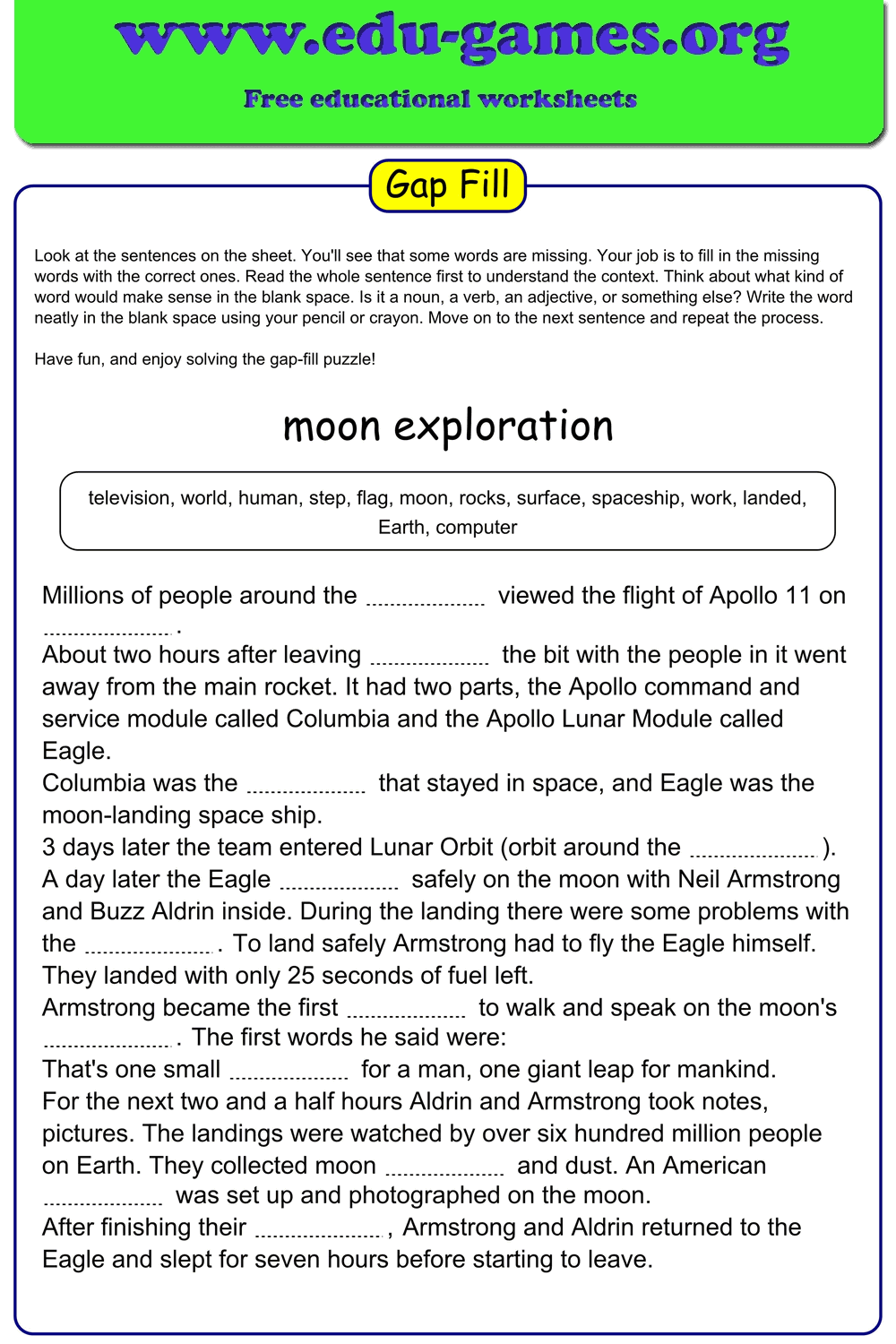
Free Fill in the Blanks Generator & Worksheet Maker
Create fill-in-the-blanks exercises in seconds — type or paste your text, double-click words to create blanks, and download a print-ready PDF worksheet. For any subject, any level. No account needed.
1.7M+ worksheets downloaded · Instant PDF download · No account required
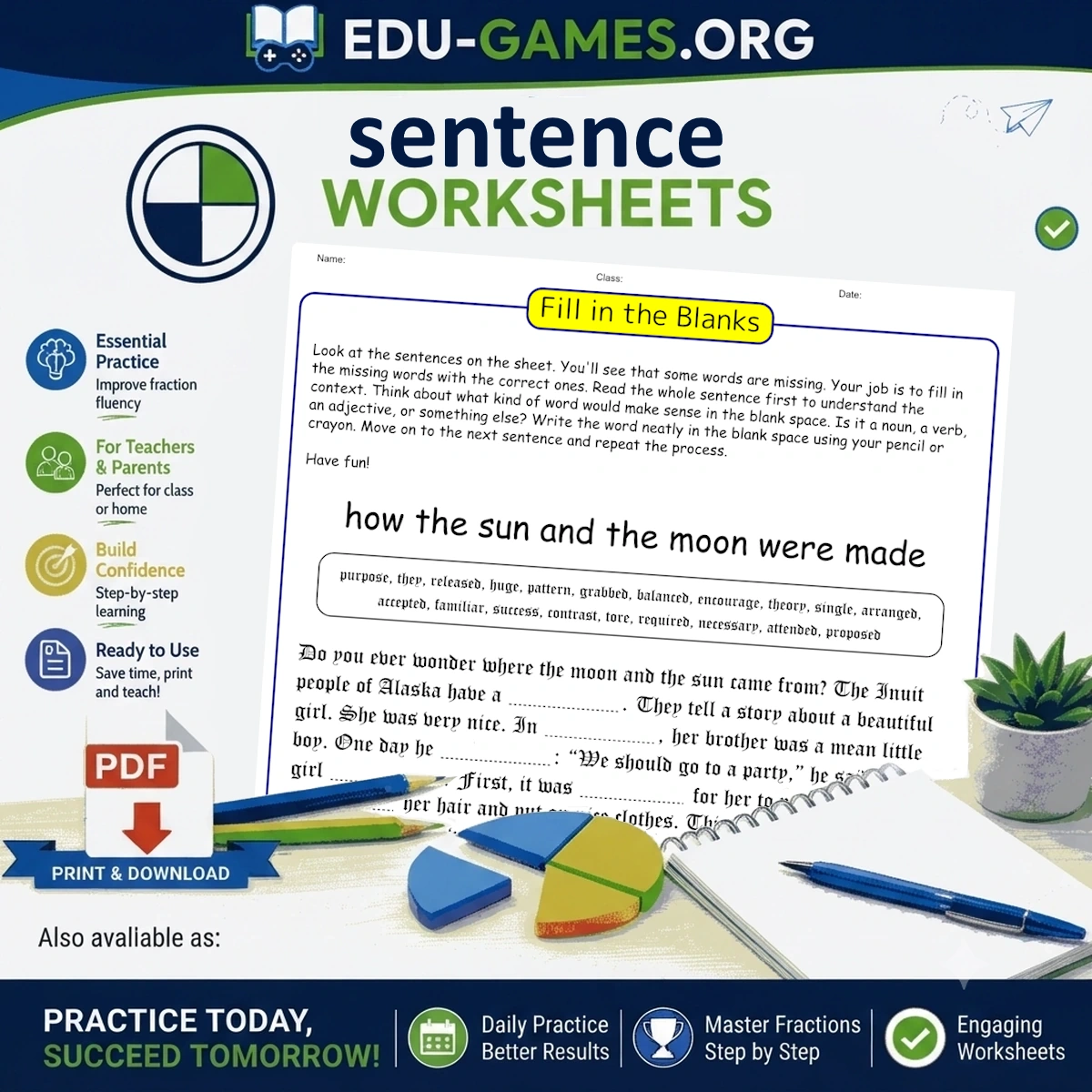
About Fill in the Blanks Exercises
Fill in the blanks exercises — sometimes called cloze tests — present a passage with selected words removed, replaced by blank spaces that learners must complete. They are used across subjects and age groups because the surrounding text gives students enough contextual information to reason through answers, making the format more cognitively demanding than isolated recall drills.
What makes fill-in-the-blanks so effective is its flexibility. The blanks can be sized equally (preventing length-based guessing) or matched to each word's exact length for a visual cue. The word bank can be shuffled for moderate support, hidden entirely for a free-recall challenge, or the first letter of each answer revealed to scaffold beginners. This range lets a single worksheet serve a class with varying abilities.
This fill in the blanks generator handles every combination. Type or paste any passage — a reading text, a grammar drill, a vocabulary list — double-click the words you want to remove, configure the options, and download a print-ready PDF. Or share a live online link so students complete the exercise directly in their browser.
Create Your Fill in the Blanks Worksheet
Membership is free.
How to Create Fill in the Blanks Worksheets
Use this free worksheet maker to build a custom exercise in five simple steps.
1. Type or Paste Your Text
Enter the text you want your students to practise directly into the editor, or copy and paste from any source. The editor accepts multi-sentence passages of any length — stories, grammar drills, science texts, whatever fits your lesson.
2. Double-Click Words to Create Blanks
Double-click any word in the editor to turn it into a blank. The word moves to the Word Bank automatically. Double-click the same word again to restore it to the text.
3. Choose Your Word Bank Setting
Select Empty for a free-recall exercise, Shuffled to provide the words in a randomised list, or Lower case to print all bank words in lower case regardless of their position in the sentence.
4. Set Blank Options
Enable Show first letter in blanks to give beginners a hint. Choose between equal-length blanks (all blanks match the longest missing word, preventing length-based guessing) or word-length blanks (each blank reflects the exact word length).
5. Download or Share
Click Download PDF to save a print-ready fill in the blanks worksheet, or use Create link to play online to share an interactive version students can complete in any browser.
Why Use This Fill in the Blanks Generator?
Any text becomes a practice exercise the moment you hide the right words — and this worksheet maker turns it into a print-ready PDF in under two minutes.
- Fully customisable difficulty. Three blank options and three word bank settings let you tailor every worksheet to your students' level — from beginners who need a shuffled word list to advanced learners tackling a free-recall exercise with no word bank at all.
- Any text, any subject. Paste literature extracts, science definitions, history passages, or your own sentences. This fill in the blanks maker works with any written content.
- Ready in under two minutes. From empty editor to downloadable PDF — no account, no setup, no waiting.
- Dual delivery. Print a paper copy or send a shareable online link for digital classrooms and remote learning.
- Save and reuse. Create a free account to save your fill in the blanks exercises from this worksheet maker and return to edit or re-download them at any time.
You Also Might Like
FAQ – Free Fill in the Blanks Generator & Worksheet Maker
What is a fill in the blanks exercise?
A fill in the blanks exercise presents a passage with certain words removed, replaced by blank spaces that students must complete. Unlike multiple-choice questions, learners must actively recall or reason through the correct word — which strengthens retention and tests a deeper understanding of the text.How do I choose which words become blanks?
Double-click any word in the text editor to turn it into a blank. The word moves to the Word Bank automatically. Double-click the same word again to remove it from the blanks and restore it to the text.What does "All blanks have equal length" actually do?
This option prints every blank at the same width — matching the longest missing word in the list. Students cannot guess a word by counting the spaces, which works especially well when your word list contains words of very different lengths.What is the difference between the "Shuffled" and "Empty" word bank?
"Shuffled" prints all the missing words in a randomised order at the bottom of the fill in the blanks worksheet — students must match each word to the correct blank. "Empty" removes the word bank entirely, requiring students to recall every answer from memory.Does the "Lower case" option affect the blanks in the text or only the word bank?
It affects the word bank only. All words appear in lower case there — including words that begin a sentence. The blanks in the text itself remain formatted as normal running text.Can I create a link for students to complete the exercise online?
Yes. Click "Create link to play online" to generate a shareable URL. Students can open the link in any browser and complete the fill in the blanks exercise digitally — no printing or account needed.What does "Show first letter in blanks" do?
The first letter of each missing word is printed inside its blank on the worksheet. This gives students a starting hint and makes the exercise considerably easier — ideal for younger learners or when introducing new vocabulary for the first time.Share this free fill in the blanks worksheet maker with your friends