Free Fill in the Gaps Generator & Gap Fill Maker
Create fill-in-the-gaps exercises in seconds — paste your text, double click words to create gaps, and download a print-ready PDF worksheet. Free gap filling exercises for any text, any topic. No account needed.
Used by teachers worldwide · Instant PDF download · No account required
Gap Fill Exercises in ESL Teaching
In ESL and EFL classrooms, fill in the gaps exercises — more formally known as cloze tasks — are among the most widely used techniques for building vocabulary and testing language in context. A text is presented with selected words removed; learners must draw on their knowledge of English meaning, grammar, and collocation to supply what's missing. The surrounding sentence acts as a scaffold, making the format demanding without being overwhelming — which is why it appears in coursebooks, standardised tests, and self-study materials at every proficiency level.
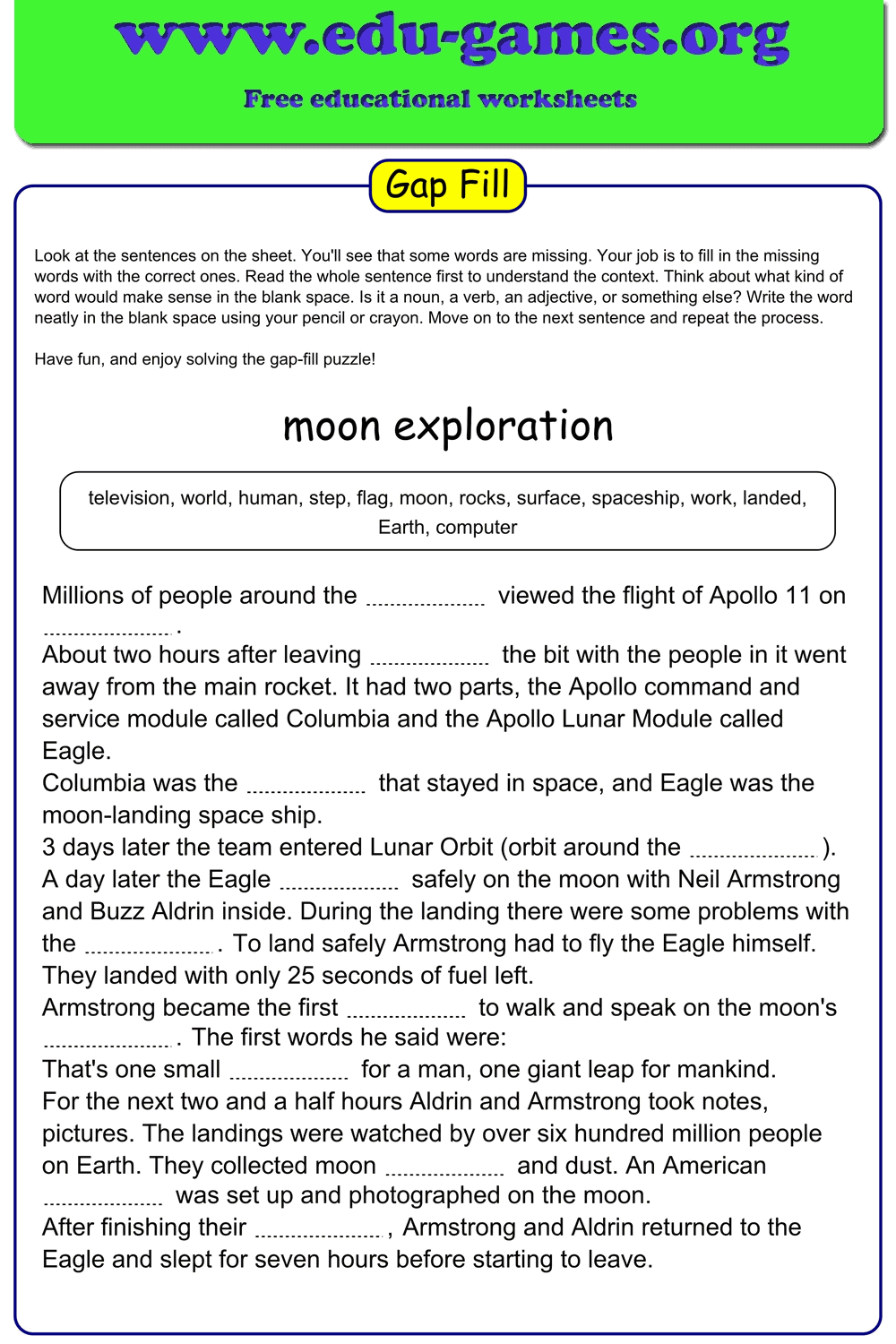
This gap fill generator gives ESL teachers precise control over every variable. Paste any reading text, dialogue, or grammar-focused passage, double-click the target words to remove them, then choose whether to provide a shuffled word bank, hide it entirely for a free-recall challenge, or reveal the first letter of each answer as a proficiency-appropriate hint. Download a print-ready PDF for classroom use or share a live online link for digital homework — no account, no setup.
Create Your Fill in the Gaps Worksheet
Membership is free.
How to Build an ESL Cloze Exercise
Turn any English text into a targeted cloze exercise in four steps.
1. Paste Your Reading Text or Dialogue
Copy any English passage into the editor — a graded reader excerpt, a news article, a grammar-focused sentence set, or a dialogue from your coursebook. The editor handles passages of any length.
2. Double-Click Target Language Items
Double-click any word to convert it into a gap. For vocabulary work, target the key content words in the passage. For grammar, click prepositions, auxiliary verbs, articles, or verb endings. Double-click the same word again to restore it.
3. Match the Word Bank to Your Students' Level
Choose Shuffled to give lower-proficiency students a randomised word list to draw from, Empty to challenge advanced learners with a pure recall task, or Lower case to remove capitalisation as an additional cue.
4. Configure Gap Length and Download
Use equal-length gaps to prevent word-length guessing, or word-length gaps for a visual cue. Enable Show first letter for lower-level groups. Then click Download PDF for a print-ready worksheet, or Create link to play online to share it digitally.
Why ESL Teachers Use This Gap Fill Generator
Take any authentic English text and turn it into a targeted vocabulary or grammar exercise — delivered as a print-ready PDF or a live online activity in under two minutes.
- Target language in context. Remove vocabulary items, collocations, prepositions, or verb forms from a real passage so learners encounter and practise the target language exactly where it occurs naturally.
- Use any authentic text. News articles, graded readers, dialogues, product descriptions, song lyrics — if it's written English, paste it in and build an exercise from it immediately.
- Differentiate for mixed-ability classes. Provide a shuffled word bank for A2–B1 groups, hide it for B2+, and toggle the first-letter hint on or off without regenerating the whole exercise.
- Dual delivery. Print a paper copy for a traditional lesson or share a live play link for digital homework, a flipped classroom task, or a remote learning session.
- Build a resource library. Save your cloze exercises to a free account and reuse or adapt them across classes, term groups, and exam preparation courses.
You Also Might Like
FAQ – Fill in the Gaps Generator & Gap Fill Maker
Which words should I remove for an ESL cloze exercise?
It depends on your learning objective. For vocabulary practice, target content words — nouns, verbs, adjectives. For grammar work, remove prepositions, articles, auxiliary verbs, or verb inflections. A commonly cited rule for standardised cloze tests is to delete every seventh word, but targeted deletion based on the lesson focus is usually more effective for ESL learners.How do I turn a word into a gap?
Double-click any word in the text editor to turn it into a gap. The word moves to the Word Bank automatically. Double-click the same word again to remove it from the gaps and restore it to the text.What word bank setting works best for lower-proficiency ESL students?
Use "Shuffled" — it provides all the missing words in a randomised list so students focus on recognising and placing the correct form, rather than recalling it cold. Remove the word bank entirely only once learners are confident with the target vocabulary.What does "All gaps have equal length" actually do?
This option makes every gap in the worksheet the same width — matching the longest word in the bank. Students cannot guess a word by counting the spaces, which works especially well for vocabulary lists where word lengths vary widely.Can I use authentic texts — news articles, dialogues, or graded readers — with this generator?
Yes. Paste any reading text — a news excerpt, a graded reader passage, a product description, or a scripted dialogue — and the generator works with it immediately. Authentic texts expose learners to natural English collocations and sentence patterns, reinforcing vocabulary in the kind of context they will encounter outside the classroom.How does "Show first letter in gaps" help ESL learners specifically?
For learners working on spelling and word form, the first-letter hint narrows down possibilities significantly — especially useful when target words share similar stems (e.g. "produce", "product", "production"). It is particularly effective at lower proficiency levels where complete recall is too demanding, and can be removed as learners progress.Can I generate a link so students complete the exercise online?
Yes. Click "Create link to play online" to generate a shareable URL. Students open the link in any browser and fill in the gaps digitally — useful for flipped classroom lessons, self-study homework, or remote sessions where printing is not practical.Share this free fill in the gaps generator with your friends