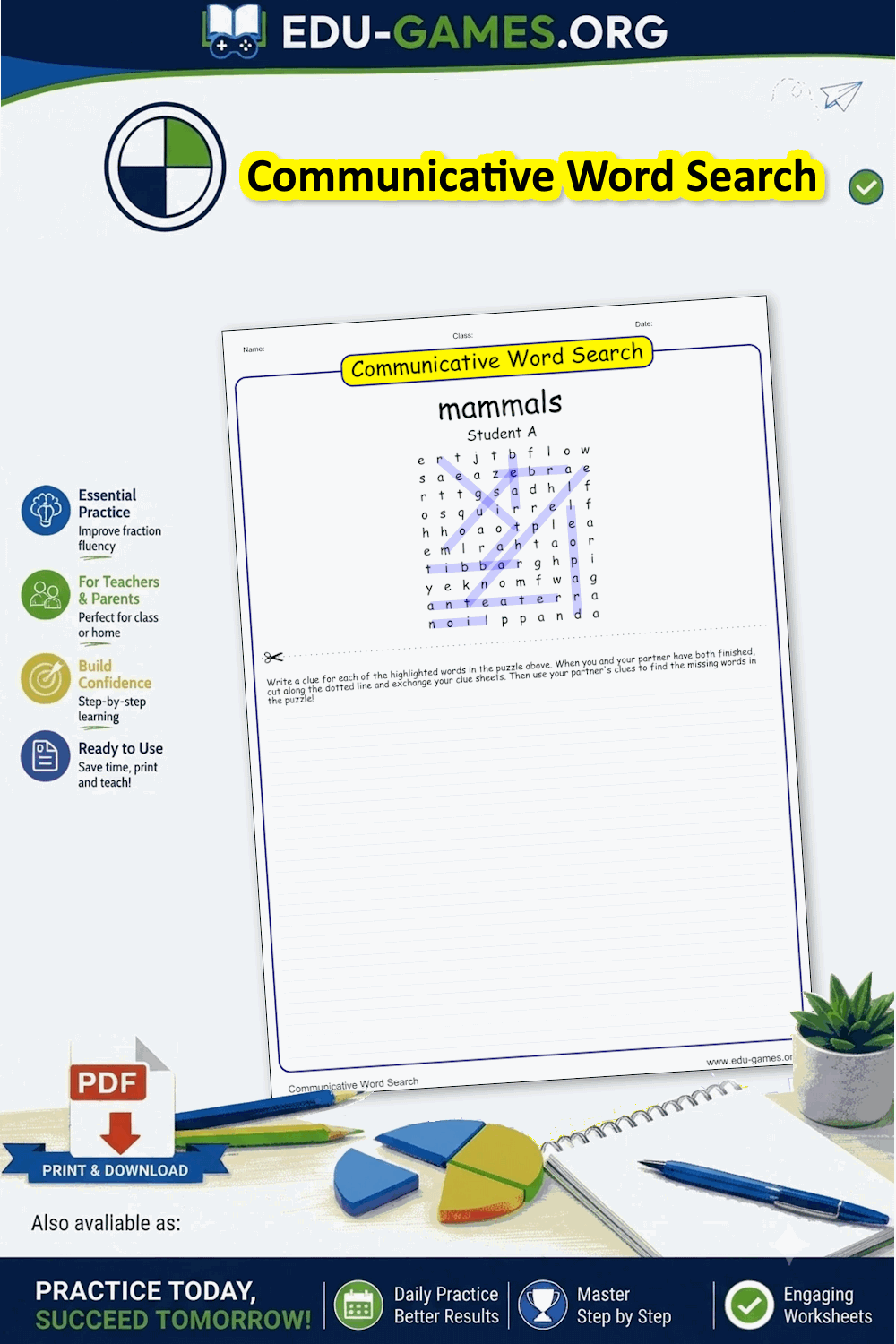
Free Communicative Word Search
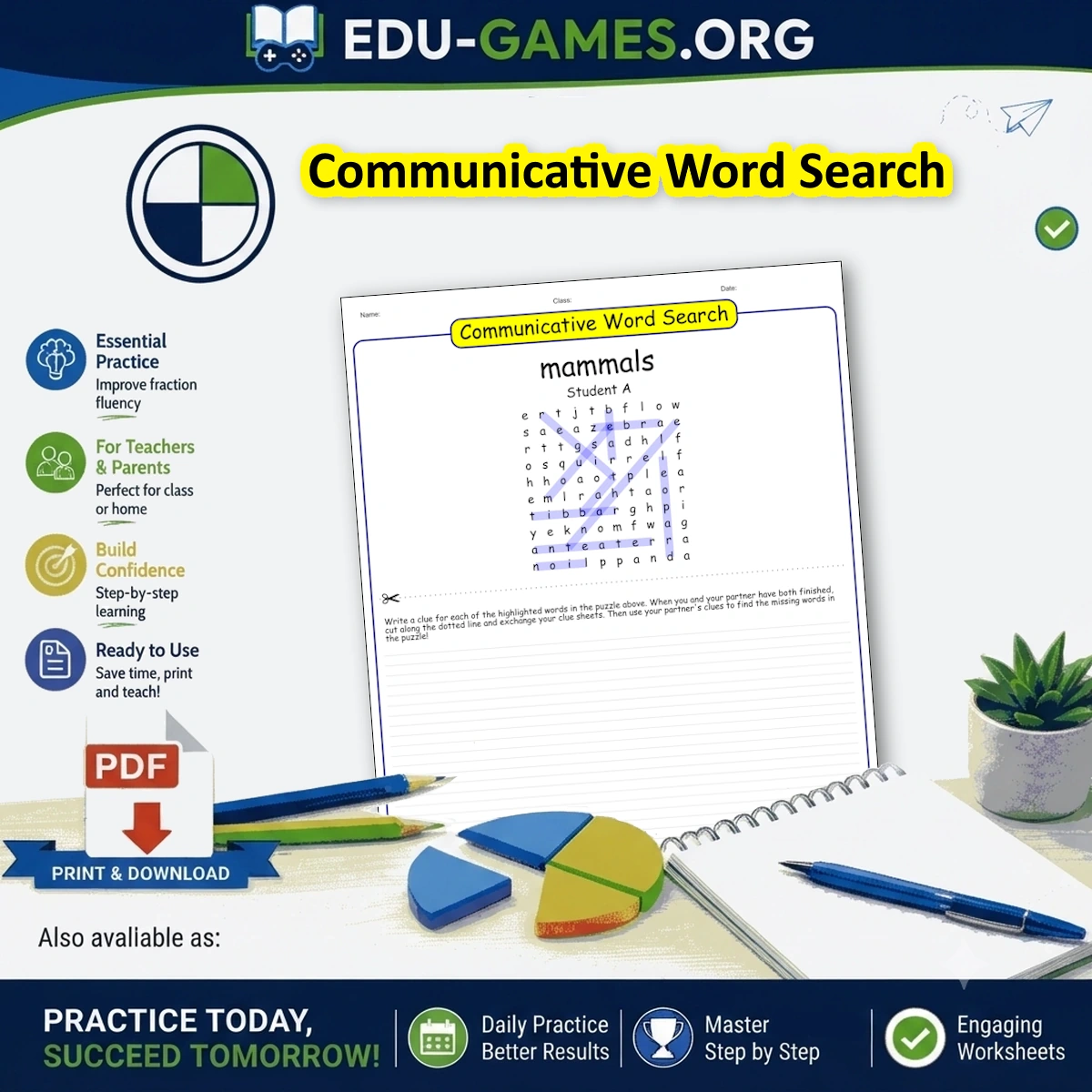
Both students get the same grid — but each has a different set of words already highlighted. They write clues for their own highlighted words, swap lists with their partner, and then search for the words they haven't seen yet. When both are done, they compare grids to check every word is found.
Used by teachers worldwide · Instant pdf download · No account required
Create your Communicative Word Search
Word search title:
Use capital letters:
Game Instructions:
How a Communicative Word Search Works
- Enter your word list — type your vocabulary words or upload an Excel file from a previous session.
- Generate the puzzle — click "Generate a New Word Search" to build the grid. Click again to reshuffle if you want a different layout.
- Print two copies per pair — download the PDF and print the puzzle page twice. The first half of the words is highlighted on one copy (Student A); the second half is highlighted on the other (Student B).
- Students write clues — each student writes a clue for every word that is highlighted on their own sheet. Their partner does the same on their copy.
- Swap clue lists — students exchange only their list of clues, not their grids. Now each student must find the words they have not yet seen highlighted in the grid.
- Find the words — using the partner's clues, each student searches for and circles the remaining words in their grid.
- Compare and check — when both students are done, they hold up their grids side by side and check that every word has been found.
Why Use Communicative Word Search in Class?
A standard word search is a recognition task — students scan for words they already see on a list. A communicative word search turns that around: students must think about meaning to write a clue their partner can actually use.
- Active production, not passive recognition — writing a clue forces students to retrieve and articulate the meaning of a word, which is a much deeper form of processing than simply spotting it in a grid.
- A genuine information gap — each student knows something the other does not, which creates a real reason to communicate. This is the same principle behind information-gap speaking tasks, but here it is built into a puzzle format.
- Four skills in one activity — reading the grid, writing the clue, reading the partner's clue, and speaking when comparing answers.
- Works for any vocabulary set — spelling lists, science or social studies units, foreign language vocabulary, or thematic topics all work equally well.
- Save the Excel file — click "Download Excel" to keep the word list. You can reload it into the Word Scramble Maker or Crossword Maker to practise the same vocabulary in a different format.
Tips for Running Communicative Word Search
- Choose the right word count — 16 to 24 words works best. Each student writes clues for 8 to 12 words, which keeps the activity focused. For younger students or short lessons, 10 to 14 words is enough.
- Decide the clue format in advance — definitions, first-language translations, gap-fill sentences, and picture descriptions all work. Pick one and model an example before students start so both partners use the same format.
- Set a time limit for clue writing — about five minutes keeps the activity moving. Students who finish early can add a second clue or a usage example.
- Close with a whole-class discussion — ask pairs to read out their favourite clue and say which words were hardest to find. It turns a paired task into a brief speaking activity for the whole group.
Frequently Asked Questions
How many words should a communicative word search have?
Between 16 and 24 words is ideal. Each student will have 8 to 12 words to write clues for, which is enough to make the clue-writing phase meaningful without taking too long. For younger students or shorter lessons, 10 to 14 words also works well.What kind of clues should students write?
The clue type depends on your learning goal. Common options are: a definition in English, a first-language translation (useful in EFL classes), a gap-fill sentence with the word missing, or a short description. Choose one type and model an example before students start so both partners use the same format.Does the PDF print separate sheets for Student A and Student B?
Yes. Clicking "Download the Word Search pdf" produces a PDF. Print the puzzle page twice — the generator highlights a different set of words on each copy so Student A and Student B automatically receive different halves of the word list.Can I use this activity with more than two students?
The standard version is designed for pairs. For larger groups, print multiple copies: pair students within a group of four by giving two students the Student A copy and two the Student B copy, then have them swap clue lists within their pair.Can I save my word list to reuse in other activities?
Yes. Use the "Download Excel" button to save your word list as a file. You can then upload it to other generators on this site — such as the Crossword Maker or Word Scramble Maker — to practise the same vocabulary in a different format.Share the Communicative Word Search with your friends