Free Reverse Word Search Maker
Your students place every word in the grid — you set the directions and click Generate. A harder twist on the classic word search, ready to print in seconds.
Used by teachers worldwide · Instant PDF download · No account required
Create your free reverse word search
 |
||
Membership is free.
How to Create Your Reverse Word Search
- Enter a title — name the puzzle so students know the vocabulary topic.
- Add your word list — type vocabulary words into the word list, or upload an Excel file from a previous session.
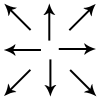
- Set word directions — use the direction grid to include or exclude horizontal, vertical, and diagonal placements. Fewer directions make the puzzle easier to solve.
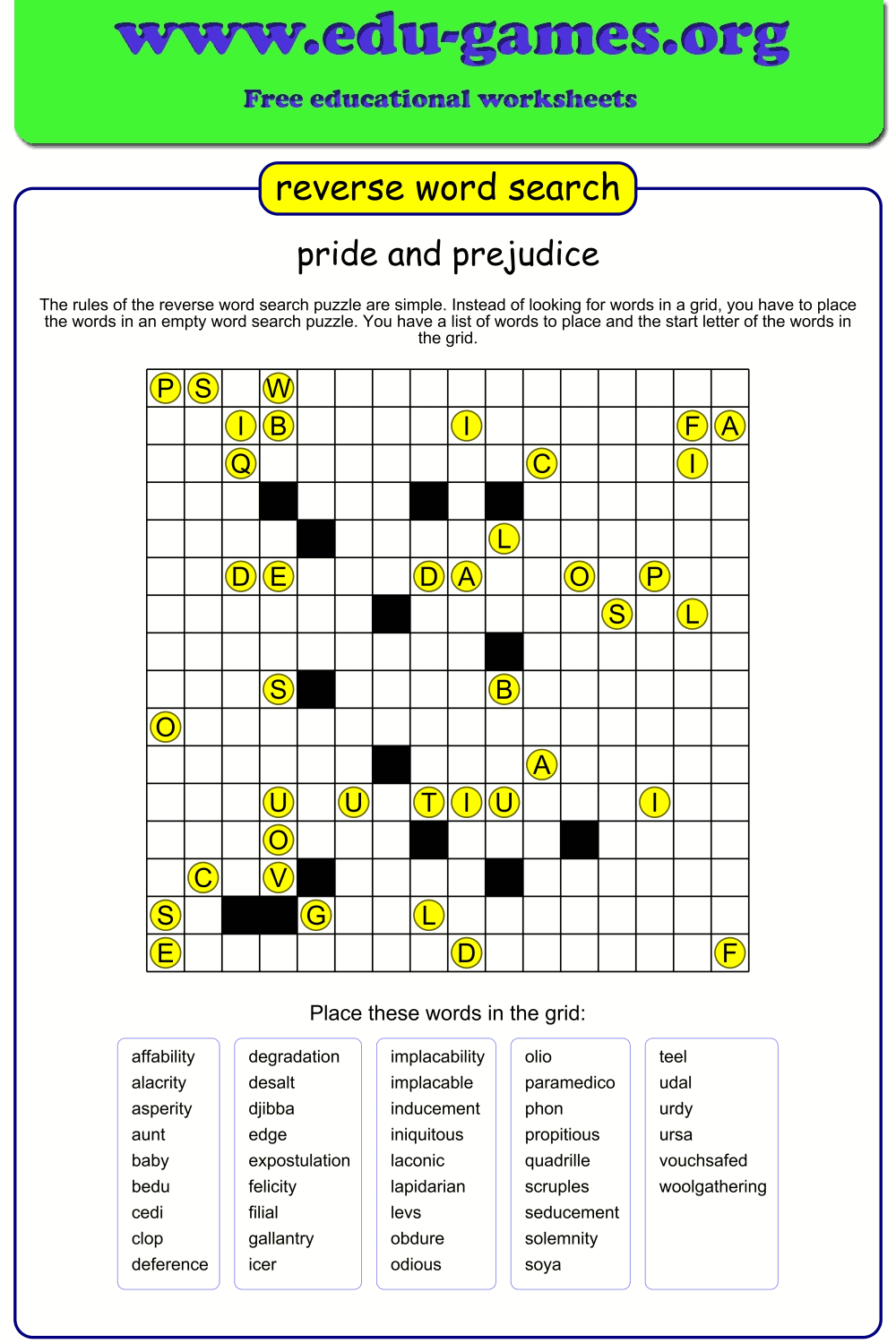
- Click "Generate" — the puzzle appears in the preview panel. Each word's starting letter is placed in the grid; the rest of each word is left blank for students to fill in.
- Too many empty cells? Click "Extra Words" to fill blank spaces with dictionary words. Right-click any extra word to remove it if it is not appropriate for your class.
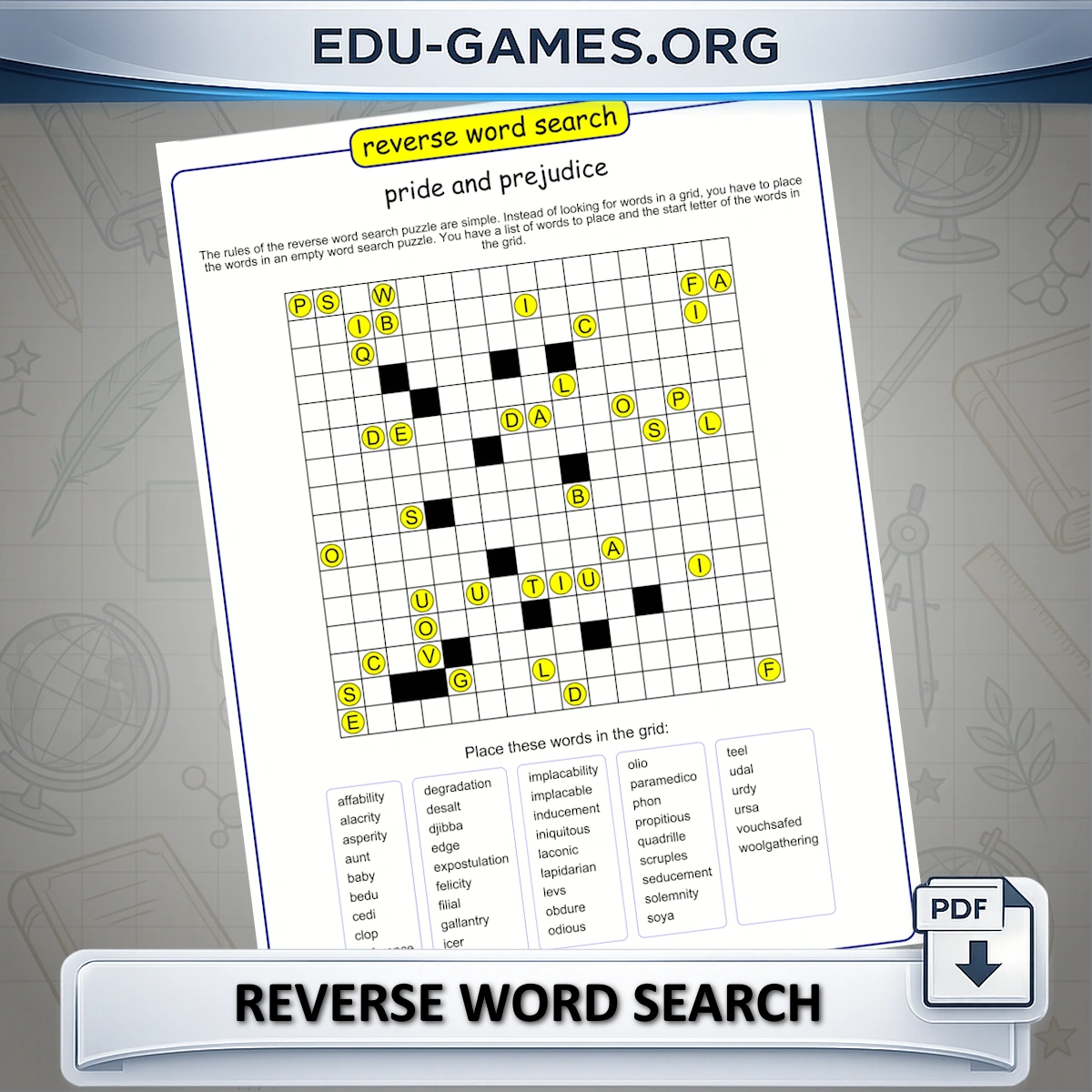
- Download the PDF — page one is the blank puzzle with starting letters only; page two is the full solution.
How Is Reverse Word Search Different — and Why Is It Harder?
In a standard word search, every word is already placed and students scan the grid to find it. In a reverse word search, the grid starts empty. The only clue is one starting letter per word, placed at its correct position. Students must work out which direction each word runs from that letter and place the remaining letters themselves.
This changes what the activity demands. Finding a word is a visual scanning task. Placing a word is a spelling and spatial reasoning task — students must know how the word is spelled, hold the direction in mind, and check that no conflicting letter blocks the path.
Classroom tips
- Use after spelling practice, not before — students need to know the spelling before they can place the word. Reverse word search works best as a consolidation activity, not an introduction. If you want a gentler first exposure to the same word list, start with the Word Search Maker — students find the words in a completed grid before they are asked to place them in an empty one.
- Restrict directions for new learners — unchecking the diagonal options reduces the number of paths to try and makes the placement task manageable for younger or less confident students.
- Check the extra words list before printing — the dictionary can occasionally suggest words that are unsuitable for your class. Right-click to remove any word before downloading the PDF.
- Use the solution page for peer correction — distribute page two to a second group or use it for self-marking after the activity.
Which Grade Level Is Reverse Word Search For?
Because students must spell each word correctly to place it, reverse word search suits students who already know the vocabulary — making it a consolidation tool rather than an introduction.
- Grade 3–4 — use horizontal and vertical directions only. Keep the word list short (6–10 words) and choose familiar vocabulary. The starting-letter hint provides enough scaffolding for most students at this level.
- Grade 5–6 — enable diagonal directions and increase the word count to 12–15. Subject-specific vocabulary (science, geography, history) works well because longer words are more distinctive, reducing the chance of placing a word in the wrong direction by accident.
- Grade 7 and up / ESL learners — use all eight directions with a larger word list. For ESL classes, placing words letter-by-letter is particularly valuable for vocabulary with irregular English spelling patterns.
Frequently Asked Questions
How is a reverse word search different from a regular word search?
In a regular word search, words are already placed in the grid and students find them. In a reverse word search, the grid starts empty except for one starting letter per word — students must place the words themselves, working out which direction each word runs from its starting letter.What do the letters already shown in the grid mean?
Each letter visible in the empty grid marks the starting position of one of your words. Students use these letters as anchors and figure out which direction — horizontal, vertical, or diagonal — their word runs from that point.What does the "Extra Words" button do?
Clicking "Extra Words" asks the generator to find additional words from its dictionary to fill empty cells in the grid. These fill words appear in a separate Extra words list and cannot be edited. To remove one, right-click it — it will be removed from both the list and the puzzle.Why can't all my words fit in the grid?
The grid size is based on the number and length of your words. If long words compete for the same cells, some may be skipped. Click "Generate a New Reverse Word Search" to reshuffle placements, or use "Extra Words" to fill remaining empty spaces.Does the PDF include a solution?
Yes. The downloaded PDF contains the blank puzzle on the first page — with only starting letters visible — and a solution page showing all words placed in full, so you can check student work quickly.Share the Reverse Word Search maker with your friends