Create Your Word Scramble Puzzle with Clues
Word scramble title:
Use capital letters:
Degree of difficulty:
| 1% | 50% | 100% |
Instructions:
Include solution page
Paper format:
This option is only for members.Membership is free.
Puzzle management
?
How to Use the Word Scramble with Clues Maker
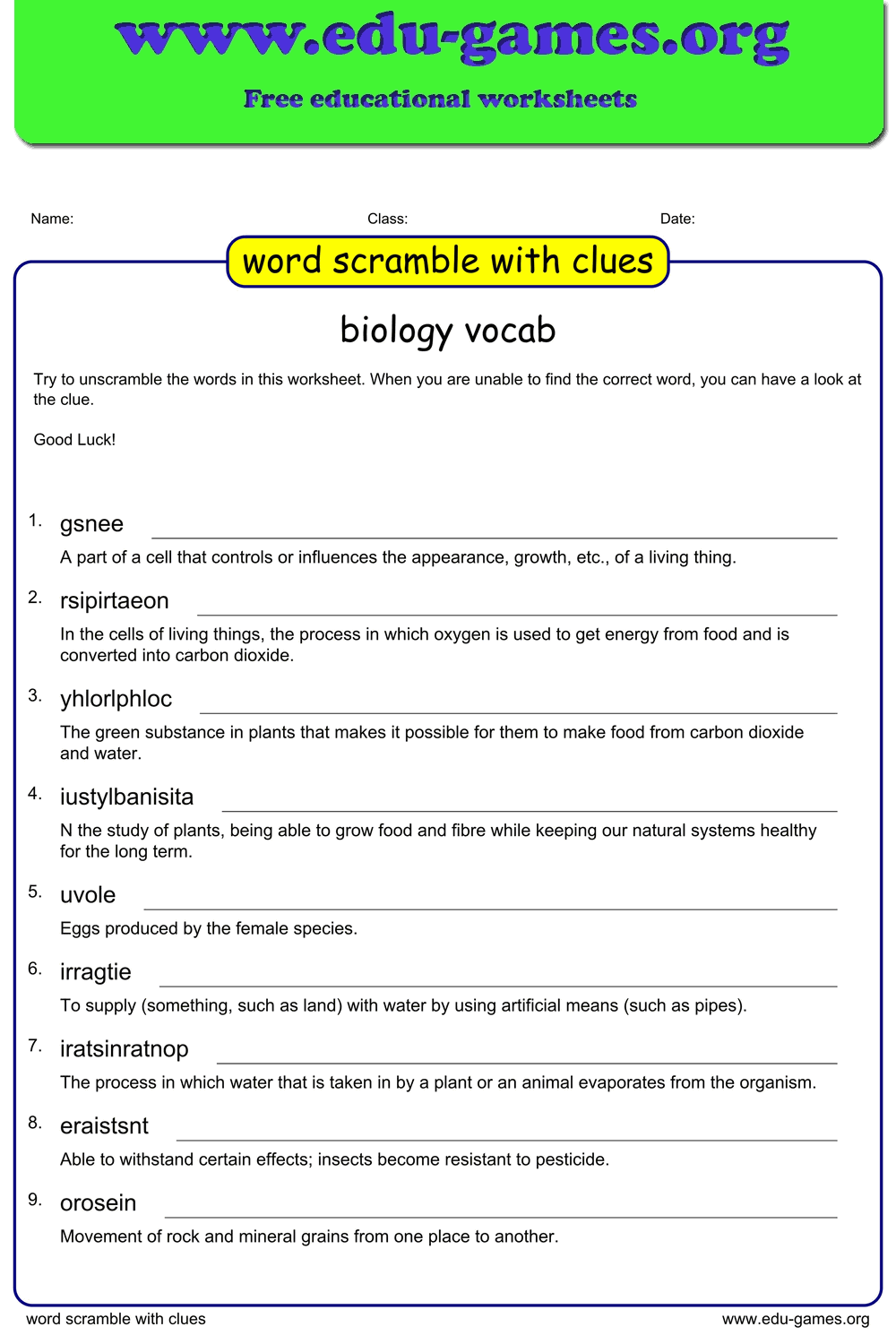
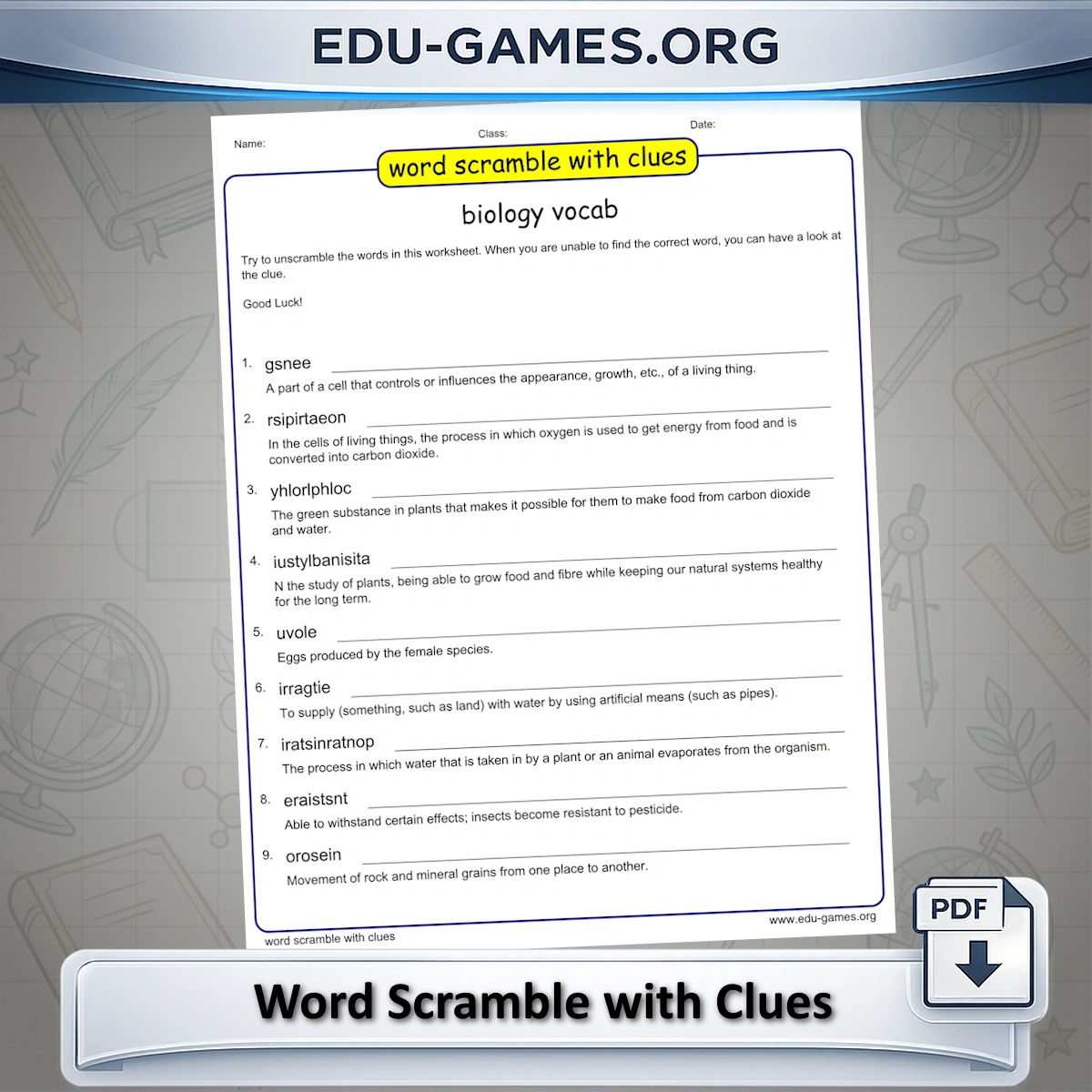
- Load or enter words — select a pre-built puzzle from the website or type your own words into the word list. Add a clue beside each word to give students a hint.
- Set the difficulty — drag the slider to decide what percentage of letters will be scrambled. At the lowest setting only a quarter of the letters move; at 100% all letters are shuffled.
- Choose capitalisation — tick "Use Capital Letters" to print the scrambled words in upper case, which makes the puzzle easier to read for younger students.
- Re-scramble individual words — if a scrambled word accidentally reads as another real word, right-click it in the scrambled column to re-scramble that entry only.
- Download the PDF — click "Scramble All Words" to finalise the layout, then download the PDF to print and hand out immediately.
Why Use Word Scramble Worksheets with Clues?
Adding clues to a word scramble turns a straightforward letter-sorting exercise into a vocabulary activity. Students must activate word meaning before they can confirm their answer, which deepens engagement with new vocabulary compared to a plain scramble.
- Vocabulary recall — the clue prompts students to retrieve the target word from memory before they verify it by unscrambling, reinforcing the word–meaning connection.
- Differentiation — stronger students can attempt the scramble first and use the clue as a check; struggling students can lean on the clue from the start. The same worksheet works for both groups.
- Topic flexibility — build worksheets around any subject vocabulary: spelling lists, science terms, social studies words, or seasonal themes.
- Quick to set up — enter your word list, add short clues, and the PDF is ready in under a minute without any design work.
Share this free word scramble with clues maker