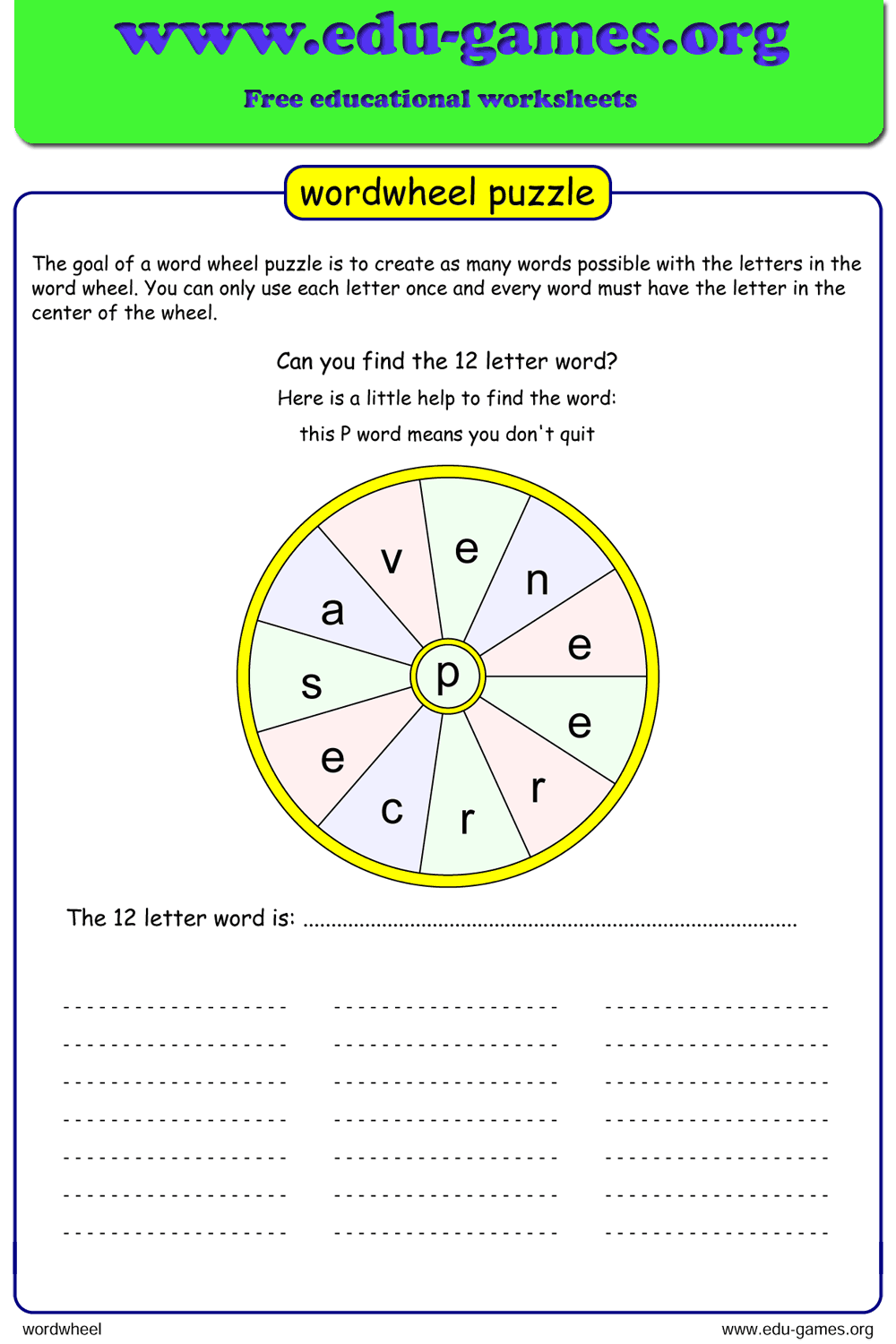
Free Word Wheel Puzzle Maker — Printable Worksheets with Answers
Create your own printable word wheel puzzle for classroom use. Type any word, choose a center letter, and download a ready-to-print PDF with an answer sheet included.
Used by teachers worldwide · Instant PDF download · No account required
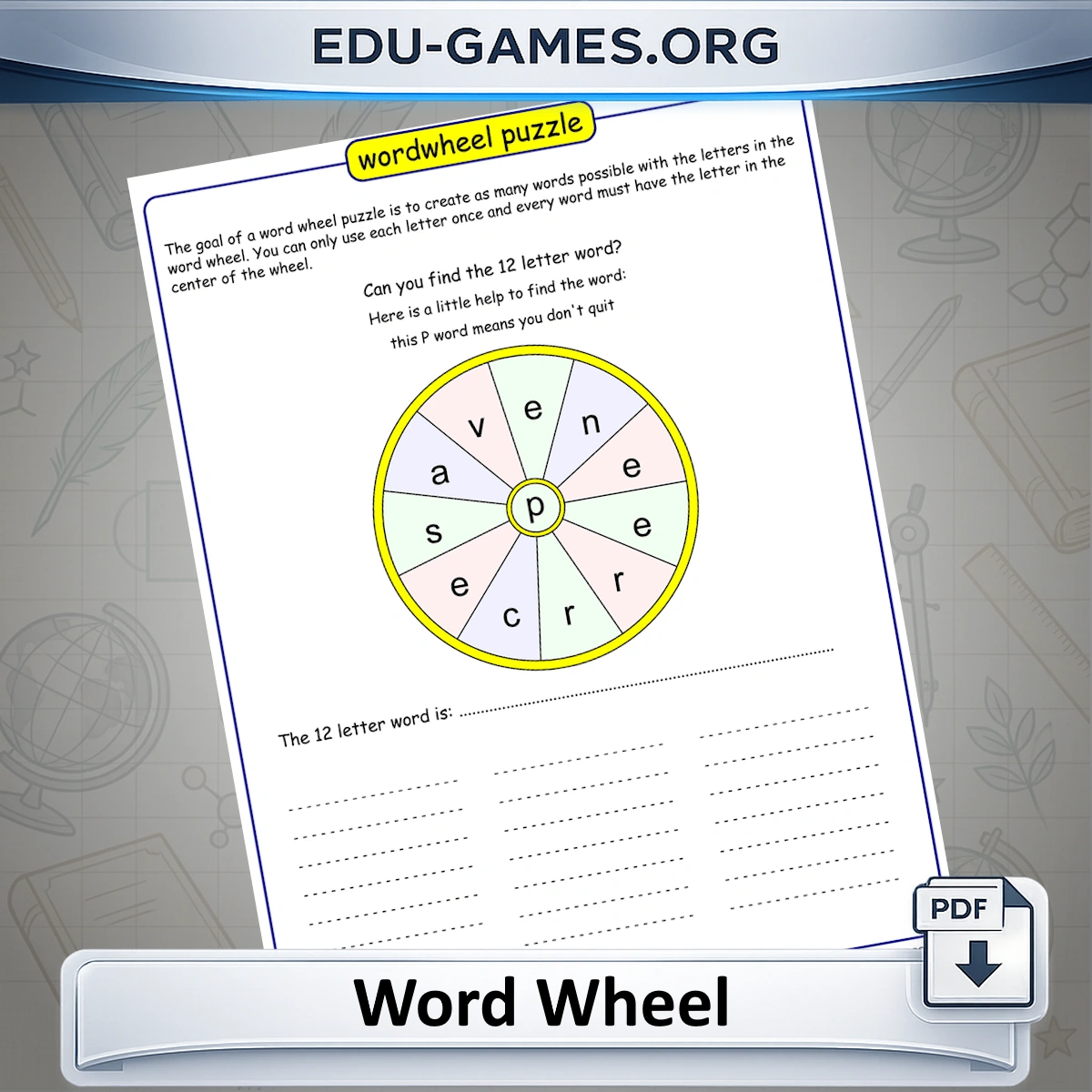
Create a Word Wheel Puzzle
Word Wheel Puzzles by Word Length
Click any button to load a random word of that length — no typing required.
About the Word Wheel Puzzle Maker
Create your own printable word wheel with this free online worksheet maker. Every day a new word wheel is available, but it is very easy to create your own puzzle. Just type your word in the Word Wheel Word input box — while you type the wheel will be created. If you need inspiration, pick a puzzle from the list or choose a word from the built-in dictionary. You can give your students a clue for the word wheel word. Pick a letter to place in the center of the wheel — all the words your students find must contain this center letter. You can also customize the game description, which will be printed on the worksheet.
Word Wheel Rules
Word wheel puzzles are not only fun to do, but also extremely helpful in the classroom. The rules are simple: make as many words as you can from the letters in the word wheel, and every word must contain the letter in the center of the wheel. The online word wheel maker comes with a dictionary you can browse for inspiration. The worksheets come with an answer sheet listing all words that can be formed with the letters from the puzzle. For more printable letter-puzzle formats, see the word scramble maker and the word search maker.
Why Use Word Wheel Puzzles in the Classroom?
Word wheel puzzles are deceptively simple to set up but remarkably effective as a learning tool. Because every word must contain the center letter, students are pushed to think laterally — they cannot just scan for familiar words; they have to work systematically through combinations. This makes the puzzle especially useful for:
- Vocabulary building: Students encounter and form words they would not normally produce in free writing, expanding their active word bank. For definition-led vocabulary work, the crossword maker pairs naturally with a word wheel unit.
- Spelling reinforcement: Physically assembling letter combinations cements correct spelling patterns far more durably than rote repetition.
- Pattern recognition: Searching the wheel trains students to spot common prefixes, suffixes, and letter clusters — skills that transfer directly to reading fluency.
- Differentiated challenge: A 3×3-style 8-letter puzzle suits younger learners; a 14-letter word keeps advanced students engaged. Both formats print cleanly on a single sheet.
- Low prep, high engagement: Generate a curriculum-specific puzzle in under a minute — no photocopier queue required once you have the PDF.
Because the puzzle is fully customizable, a single tool covers spelling lists, thematic vocabulary units, end-of-unit reviews, and early-finisher extension tasks without any extra preparation. Pair it with the word fit puzzle for students who are ready to take the same vocabulary set further.
How to Create a Word Wheel Puzzle
Follow these four steps to generate and download your Word Wheel worksheet. Or skip step 1 entirely — click one of the letter-count buttons in the puzzle list below to load a random word of that length automatically.
- Type your word. Enter any word in the Word Wheel Word field. The circular wheel updates instantly as you type so you can preview the layout before downloading.
- Choose the center letter. Use the Center Letter drop-down to pick which letter sits in the middle. Every word students find must contain this letter — a common vowel like E or A usually gives the most answers.
- Add a clue (optional). Type a hint for the main word in the Clue box at the bottom of the controls. The clue is printed on the worksheet so students know what they are searching for.
- Download the PDF. Click Download the Word Wheel Puzzle to save a print-ready file. The PDF includes the puzzle page and a complete answer sheet listing every valid word that can be formed from the wheel.
FAQ for the Word Wheel Puzzle Maker
What happens if I do not type a word — will the generator still create a puzzle?
Yes. If you leave the word field empty and click generate, the maker picks a random word from the built-in dictionary and builds a wheel from it automatically.What is the center letter rule in a Word Wheel puzzle?
Every valid word a student submits must contain the center letter of the wheel. Words that do not use the center letter are not counted, so choosing a common vowel or frequently used consonant as the center tends to produce more possible answers.How many words can typically be found in a Word Wheel puzzle?
It depends on the chosen word and which letter is placed in the center. An 8-letter word with a common center letter such as E or A can yield between 30 and 80 valid words, including the target word itself.Can I provide a clue for the main word?
Yes. There is a Clue field in the generator. Whatever you type there is printed on the worksheet, giving students a hint about the target word without revealing it.Does the PDF include an answer sheet?
Yes. The downloaded PDF contains the puzzle page followed by a separate answer page listing all valid words that can be formed from the wheel letters, including the center letter.Can I change the center letter after the wheel has been built?
Yes. The Center Letter drop-down stays active after the wheel is generated. Changing it instantly updates both the wheel layout and the answer list, so you can compare which center letter gives students the most words before you download.Can students play the word wheel puzzle online, or is it print-only?
Both options are available. The Download button produces a print-ready PDF with an answer sheet. The Play Word Wheel Online button creates a shareable link so students can solve the same puzzle on screen without printing anything.Share the Word Wheel Puzzle Maker with your friends