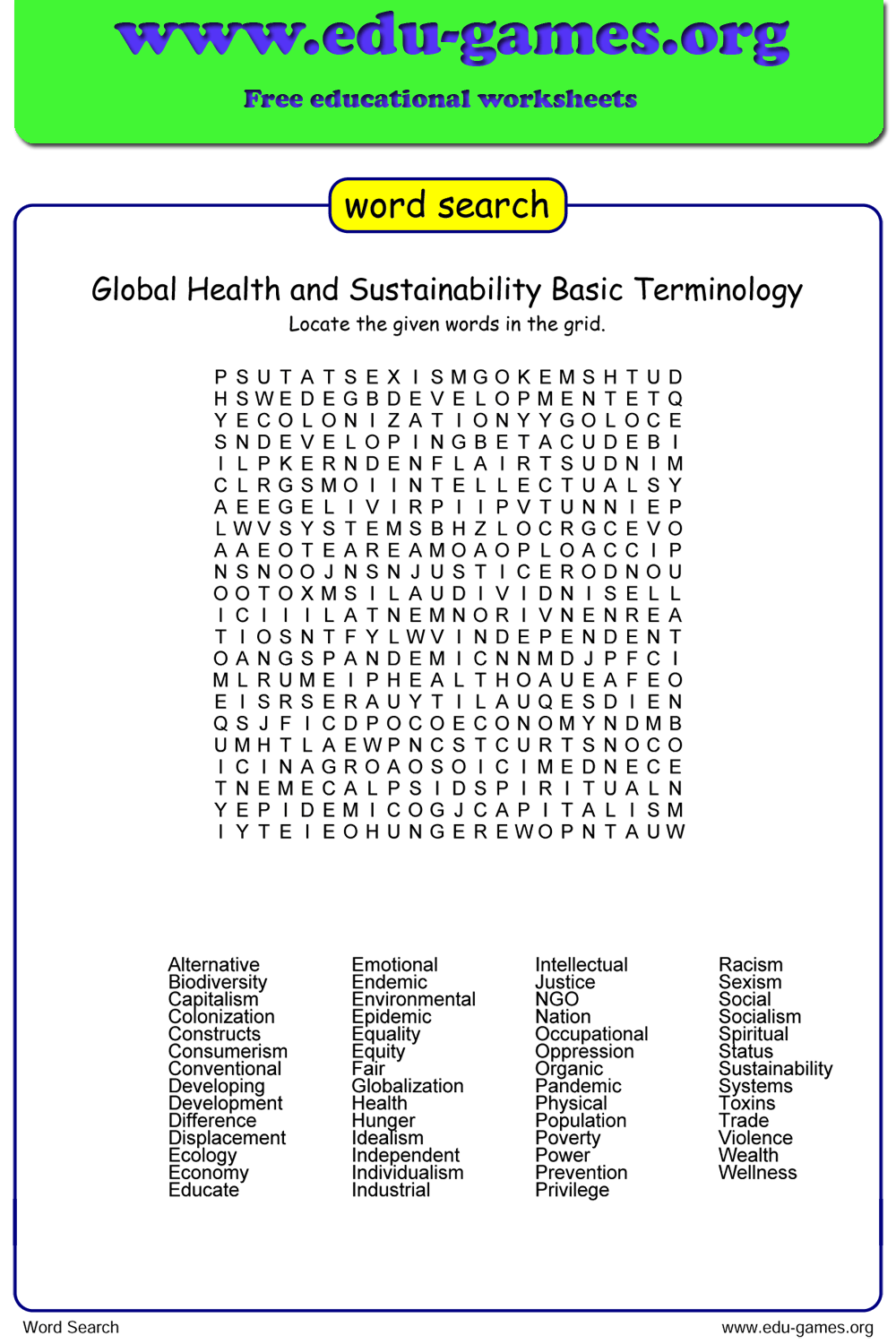
Free Word Search Generator
Type your word list, click Generate, and print. Your students spend ten focused minutes hunting every hidden word — you get ten minutes of quiet to use however you like.
Used by teachers worldwide · Instant PDF download · No account required
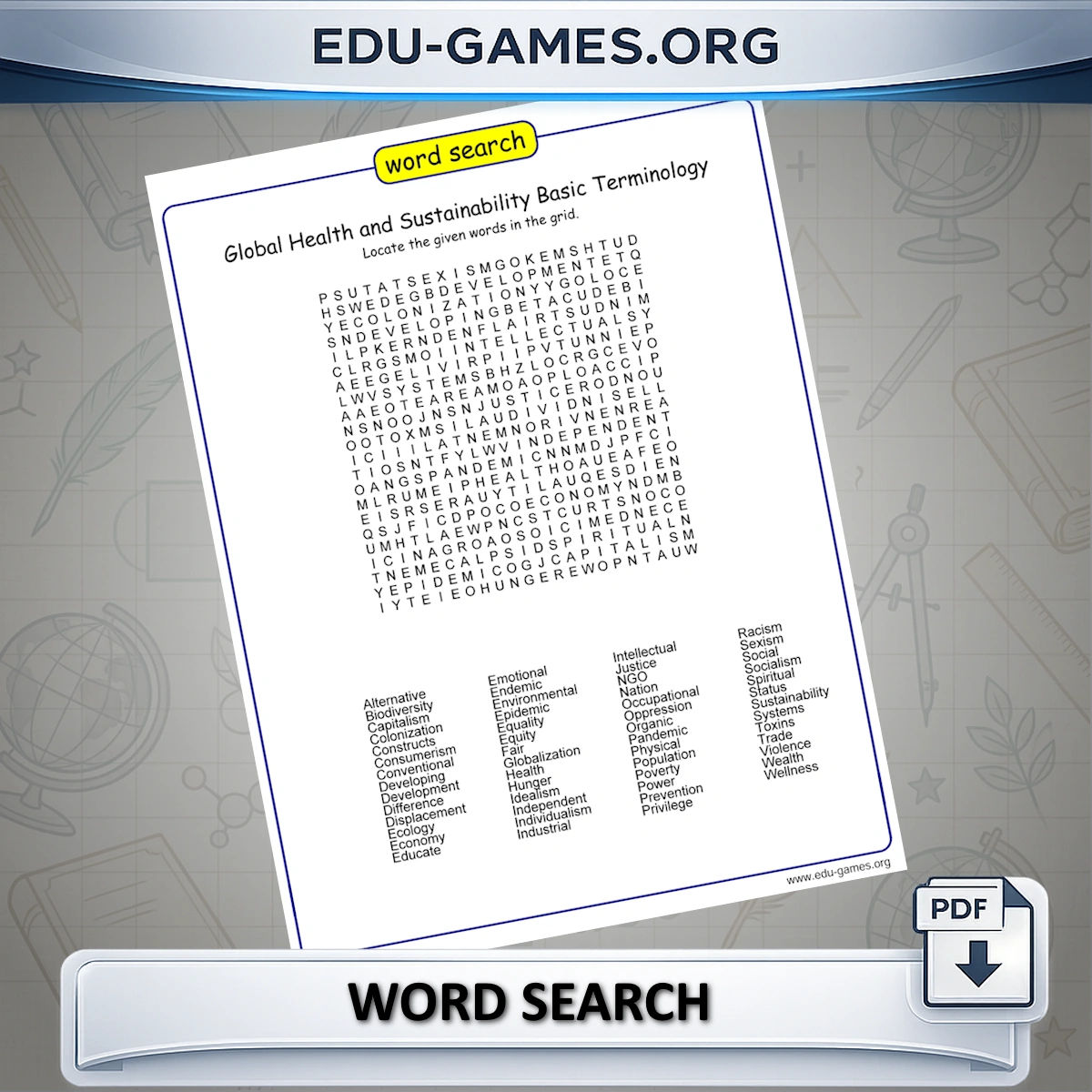
Create your own word search
Word search title:
Use capital letters:
Game Instructions:
How to Use the Word Search Generator
- Enter your word list — type your own vocabulary words or choose a preset topic from the dropdown.
- Set the directions — use the direction grid to include or exclude horizontal, vertical, and diagonal placements. Uncheck diagonals to simplify for younger students.
- Choose capitalisation — tick "Use capital letters" to force uppercase throughout, or leave it unchecked for standard mixed case.
- Click "Generate" — the puzzle appears in the preview panel immediately.
- Not happy with the layout? Click again to reshuffle word positions and refill empty cells with new random letters.
- Download the PDF — the file contains the puzzle on page one and a full solution with all words highlighted on page two.
Which Vocabulary Topics Work Best for Word Search?
Word search is most effective when the words are already partially familiar — students recognise the meaning but need to cement the spelling. It is less useful for brand-new vocabulary, where students don't yet know what they're scanning for.
- Weekly spelling lists — finding a word letter-by-letter in a grid reinforces correct spelling better than simply reading it.
- Science and social studies units — long topic words like photosynthesis, evaporation, or constitution are ideal: the length makes them satisfying to find and hard to mistake for a random sequence.
- Foreign language vocabulary — a Spanish–English or French–English word list gives students extra exposure to the target-language spelling.
- Seasonal and thematic fun — holidays, sports, animals, or book characters keep engagement high when you want a low-stakes activity.
Classroom tips
- Use at the start of a unit, not the end — spotting a word in a grid builds visual familiarity before students encounter it in reading. It works better as a preview than a review.
- Timed rounds build fluency — give the full time the first week, then reduce it by 30 seconds each session. Students who can find words quickly have moved from recognition to recall.
- Students build for each other — have students submit their own word lists, generate a puzzle for a classmate, and swap. It turns vocabulary selection into a thinking task, not just a passive search.
- Save the Excel file — click "Download Excel" to keep the word list. You can reload it into the Word Scramble Maker or Crossword Maker to practise the same vocabulary in a different format.
Which Grade Level Is Word Search For?
The direction controls let you tune difficulty without changing the word list, so the same topic vocabulary can work across two or three grade levels.
- Grade 2–3 — uncheck all diagonal directions and leave only horizontal and vertical. Use short CVC words or sight words (3–6 letters). Students focus on left-to-right and top-to-bottom scanning, which reinforces the same directionality they practise in reading.
- Grade 4–5 — enable diagonals and increase word count to 12–18. This is the sweet spot for science and social studies topic vocabulary. Mixed-case letters add a small extra challenge without increasing cognitive load significantly.
- Grade 6 and up / ESL learners — enable all eight directions and tick "Use capital letters" for maximum difficulty. Longer academic vocabulary words (8+ letters) are particularly well-suited because their length makes them harder to spot and easier to confirm once found.
Frequently Asked Questions
How do I control the difficulty of the puzzle?
Use the direction checkboxes on the left panel. For simpler puzzles (great for younger students), uncheck the diagonal options. For a harder challenge, enable all eight directions and mix upper and lower case letters using the Capitalisation checkbox.Does the downloaded PDF include a solution?
Yes. Clicking "Download the Word Search pdf" produces a PDF with the puzzle grid on the first page and a solution page showing all the hidden words highlighted — ready to print on A4 or Letter paper.What if I don't like the generated layout?
Click "Generate a New Word Search" again. The maker reshuffles the word positions and fills the remaining cells with new random letters each time, so you can keep generating until you find a layout you're happy with.Can I save my word list to reuse in other games?
Yes. Use the "Download Excel" button to save your word list as a file. You can then upload it to other generators on this site — such as the Crossword Maker or Word Scramble Maker — to practise the same vocabulary in different formats.How do I share the puzzle for students to play online?
Click "Create link to play online". This generates a unique URL you can send by email or post in your class platform. Students open it in their browser and solve the puzzle on screen — no printing or account needed.Share the Word Search generator with your friends