Free Printable Adding Madness Worksheet Maker
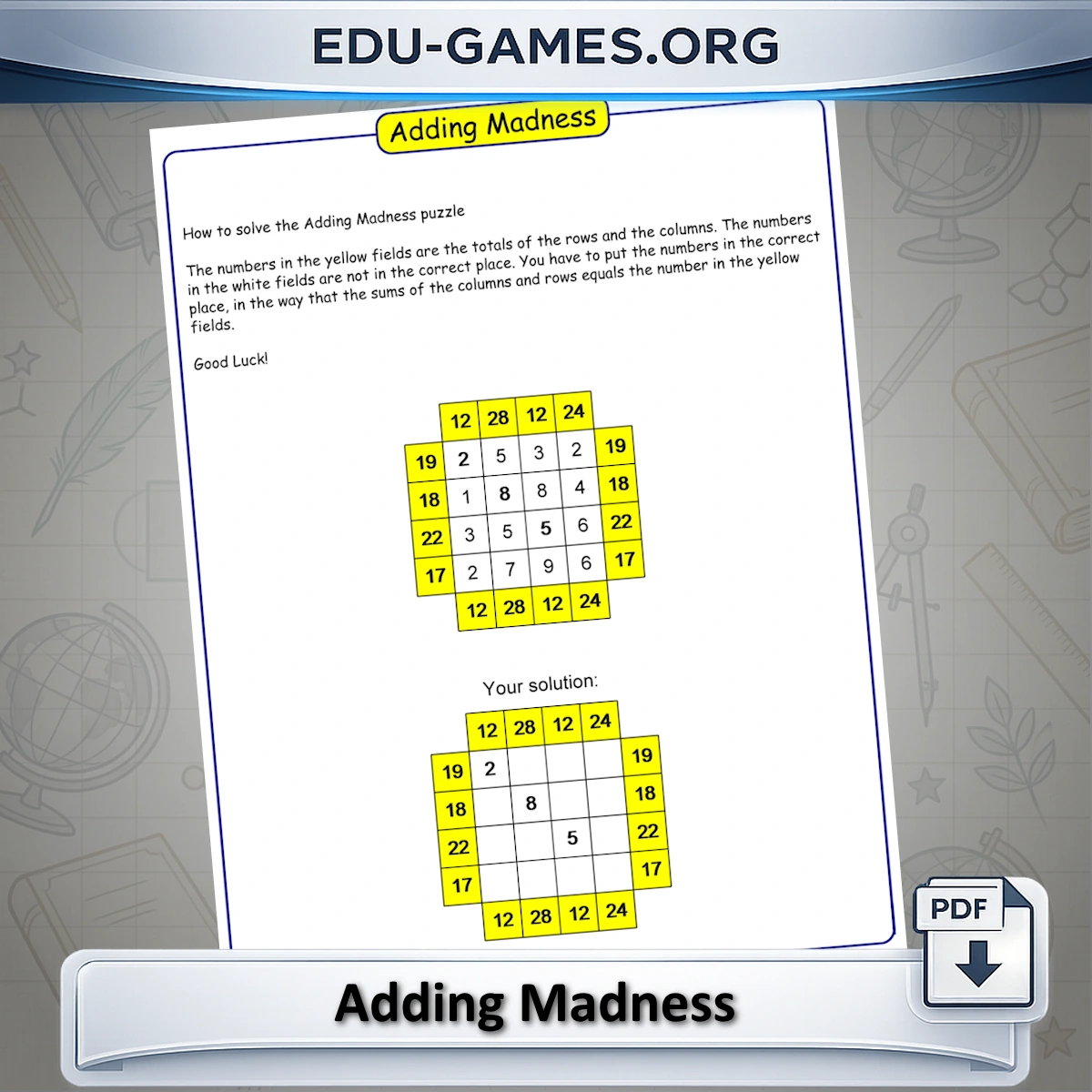
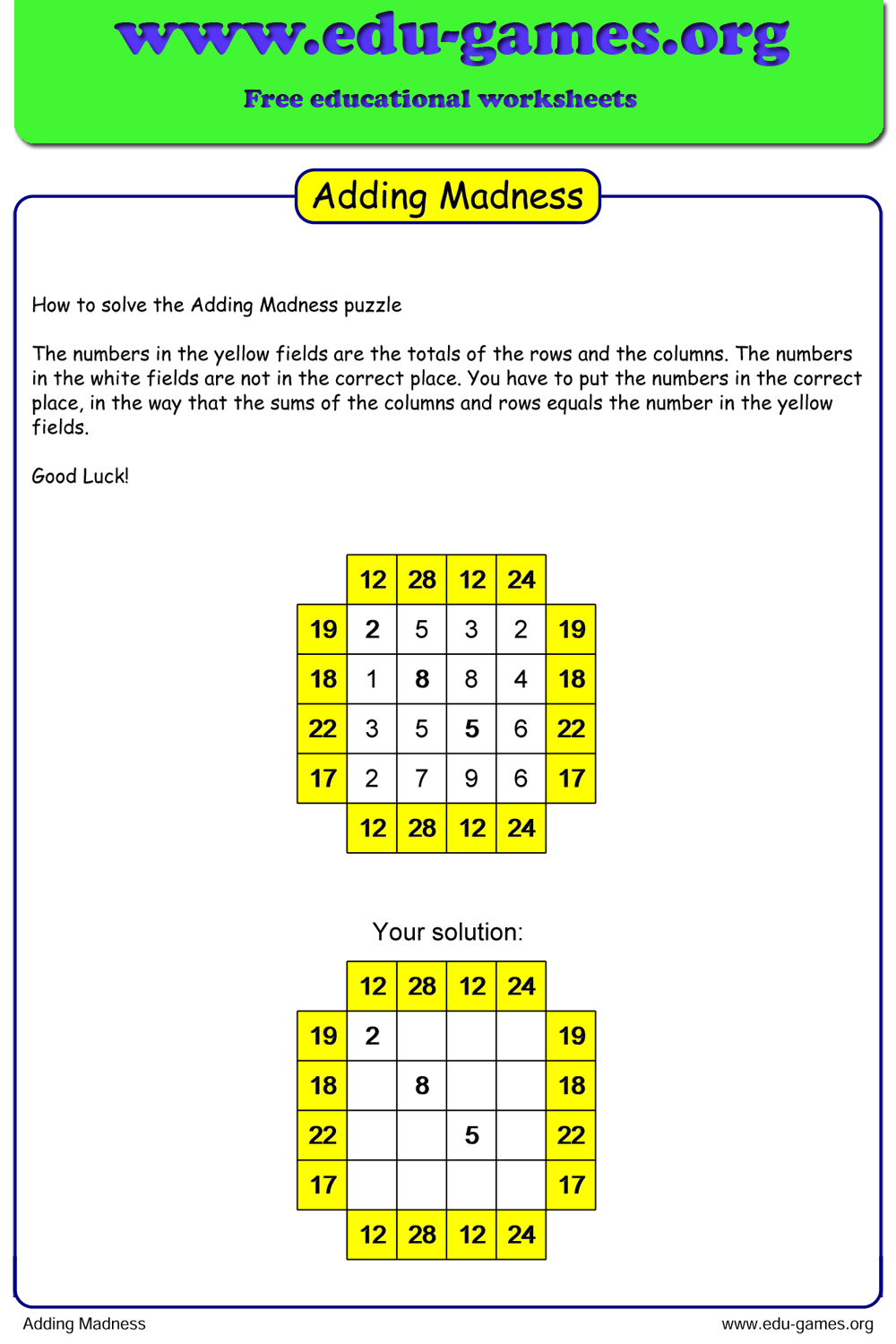
Generate free printable Adding Madness worksheets — students rearrange scrambled numbers in a grid so every row and column total matches the target. Choose grid size, max value, and difficulty, then download an unlimited number of unique PDF worksheets. No account needed.
1.7M+ worksheets downloaded · Instant PDF download · No account required
Create your Adding Madness worksheet
How to Use the Adding Madness Worksheet Generator
- Choose a grid size — select 3×3, 4×4, or 5×5 from the dropdown. A larger grid means more numbers to rearrange and a harder puzzle.
- Set the Max value — enter the highest number that can appear in the grid. A lower max value (e.g. 6) keeps totals small and accessible; a higher value raises the sums and the challenge.
- Set the Number of visible fields — decide how many numbers are pre-placed correctly in light blue cells. Fewer visible fields means fewer starting hints and a more difficult puzzle.
- Edit the instructions text — the text in the Instructions box appears on the printed worksheet. You can translate it, simplify the wording, or add your own classroom notes.
- Click Create — a unique puzzle is generated instantly and displayed in the preview on the right.
- Download the PDF — click the Download button to save the worksheet as a print-ready PDF. Use the Solution button to produce a matching answer sheet.
Why Use Adding Madness Worksheets?
Adding Madness combines addition practice with logical reasoning. Students do not simply calculate a given sum — they must figure out where each number belongs so that every row and column reaches the correct total. This dual demand builds number sense and problem-solving skills that a standard addition drill cannot replicate.
The puzzle is self-differentiating: a 3×3 grid with small numbers works for early primary pupils who are still mastering single-digit addition, while a 5×5 grid with large values provides a meaningful challenge for older students. By adjusting three settings, the same tool serves a classroom of mixed abilities.
Because the generator produces a different puzzle every click, you can create unique worksheets for every student, eliminating the possibility of copying. There is no preparation time: open the page, choose your settings, and download.
Share this free Adding Madness worksheet maker
Adding Madness Worksheet Maker — FAQ
What do the yellow, light blue, and white cells each mean?
Yellow cells show the target total for that row or column — they are never blank. Light blue cells contain numbers that are already in the correct position and cannot be moved. White cells hold numbers that are placed incorrectly; these are the ones you need to rearrange until every row and column reaches its yellow total.How does "Number of visible fields" change the difficulty?
"Number of visible fields" sets how many numbers are pre-placed correctly in light blue cells. Set it high (close to the grid size) to give students plenty of anchors and an easier puzzle; set it to 0 to remove all hints and produce the hardest possible challenge where every number must be positioned from scratch.Can the same number appear more than once in a single puzzle?
Yes. The puzzle is generated from a pool of numbers whose total matches the grid requirements, and duplicates are allowed. This means a 4×4 grid might contain two or more cells with the value 3, for example. Students cannot assume all numbers are unique, which adds an extra layer of logical reasoning to the rearrangement.What grid size and max value work best for different grade levels?
A 3×3 grid with a max value of 6 is well-suited to grades 2–3, where students are building single-digit addition fluency. A 4×4 grid with a max value of 9 suits grades 3–5 and is the default setting. A 5×5 grid with a max value of 15 or higher provides a challenging workout for grades 5–6 and beyond.Does clicking Create always produce a different puzzle?
Yes. Every click on the Create button generates a new randomised arrangement of numbers, so you can produce a different worksheet for every student in the class. The combination of grid size, max value, and number of visible fields gives you a very large number of unique puzzles even at the same settings.Related Math Worksheet Generators
Explore more free tools for generating customisable math worksheets, including addition grids, number patterns, missing numbers worksheets, and other engaging puzzles.
- Magic Squares — arrange numbers in a grid so every row, column, and diagonal adds up to the same total.
- Math Squares — fill in the missing numbers so that each row and column equation balances correctly.
- Rullo puzzle — toggle numbers on or off so the remaining visible numbers in each row and column reach the target sum.