Free Printable Balance the Scale Worksheet Generator
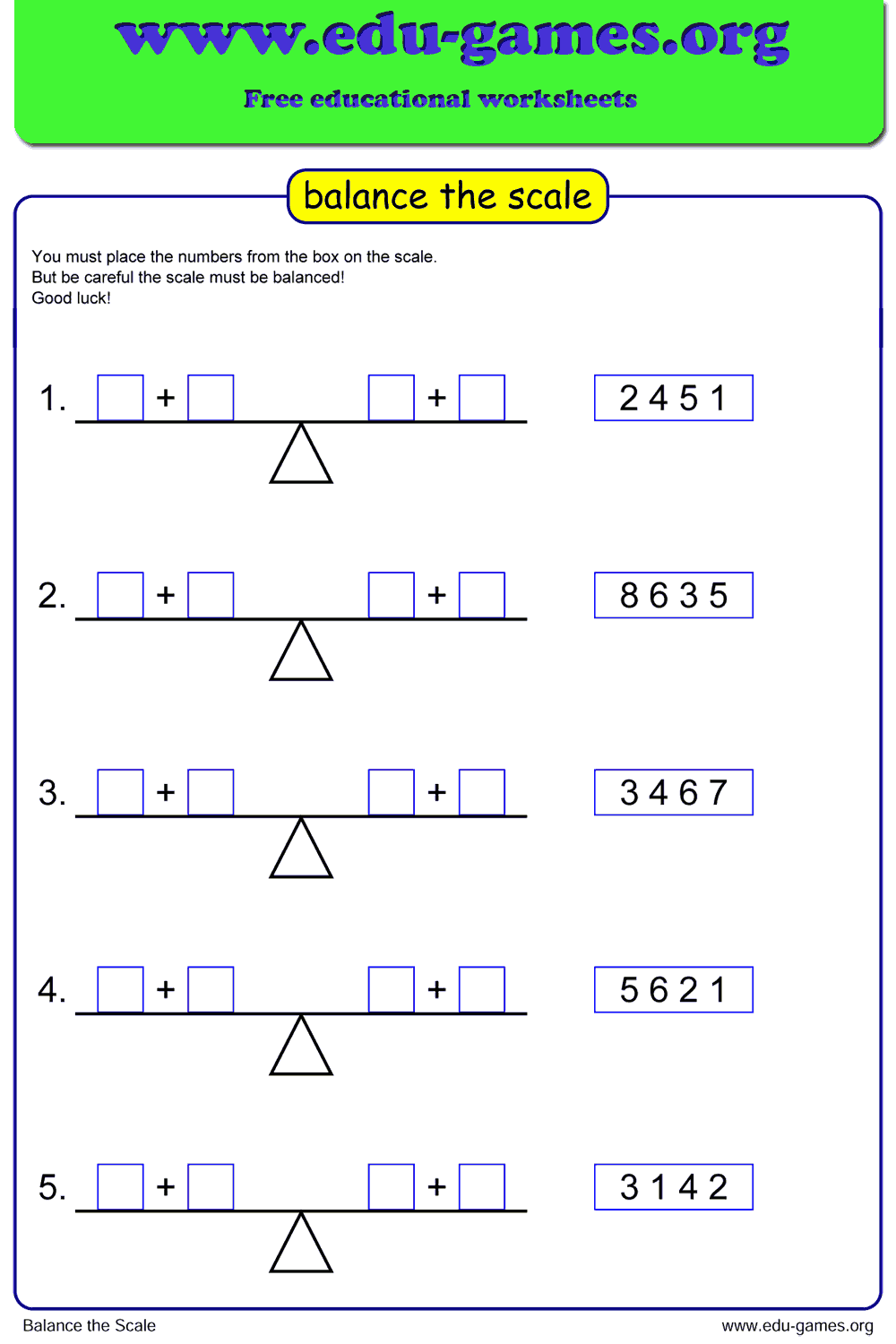
Place numbers on both sides of the scale so the sums are equal — a hands-on introduction to balanced equations for grades 1–3. Customize the instructions, preview the puzzle, and download a printable PDF in seconds.
Used by thousands of teachers · Instant PDF download · No account required
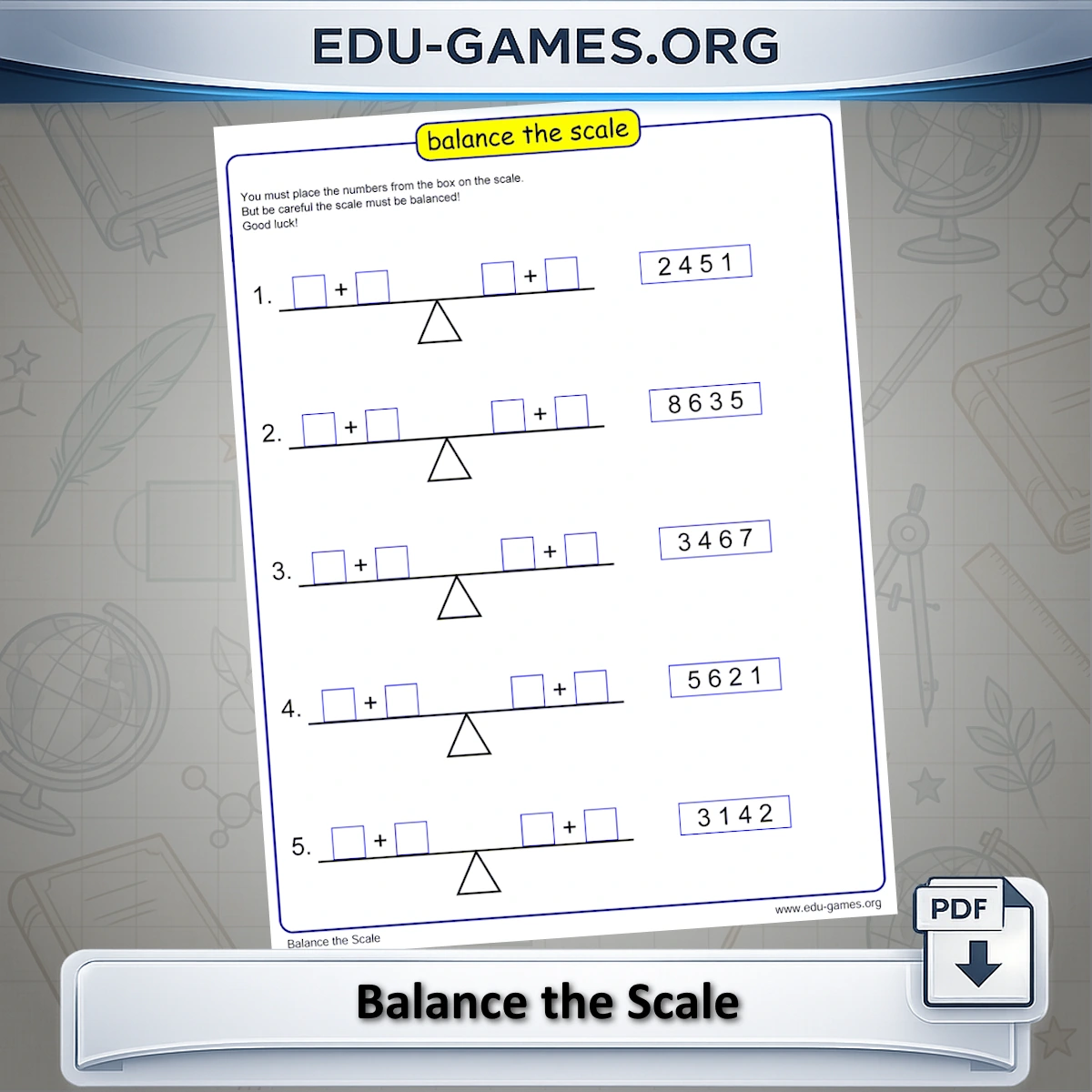
Create your balance the scale worksheet.
How to use the balance the scale worksheet generator
- Edit the instructions. The text in the instructions box is printed on every worksheet. Rewrite it in simpler language for Grade 1, or translate it for bilingual classrooms — the change appears immediately in the preview.
- Click "Create" to generate a new balance-the-scale puzzle. A fresh set of numbers and a target sum are selected automatically, and the empty scale appears in the preview on the right.
- Check the preview on the right side of the screen. The canvas shows exactly what will be printed, including the numbers box and the scale diagram.
- Use "Solution" to reveal the correct number placement in the preview. Enable the solution-page option to include a separate answer page in the download.
- Download the PDF and print. The worksheet is ready to hand out immediately — no account or login required.
Why use the balance the scale worksheet?
Balance the scale is a student's first encounter with the idea that an equation has two equal sides — the core concept behind all algebra. Rather than writing 3 + 4 = 2 + 5 in the abstract, students interact with a visual scale, which makes equality concrete and memorable. Research consistently shows that visual models accelerate understanding of symbolic notation for students in grades 1–3.
The puzzle format develops logical thinking alongside arithmetic. Students cannot simply place numbers at random; they must reason about which combination will produce matching totals on both pans. This makes the activity suitable for mixed-ability classes: faster students can be challenged to find multiple valid placements, while others focus on finding one correct solution.
Because worksheets are generated dynamically, every download is different. Teachers can assign fresh puzzles every session without ever running out of material — and without any prep time beyond a single click.
Frequently Asked Questions
Can I edit the game instructions text before downloading?
Yes. The instructions text box at the top of the settings panel is fully editable. Whatever you type there is printed directly on the worksheet, so you can simplify the wording for younger students or translate it into another language.What does the Solution button do?
Clicking Solution fills in the correct number placement directly in the preview on the right. You can use it to verify the puzzle before printing, or print a separate solution page by enabling the solution-page option.How do students know their placement is correct?
The puzzle is balanced when the sum of all numbers placed on the left side of the scale equals the sum on the right side. Students can check by adding up the numbers on each pan — if the totals match, the scale is balanced.Are all generated puzzles unique?
Yes. Each time you click Create, the generator picks a fresh set of numbers and a new target sum, so you can download an unlimited number of different worksheets for the same class.Share this free balance the scale worksheet generator