Free Printable Connect Four Math Card Generator
Turn math fact practice into a game. Generate printable Connect Four cards for addition or multiplication, choose 2 or 3 dice, print unique cards for every student, and play — no account needed.
Used by teachers worldwide · Instant PDF download · No account required
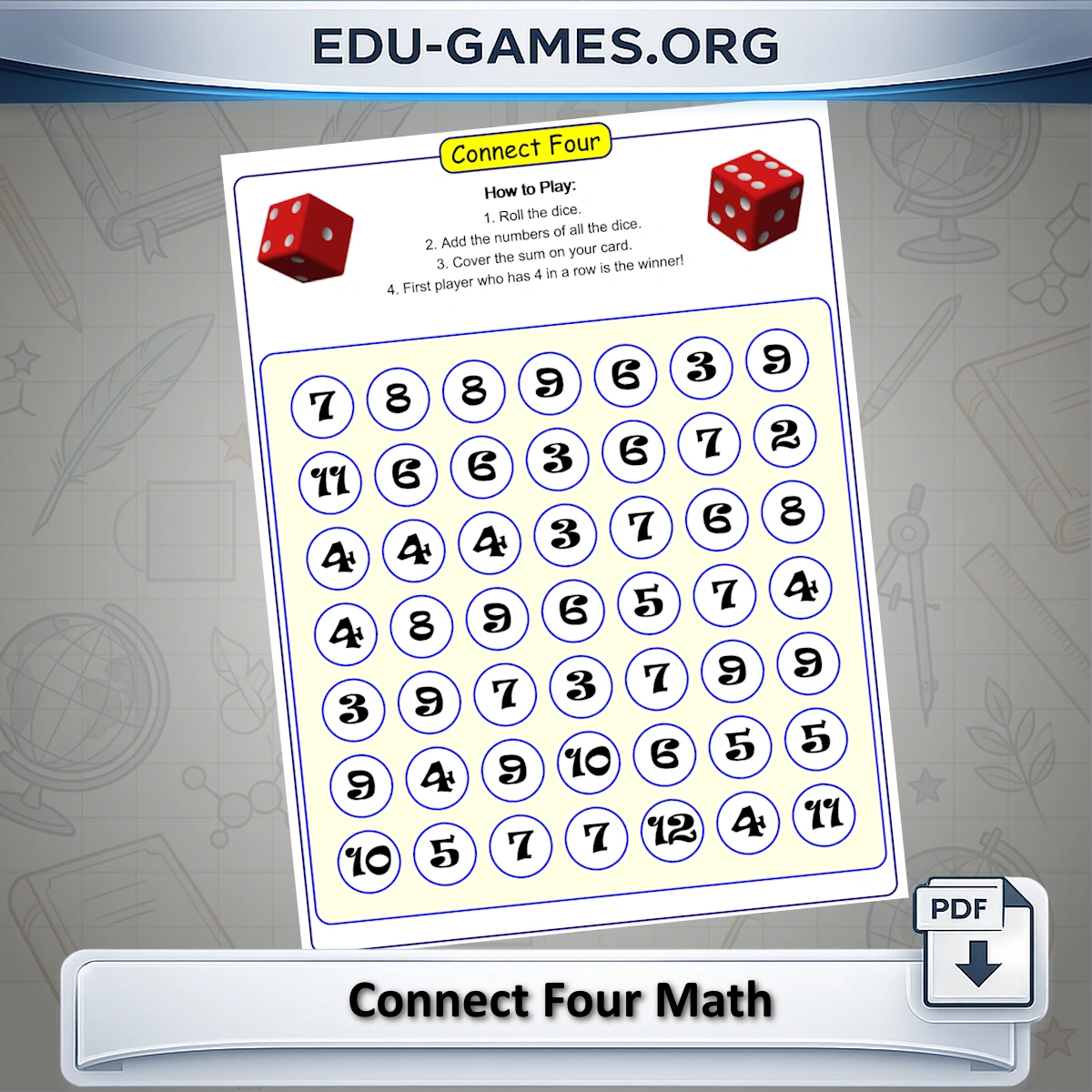
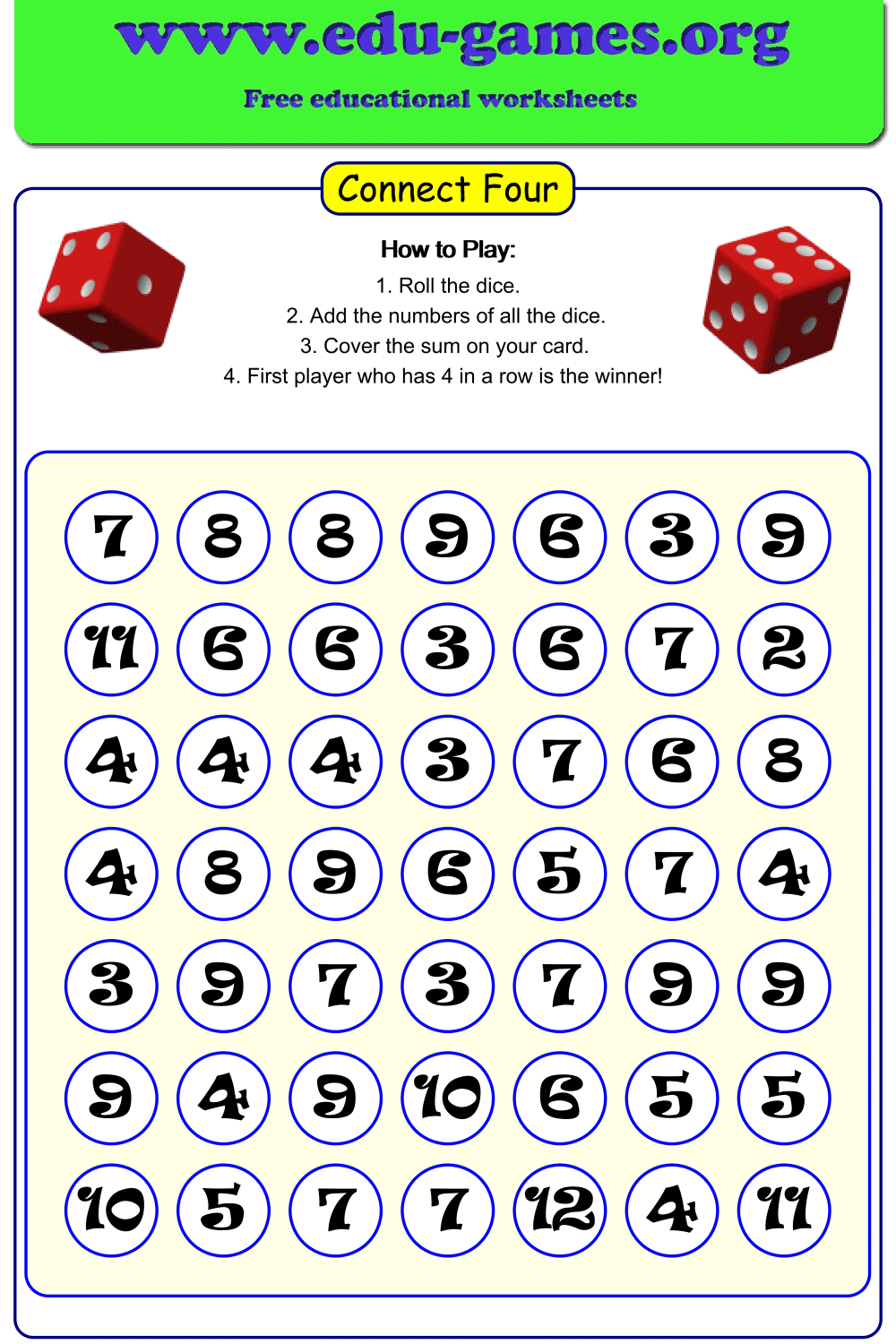
Create your Connect Four [Addition and Multiplication] worksheet.
How to use the Connect Four math card generator
- Choose Adding or Multiplying. Select the operator that matches your lesson goal. Adding is suited to Grade 1–3 students practising sums; Multiplying targets Grade 3–5 students working on times tables.
- Set the number of dice. Two dice produce sums up to 12 (or products up to 36). Three dice raise the ceiling and spread results across more values, increasing the game length and difficulty.
- Enter the number of cards. Type how many unique cards you need. Each card has a different layout, so every student in a group gets their own board.
- Click "Create" to generate the cards and preview them on the right.
- Download the PDF and print. Hand one card and a set of coloured tokens to each pair of players, along with the correct number of dice.
About Connect Four Math — Addition and Multiplication
Are you looking for a fun and engaging way to boost your elementary schooler's math skills? Look no further! Our Connect Four Math game is here to make learning arithmetic an exciting adventure. It comes in two flavors: Addition and Multiplication.
Where Math Meets Play
Imagine combining the classic game of Connect Four with math practice. That's exactly what we've done! Our innovative educational platform brings you a free worksheet generator that transforms math practice into an enjoyable challenge.
1. Hand out one Connect Four card to each pair of players. Give them 2 or 3 dice (depending on the game) and colored tokens for each player.
Rules for Connect Four Addition
2. On each turn, a player rolls the dice and adds up the numbers.3. The player checks their card to see if the total from the dice is available (i.e., not already covered).
- If the number is free, the player covers it with one of their colored tokens.
- If the number is not on the card or is already covered, the player's turn ends, and it moves to the other player.
4. Players take turns until one of them gets four tokens of their color in a row—either horizontally, vertically, or diagonally.
5. If no one achieves four in a row and the card is full, the game ends in a tie.
Rules for Connect Four Multiplication
2. On each turn, a player rolls the dice and multiply numbers.3. The player checks their card to see if the product from the dice is available (i.e., not already covered).
- If the number is free, the player covers it with one of their colored tokens.
- If the number is not on the card or is already covered, the player's turn ends, and it moves to the other player.
4. Players take turns until one of them gets four tokens of their color in a row—either horizontally, vertically, or diagonally.
5. If no one achieves four in a row and the card is full, the game ends in a tie.
Frequently Asked Questions
What changes when I switch from Adding to Multiplying mode?
In Adding mode, players roll the dice and add the numbers; the card is filled with possible sums. In Multiplying mode, players multiply the dice values; the card shows possible products instead. Switching modes generates a completely different grid of numbers, so you need separate cards for each mode.What does choosing 3 dice instead of 2 do?
With 2 dice the possible sums range from 2 to 12, which keeps the numbers manageable for Grade 1–2 students. Adding a third die raises the maximum sum to 18 and spreads outcomes more evenly across higher numbers, making the game better suited to Grade 3 and above.What does the "number of cards" setting control?
It sets how many unique game cards are included in the downloaded PDF. Each card has a different arrangement of numbers, so players in the same group can each have their own card without seeing identical layouts.Can the same number appear more than once on a Connect Four card?
Yes. The same number can appear in multiple cells on a card. However, on each turn a player may only cover one cell, even if the rolled result matches several cells on their card. This keeps the game strategic — repeated numbers do not give a player a guaranteed advantage on a single turn.Share this free Connect Four math card generator