About the Time Calculations Worksheet
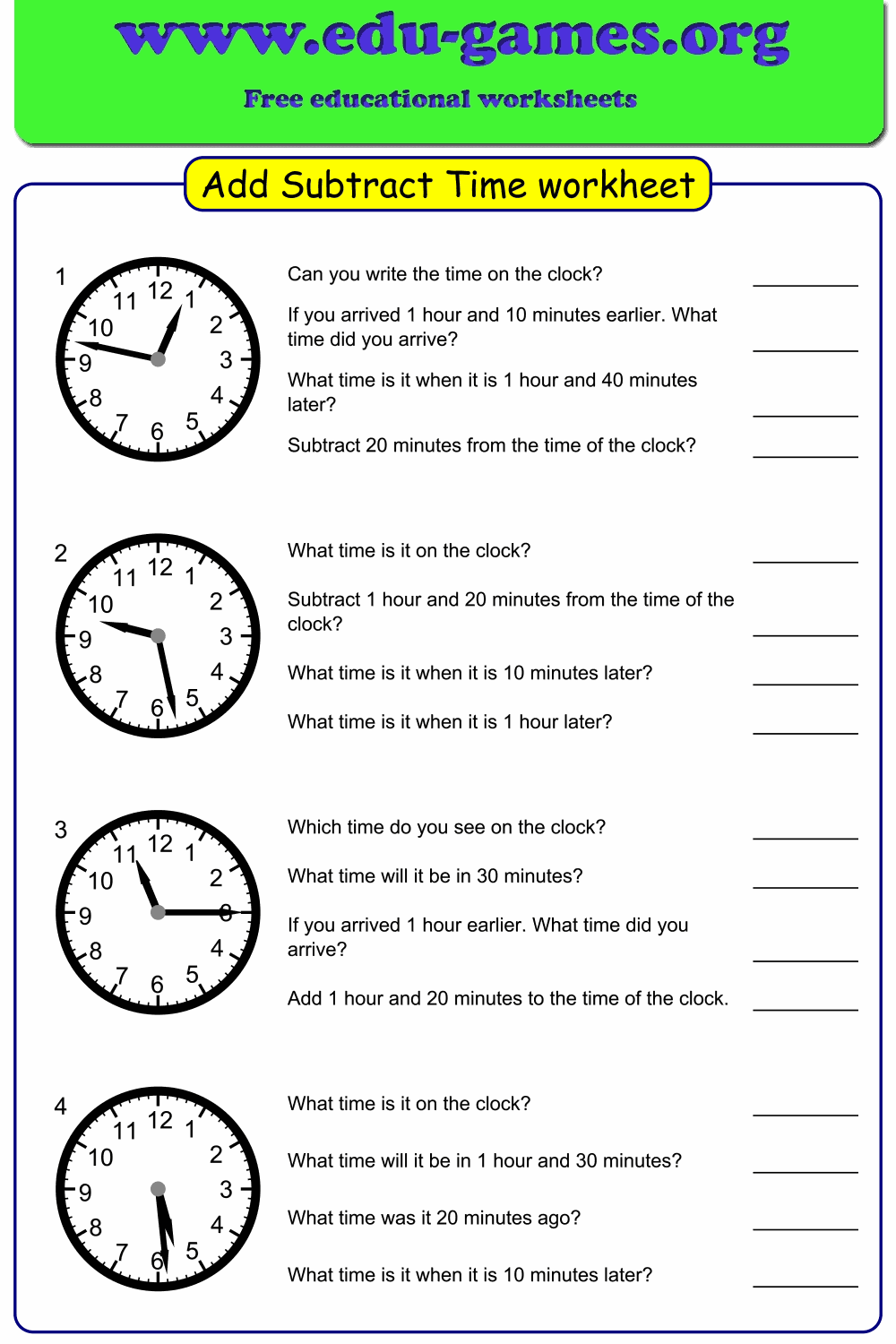
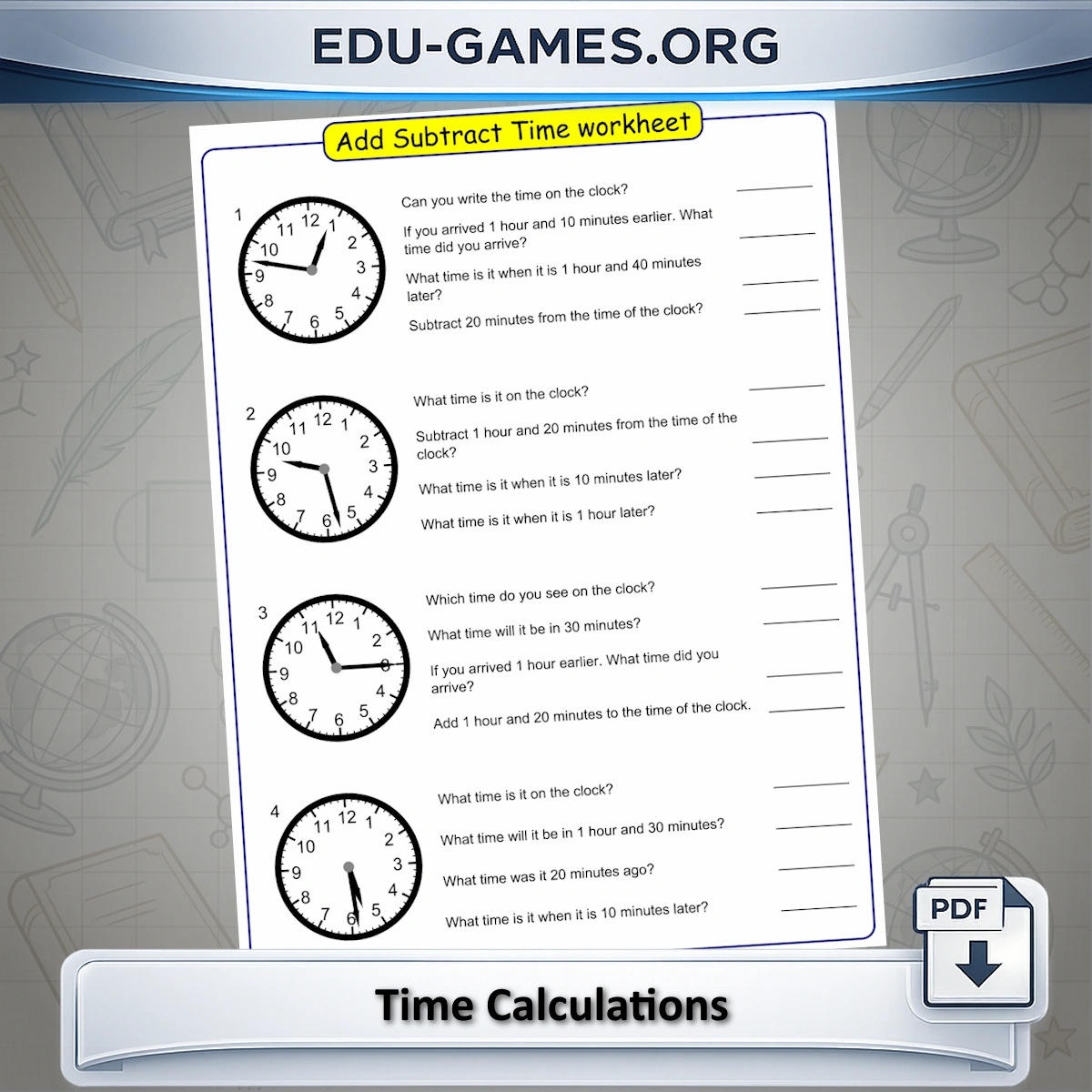
Each worksheet contains four analogue clocks, each with three calculation problems. Students start by writing the time shown on the clock face, then solve the time addition or subtraction problems linked to it — for example, finding what time it is 1 hour and 40 minutes later, or how long before a given time.
This dual-task format makes each problem more meaningful: students cannot simply apply an algorithm without first reading the clock correctly. The generator gives full control over the operation type, clock precision, and the size of the time jump involved in each calculation — making it possible to produce worksheets for Grade 2 beginners through Grade 4 students working with complex hour-and-minute arithmetic.
How to Use the Worksheet Generator
- Choose the type of calculation: Select Adding to practise moving forward in time only, Subtracting to work backwards, or Mixed for a worksheet that uses both operations. Mixed is suitable when students are fluent with each operation separately.
- Set the clock interval: This controls how the starting time is shown on the clock face. Hourly means the clock always shows a time on the hour — easiest to read. Choosing 5 minutes or 1 minute means the clock can show any time to the nearest 5 or 1 minute — significantly harder to read accurately.
- Set the calculation range: This determines how far forward or backward the problems can go. "Less than 1 hour" keeps the arithmetic within a single hour (minutes only). Larger ranges require carrying over from minutes to hours and managing AM/PM transitions.
- Set the time interval: Similar to the clock interval but applied to the size of the time jump in each problem — whether the added or subtracted amount is always a whole hour, a half hour, or any number of minutes. Note: setting Clock Intervals to Hourly and Range to "Less than 1 hour" simultaneously produces a warning, as these settings conflict.
- Generate and download: Click "New Time Calculations" for a fresh random worksheet, then download it as a PDF. Every click produces a different set of clock times and problems.
Why Use Time Calculation Worksheets?
- Two skills in one activity: Students must read the analogue clock correctly before they can set up the calculation. A wrong clock-reading produces a wrong answer even if the arithmetic is correct — so the worksheet holds both skills accountable simultaneously.
- Precise difficulty control: The clock interval and calculation range are independent settings. A teacher can assign easy clock-reading (hourly) with hard arithmetic (up to 24 hours) for students who read clocks fluently but need more calculation practice — or the reverse for students who still struggle with the clock face.
- Builds real-world time sense: Adding and subtracting time is one of the most practical arithmetic skills students encounter — from reading timetables to planning activities. Problems that cross the hour or require AM/PM awareness build the mental flexibility that static clock worksheets do not.
- Targets Grade 2–4 progression: Grade 2 focuses on hour and half-hour reading with small ranges. Grade 3 introduces quarter-hour precision and multi-hour ranges. Grade 4 works to the minute with ranges spanning a full day. The generator covers all three stages without switching resources.
- Unlimited unique worksheets: Every generation produces a different random set of clock times and problems — suitable for daily practice, re-test preparation, or differentiated homework sets.
Time Calculations — Frequently Asked Questions
What does a time calculations worksheet contain?
Each worksheet contains four analogue clocks, each paired with three calculation problems. Students first write the time shown on each clock, then solve the addition or subtraction problems linked to it — for example, "What time is it 1 hour and 25 minutes later?" This format combines clock-reading with arithmetic in a single activity.What grade levels are time calculation worksheets designed for?
The generator targets Grades 2–4. Grade 2 students work with hourly or half-hourly clock intervals and a range of less than one hour, which keeps problems straightforward. Grade 3 introduces quarter-hour and 10-minute intervals with ranges up to 6 hours. Grade 4 uses 5-minute or 1-minute intervals with ranges up to 12 or 24 hours, requiring students to manage hour-and-minute arithmetic accurately.What is the difference between "Clock Intervals" and "Time Intervals" in the generator?
"Clock Intervals" controls how the starting time is set on the clock face — for example, "Hourly" means the clock always shows a time on the hour, while "5 minutes" means the clock can show any 5-minute mark. "Time Interval" controls the step size of the calculation itself — how many minutes or hours the problem adds or subtracts. These two settings can be set independently to create very specific practice scenarios.How does the calculation range affect the difficulty?
A range of "Less than 1 hour" produces problems where the answer stays within the same hour — students only need to add or subtract minutes. "Up to 2 hours" and beyond requires students to carry over from minutes into hours and handle AM/PM transitions. The "Up to 24 hours" range is the most demanding, requiring students to work across full days.Why does combining "Hourly" clock interval with "Less than 1 hour" range produce a warning?
If the clock always shows a time exactly on the hour (Hourly interval) and the calculation range is set to less than one hour, the problems only ever add or subtract minutes from a round hour — which is a very limited and somewhat trivial set of problems. The generator warns you about this conflict so you can choose settings that produce a more useful and varied worksheet.How should I sequence these worksheets across Grades 2–4?
Start Grade 2 students with Hourly or Half-hourly clock intervals, Mixed operations, and a range of less than 1 hour. Move Grade 3 to quarter-hour or 10-minute clock intervals with ranges up to 6 hours. For Grade 4, use 5-minute or 1-minute intervals and ranges up to 12 or 24 hours. As students become fluent with adding time, isolate Subtracting before mixing both operations in a single worksheet.Share these free time calculations worksheets