Rounding to the Nearest 10 or 100 Worksheet Generator
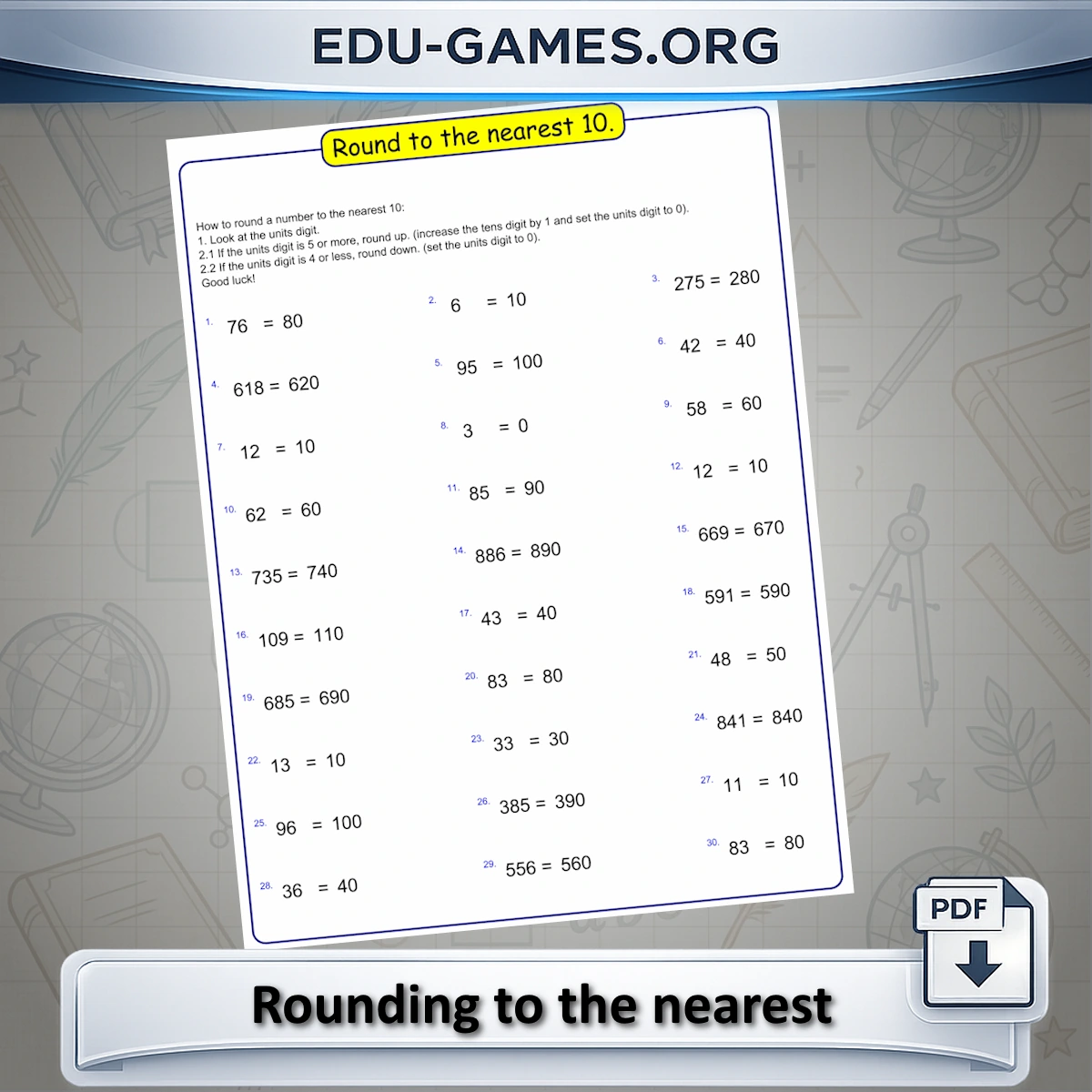
Printable rounding worksheets — choose to round to the nearest ten or the nearest hundred. Up to 36 problems per sheet with step-by-step instructions printed on every sheet. Free PDF, no login required.
Trusted by thousands of teachers · Instant PDF download · No account required
Create your Rounding to the Nearest Ten or Hundred Worksheet
What Is Rounding to the Nearest 10 or 100?
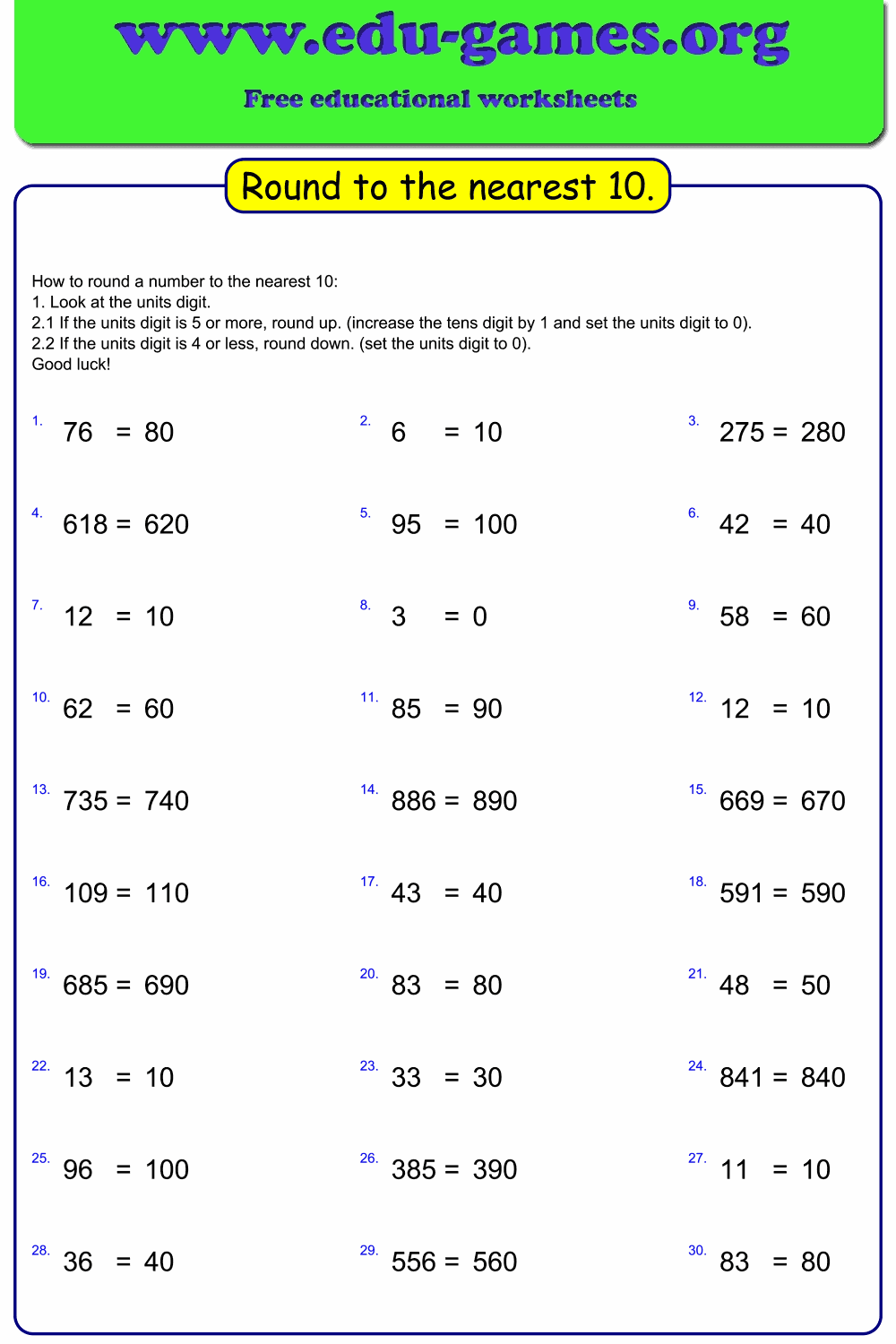
Rounding to the nearest ten or hundred worksheets give students practice identifying which digit to inspect and deciding whether to round up or keep the value unchanged. This generator creates problems at two levels: rounding to the nearest ten (looking at the units digit) and rounding to the nearest hundred (looking at the tens digit).
Once the digit in question is identified, all digits to the right of it are set to zero, and the digit itself either stays the same or increases by one depending on the value examined. A step-by-step instruction guide is printed at the top of the worksheet so students keep the rounding rule in front of them while they work.
How to Use the Generator
- Select a Rounding option — tens or hundreds. The instructions box updates automatically.
- Choose Number of problems — 21, 24, 30, or 36 per sheet.
- Optionally edit or clear the Instructions text before printing.
- Click Create to preview the worksheet on the canvas.
- Click Download to save a print-ready PDF. Tick "Solution page" to include an answer key.
Why Use These Rounding Worksheets?
- Two rounding levels in one tool — tens and hundreds, covering core Grade 3–4 rounding standards
- Instructions printed on every sheet — students keep the step-by-step rounding rule in front of them while they work, reducing errors from misremembering the steps
- Up to 36 problems per sheet — enough for timed drills, daily practice, or homework with a single download
- Free PDF with answer key — download and print instantly, no account needed
FAQ — Rounding to the Nearest 10 or 100 Worksheet Generator
What is the difference between rounding to tens and rounding to hundreds?
"Rounding to Tens" looks at the units digit to decide whether the tens digit goes up or stays the same, e.g. 47 → 50. "Rounding to Hundreds" looks at the tens digit instead, e.g. 470 → 500. Selecting a level updates both the problems generated and the instructions box to match.How many problems can I put on a single worksheet?
The generator offers four sizes: 21, 24, 30, or 36 problems per sheet. The default is 30. Problems are laid out in three columns, so every count is a multiple of 3, keeping the columns evenly balanced.What does the Instructions box contain, and can I edit it?
The Instructions box is automatically filled with a step-by-step rounding guide matched to the selected level — tens or hundreds. It prints at the top of the worksheet so students have the rule in front of them while they work. You can edit or clear the text freely before downloading.Does the downloaded PDF include an answer key?
Yes. Before clicking Download, tick the "Solution page" checkbox to add a fully completed answer sheet as a second page in the PDF. Each answer shows the correctly rounded result for that problem.Share the Rounding to the Nearest 10 or 100 Worksheet Generator with your friends
You Also Might Like:
- The next step — round decimals to integers, the nearest tenth, or the nearest hundredth. Free PDF with answer key.
- Browse all printable math worksheets — addition, subtraction, multiplication, division, fractions, and more for Grades 1–6.
- Vertical column addition with regrouping, 1–6 digits and up to 4 addends — free PDF with answer key.
- The answer is shown but the addends are hidden — students must work backwards to find the missing numbers.