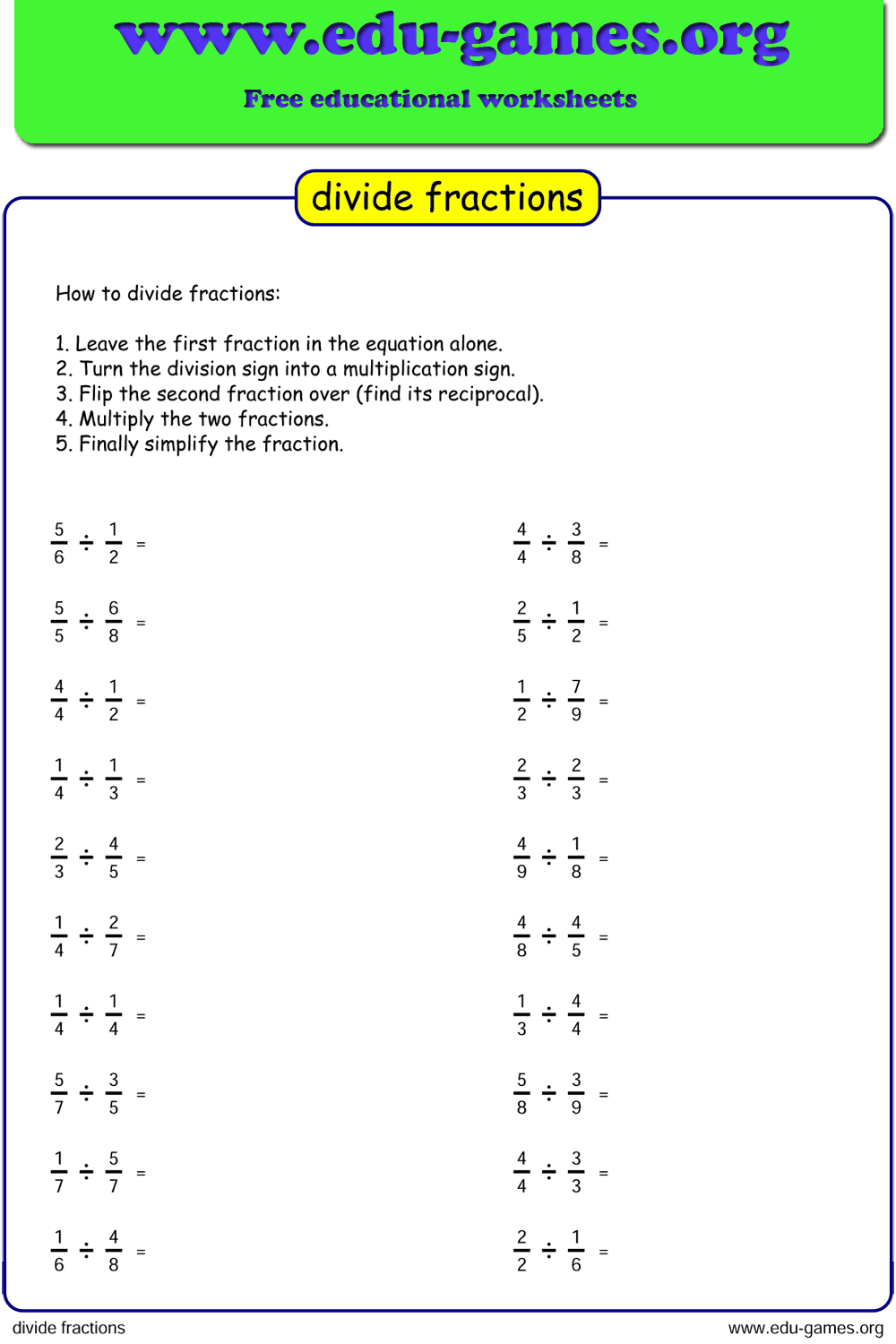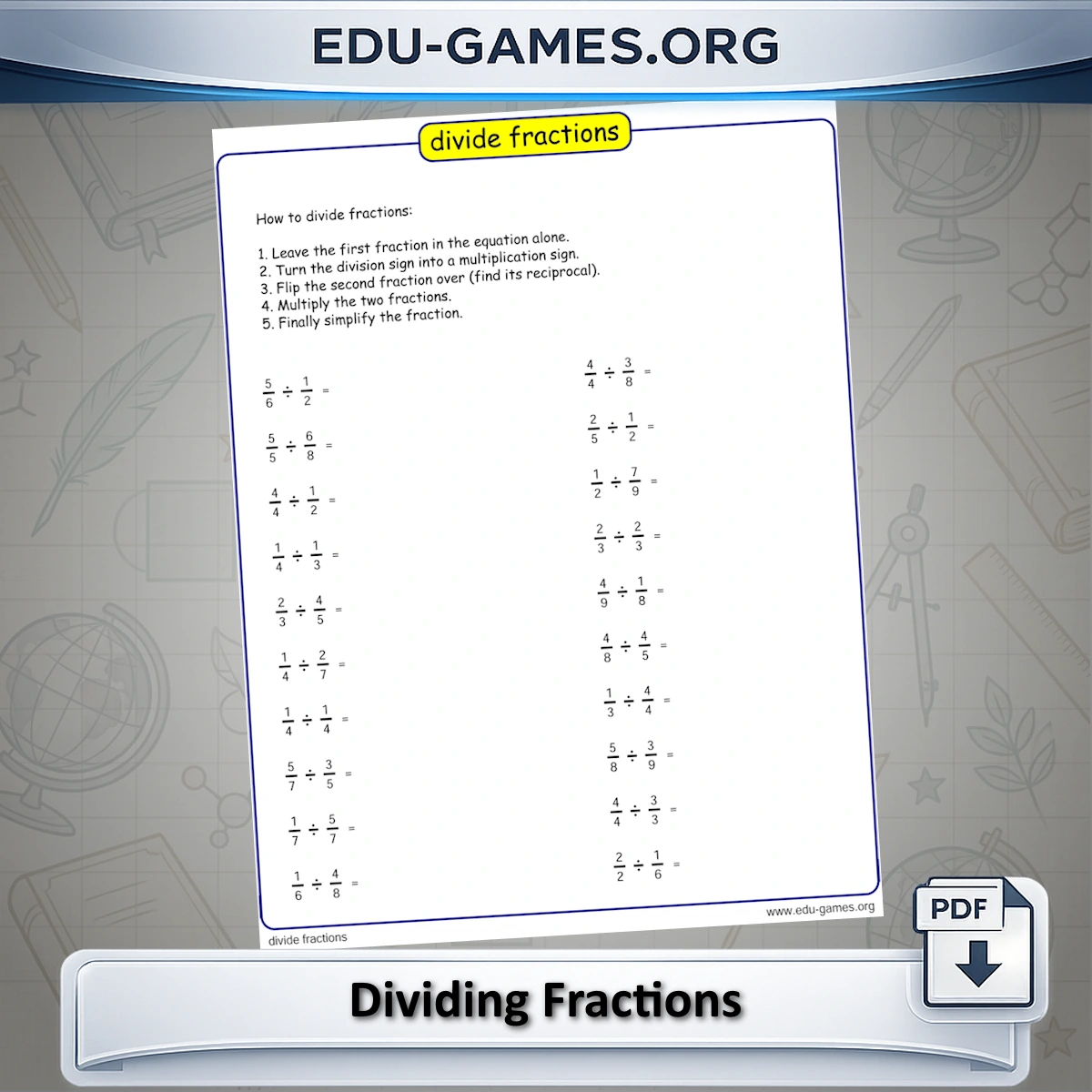
Each worksheet presents a set of fraction division problems. Students divide one fraction by another using the keep-change-flip method — keep the first fraction, change division to multiplication, flip the second fraction, then multiply and simplify. The denominator range setting controls difficulty, and the instructions field lets you customise the printed method guide on every worksheet. A new unique set of problems is generated on every click.
Create Your Dividing Fractions Worksheet
How to Use This Dividing Fractions Worksheet Generator
- Set the denominator range — type a range (e.g. 2–9) or a comma-separated list of specific values. Use the easy and hard shortcut buttons to apply preset ranges matched to common curriculum levels.
- Set the number of problems per page — choose 10, 16, or 20 problems.
- Edit the instructions (optional) — the instructions text box contains the printed step-by-step method guide. Edit it to match the method phrasing your class uses, add a student name field, or simplify the language for younger students.
- Click "Create new Dividing Fractions" — a preview of the worksheet appears with a freshly generated set of problems.
- Download the PDF — enable the Solution option before downloading to include a completed answer page.
Why Use This Dividing Fractions Worksheet Generator?
Dividing fractions is one of the algorithm-heavy steps in the fraction curriculum — students need to apply keep-change-flip correctly, multiply across, and then simplify, all in sequence. Errors accumulate when any step is missed or applied in the wrong order. Repeated practice with varied problem sets is the most reliable way to build accurate, automatic execution of the full procedure.
- Targeted difficulty — the denominator range setting lets you control exactly which fraction values appear. Keep denominators small for initial practice; expand the range once students are confident with the basic procedure to introduce more demanding simplification steps.
- Editable instructions — the method guide prints on every worksheet, so students always have the procedure available as a reference during practice. Edit the wording to match how your class phrases each step.
- Unlimited unique worksheets — every click generates a different set of problems, so you can produce a unique worksheet for every session, for retesting, or for each student in the group without any repetition.
Share this free dividing fractions worksheet maker