Free Printable Fraction Addition Maze Worksheet Maker
Generate custom printable fraction addition maze worksheets in seconds. Choose like or unlike denominators, set the denominator range, and download a ready-to-print PDF – perfect for Grade 4–6 classroom practice.
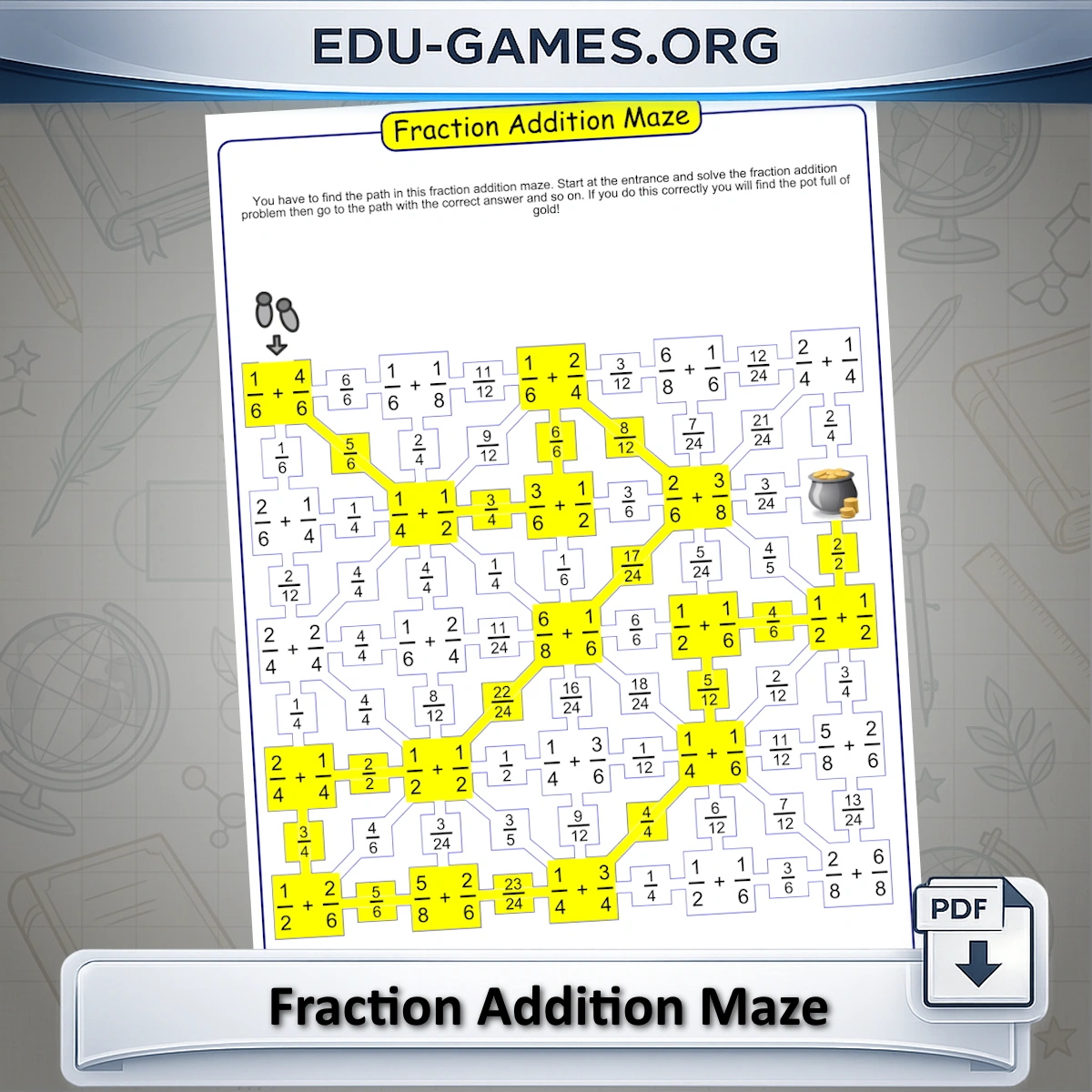
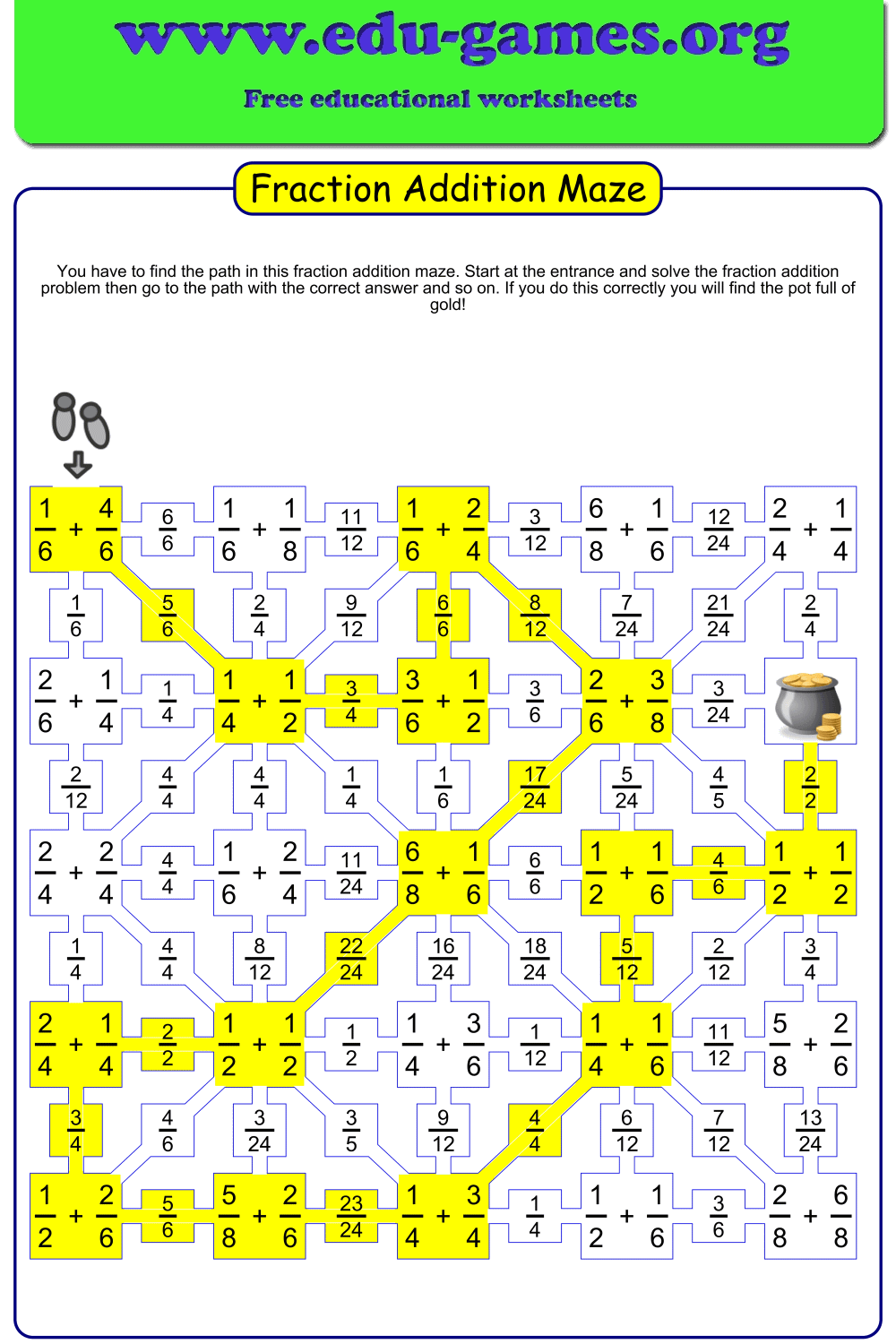
This free fraction addition maze maker generates a unique printable worksheet every time. Each cell contains a fraction addition problem. Students solve it and follow the path with the correct answer — wrong answers lead to dead ends. The goal: reach the pot of gold at the end of the maze.
Choose like or unlike denominators, set the denominator range, and download a ready-to-print PDF — no login or registration needed.
Create your fraction addition maze worksheet
How to Use the Fraction Addition Maze in the Classroom
Fraction addition mazes work across a range of classroom situations. The like/unlike denominator switch and the adjustable denominator range let you target Grade 4, Grade 5, or Grade 6 — all from the same generator.
Warm-Up Activity
Hand out a freshly generated maze at the start of a fractions lesson to activate recall before the main activity. Set the denominator range to Easy for a quick review, or Hard for a challenge. Because every maze is unique, students cannot share answers between classes or periods.
Scaffolded Practice
Use the Like denominators option first to consolidate basic fraction addition, then switch to Unlike denominators for the follow-up lesson. The maze format means students must also reject wrong answers — not just produce correct ones.
Differentiated Tasks
Print Easy-range mazes for students who need support and Hard-range mazes for those working ahead — all from the same page. The "Max Sum is 1" checkbox keeps results as proper fractions for students who are not yet ready for improper fractions.
Pair Work
Give partners the same maze printed twice. Each student works independently, then they compare paths. Disagreements become discussion points about fraction equivalence and which answer is correct.
Homework
The PDF is self-contained — students need nothing except a pencil. The customisable instruction text lets you add a personal note or context before printing.
FAQ for the Fraction Addition Maze Maker
What is the difference between "Like" and "Unlike" denominators and how does the choice affect the worksheet?
Selecting Like means every addition problem in the maze uses fractions with the same denominator (e.g. 3/8 + 5/8) — students add numerators only. Selecting Unlike means every cell pairs fractions with different denominators, requiring students to find a common denominator before adding. Switching between the two options immediately regenerates the maze and updates the on-worksheet instruction text.How does the denominator range input work, and what do the Easy, Medium, and Hard shortcuts set?
Type allowed denominator values as a comma-separated list or a dash range — for example, 2-5 means denominators 2, 3, 4, and 5 will be used. The shortcut buttons load presets: Easy sets 2,4,6,8 (common even denominators), Medium sets 2–9 (all single-digit values), and Hard sets 10–25 (two-digit denominators). Click "Create a new addition Maze" after changing the range to apply it.What does the "Max Sum is 1" checkbox do?
When ticked, the generator ensures every answer is ≤ 1, keeping all results as proper fractions. This suits students who have not yet studied improper fractions or mixed numbers. Unticking it allows sums greater than 1, making the worksheet more challenging for Grade 5–6 students who are ready for improper fraction results.What fraction types appear in the maze cells — proper, improper, or mixed?
All operands in the cells are proper fractions (numerator smaller than the denominator). If "Max Sum is 1" is ticked, the path answers are also proper fractions. If it is unticked, answers can be improper fractions but are never displayed as mixed numbers.Will clicking "Create a new addition Maze" always produce a different puzzle?
Yes. Every click regenerates a completely new random grid and a different correct path. The current denominator range, like/unlike setting, and Max Sum option are all applied each time, so you can iterate rapidly until you find a difficulty level that suits your class.Does the solution page show which path cells are correct?
Yes. Tick the solution checkbox before downloading and the PDF will include a second page with the correct path cells and answer boxes highlighted in yellow — the same highlighting you see when you click "Show Solution" on the preview canvas.Share this free Fraction Addition Maze worksheet maker with your friends