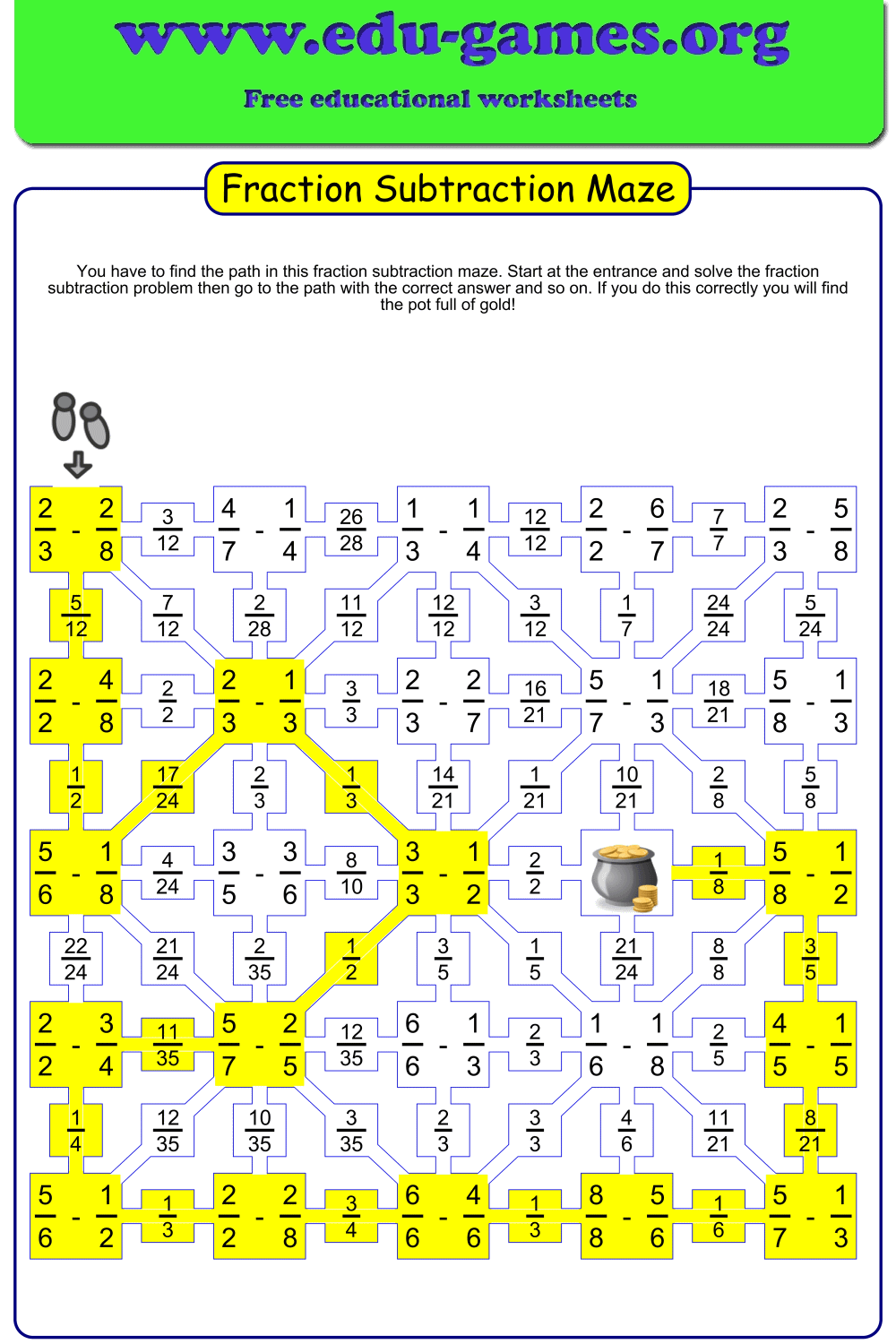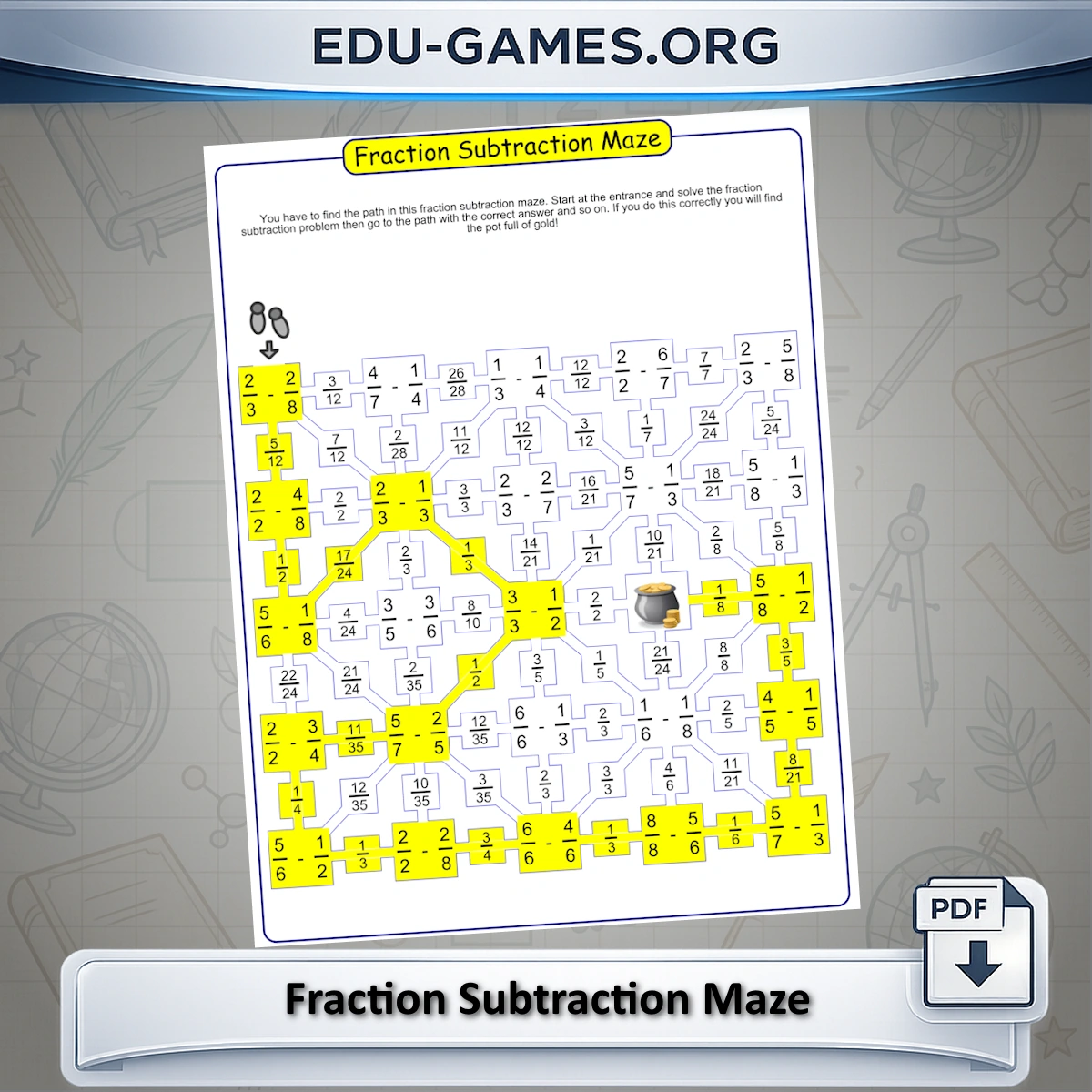
How to Use the Worksheet Generator
- Choose the maze size: Select 5×5 or 6×6 rows. A 6×6 maze produces more problems and a longer path — better for students who need extended practice or a more challenging session.
- Set the denominator range: Type values directly (e.g., 2-8 uses denominators 2 through 8) or click Easy, Medium, or Hard for quick presets. A smaller range produces simpler fractions with more familiar denominators.
- Choose denominator type: Select "Like" for Grade 4 students who are learning to subtract numerators only. Select "Unlike" for Grade 5–6 students who must find the LCD before subtracting — this is the more challenging setting.
- Edit the instructions: The instruction text prints at the top of the worksheet. Adjust the wording to match your lesson phrasing or classroom reading level.
- Generate and download: Click "Create a new subtraction Maze" for a fresh random maze, then download it as a PDF. Every click produces a completely different layout.
Why Use Fraction Subtraction Mazes?
- Immediate self-checking: Because the maze is a sequential path, a single wrong answer sends the student into a dead end — they know instantly something is wrong without needing teacher feedback. This focuses attention and reduces random guessing.
- Precise diagnostic tool: If a student gets stuck, you can pinpoint exactly which problem broke their path. Ask them: "Which answer kept you on the route?" and intervene at that specific skill, rather than reviewing the whole topic.
- Differentiation built in: Use Like denominators with a narrow range for Grade 4 beginners; switch to Unlike denominators with a wider range for Grade 5–6 students working with the LCD procedure. Both groups work from the same generator — just different settings.
- More motivating than drills: The goal of finding the "pot of gold" gives students a concrete objective. Maze worksheets are particularly effective for students who disengage during traditional drill practice.
- Reinforces simplification: To match the correct answer cell, students must simplify their results. The maze practises simplifying fractions alongside subtraction automatically — no extra worksheet needed.
- Unlimited unique mazes: Every click generates a different random maze, so the same problem set is never repeated. Use a new maze each lesson, for homework, or for re-test practice.
Fraction Subtraction Maze — Frequently Asked Questions
What is a fraction subtraction maze and how does it work?
A fraction subtraction maze is a grid puzzle where each cell contains a fraction subtraction problem. Students start at the entrance, solve the problem, then move to the neighbouring cell that displays the correct answer. Following a wrong answer leads to a dead end — so every step requires accurate calculation to find the path through to the exit.What grade levels are fraction subtraction mazes designed for?
This generator is designed for Grades 4–6. Grade 4 students work with like denominators, where only the numerators need subtracting. Grade 5 introduces unlike denominators, which requires finding the LCD before subtracting. Grade 6 students practise with larger denominator ranges and mixed results that need simplifying.How do you subtract fractions with unlike denominators?
First, find the Least Common Denominator (LCD) of the two fractions — the smallest number both denominators divide into evenly. Rewrite each fraction with the LCD as the denominator, adjusting the numerators accordingly. Then subtract the numerators and keep the common denominator. Finally, simplify the result if possible. For example: 3/4 − 1/6. LCD is 12. Rewrite as 9/12 − 2/12 = 7/12.What is the difference between "Like" and "Unlike" denominators in the generator?
Selecting "Like" denominators generates problems where both fractions already share the same denominator — students only need to subtract the numerators. This is suitable for Grade 4 students building initial fluency. "Unlike" generates fractions with different denominators, requiring students to find the LCD first. This setting is appropriate for Grade 5–6 students who have already learned the like-denominator procedure.How do I use the denominator range to control difficulty?
The denominator range sets the minimum and maximum denominator values that appear in the problems. A small range (e.g., 2–6) produces simpler, familiar fractions. Use the Easy, Medium, or Hard shortcuts for quick presets, or type a custom range such as "10-20" for greater challenge. More rows in the maze (5 or 6) produce a longer path with more problems — useful for extended practice sessions.What fraction skills does the maze reinforce beyond the subtraction procedure?
To navigate correctly, students must also simplify their results to match the answer displayed in the next cell. This means the maze practises simplifying fractions and recognising equivalent results automatically alongside the subtraction procedure. The sequential path structure also builds checking habits — students must verify each answer before moving, rather than moving on after a guess.Share these free fraction subtraction maze worksheets