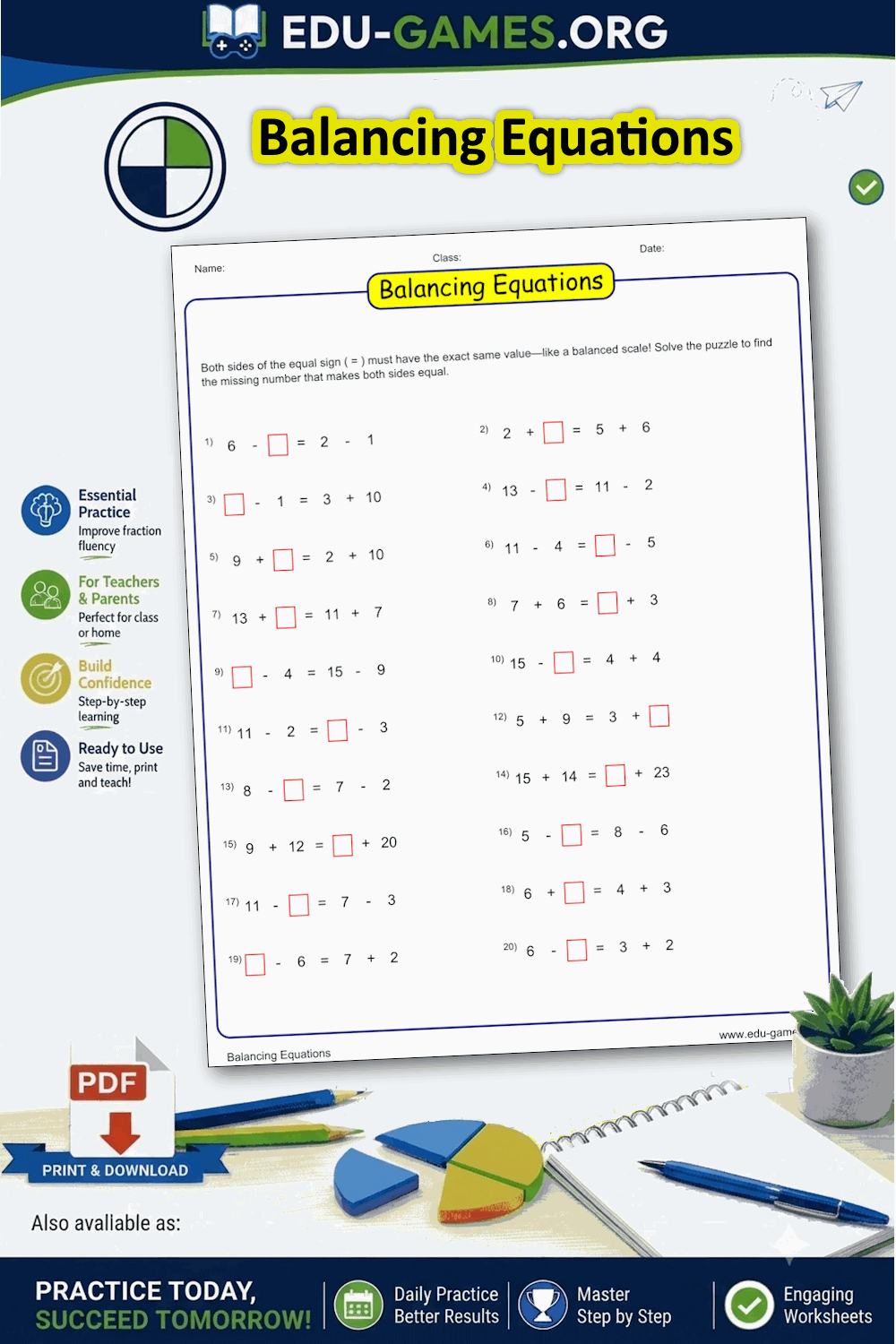
Balancing Equations Worksheet Generator
Each worksheet shows two arithmetic expressions with one number hidden. Students find the value that makes both sides equal — building algebraic thinking from the ground up.
Trusted by thousands teachers · Instant PDF download · No account required
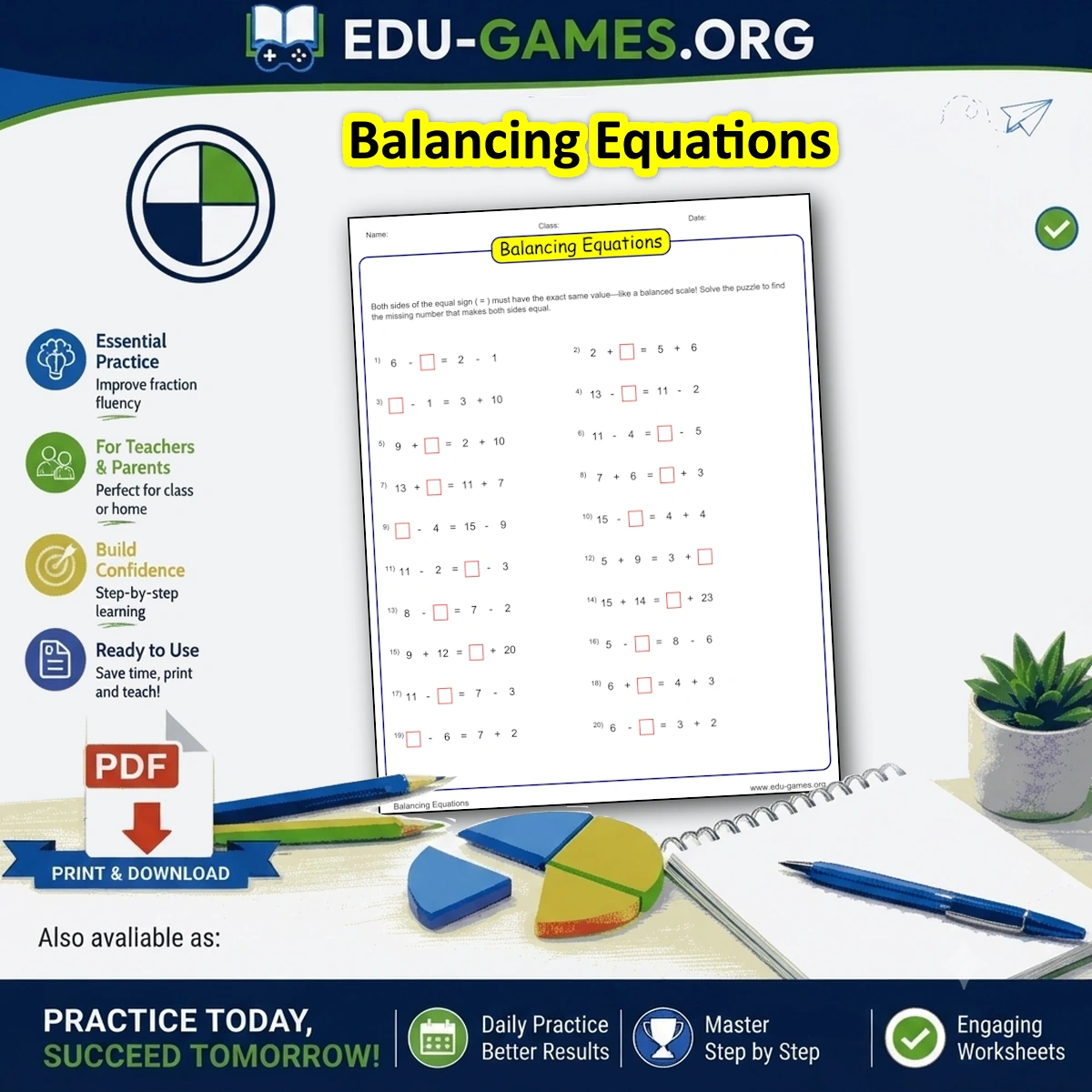
Create your Balancing Equations Worksheet
What Is a Balancing Equations Worksheet?
A balancing equations worksheet presents two arithmetic expressions side by side, separated by an equals sign. One number is hidden in a red box — students must find the value that makes both sides equal. Unlike standard arithmetic where students compute a result, here they reason about equivalence and work backwards from known values.
This type of exercise is a direct bridge to algebra. Students learn that the equals sign means "the same as", not just "the answer is". Choosing different operators and difficulty levels makes the same format suitable from Grade 1 through Grade 6.
How to Use the Generator
- Select the number of problems per page — 10, 20, or 30.
- Choose a difficulty level — Easy keeps numbers small, Hard uses larger values.
- Set the missing number position — left side, right side, or random.
- Tick the operators you want: +, −, × and ÷ can all be combined on the same sheet.
- Click Create the Balancing Equations puzzle to preview your worksheet.
- Click Download the Balancing Equations puzzle to save the PDF, with an optional solution page.
Why Use Balancing Equations Worksheets?
- Builds algebraic thinking — students understand equals as balance, not just a result arrow
- Covers all four operations — mix addition, subtraction, multiplication and division on one sheet
- Three difficulty levels — Easy, Medium, and Hard control the number ranges used
- Flexible missing position — place the unknown on the left, right, or randomly
- Unlimited unique worksheets — every generation produces a different set of equations
- Free and instant — print-ready PDF in seconds, no account needed
FAQ — Balancing Equations Worksheet Generator
What is a balancing equations worksheet?
A balancing equations worksheet shows two arithmetic expressions separated by an equals sign. One number is hidden — students must find the value that makes both sides equal. This builds algebraic thinking and the understanding that the equals sign means balance, not just "the answer is".What does the difficulty setting change?
Difficulty controls the size of numbers used. Easy uses numbers up to 15 for addition and subtraction, and up to 9 for multiplication and division. Medium goes up to 50 and 12 respectively. Hard uses numbers up to 200 for addition and subtraction, and up to 20 for multiplication and division.Will division ever produce a decimal answer?
No. The generator only creates division expressions that divide evenly. Any combination that does not produce a whole number is discarded and regenerated, so every answer is always an integer.Can the missing number be on either side?
Yes. Use the "Missing number position" selector to place the unknown on the left side only, the right side only, or randomly on either side. The missing number is always shown as a red box on the worksheet.Can I mix different operators on the same sheet?
Yes. Tick any combination of Addition (+), Subtraction (−), Multiply (×) and Division (÷). The generator mixes your chosen operators across both sides of each equation, so one worksheet can contain all four operations at once.Share the Balancing Equations Worksheet Maker