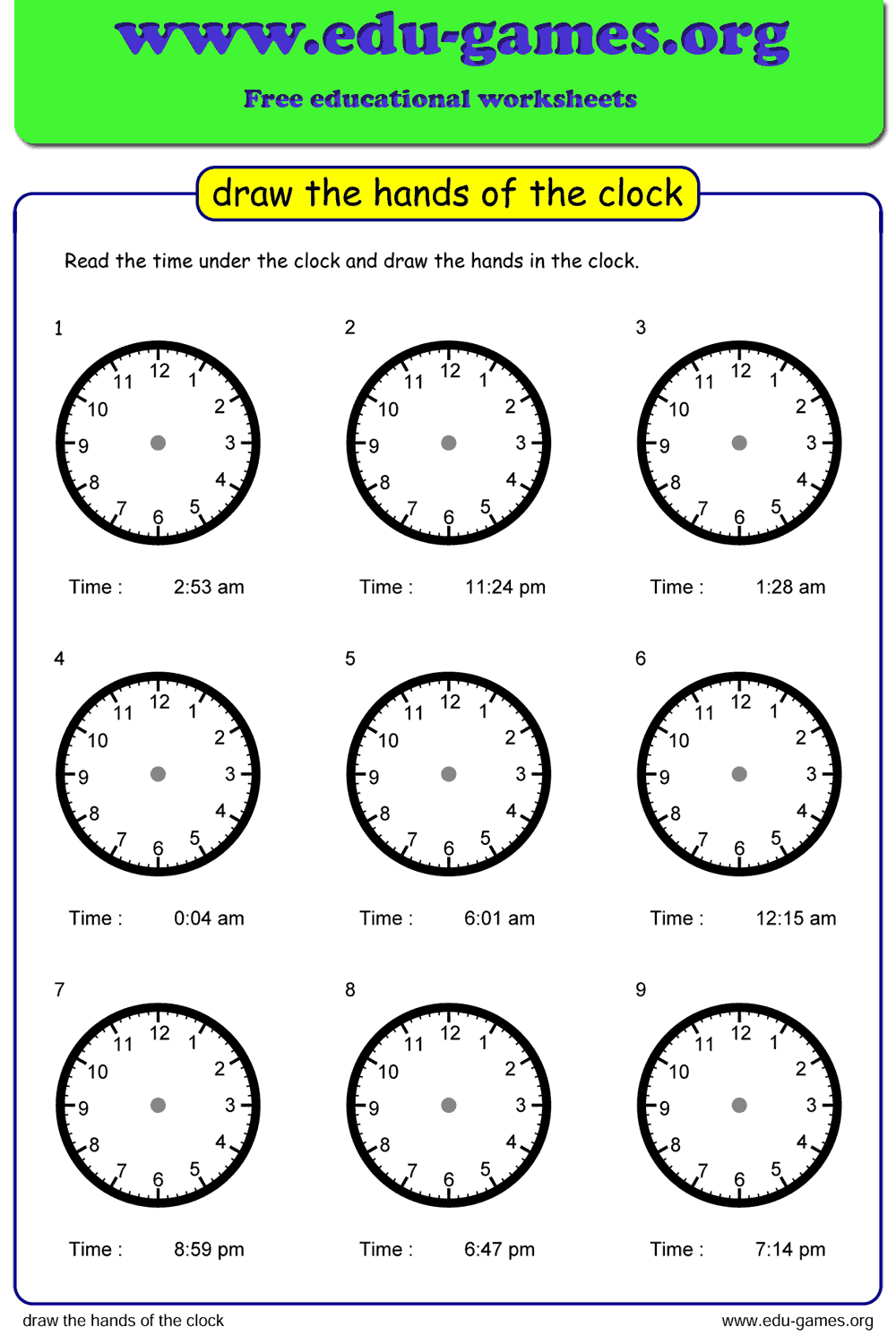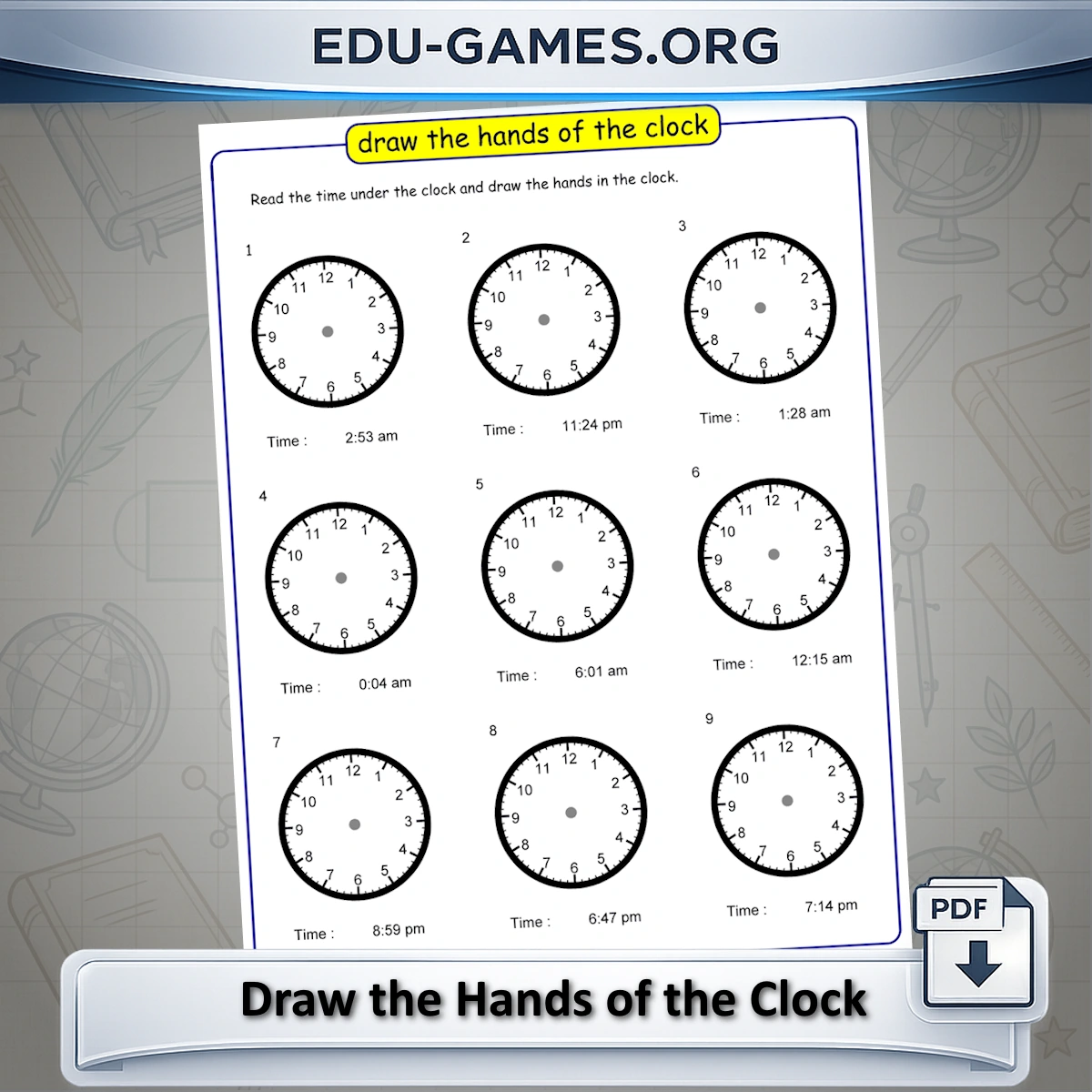
The worksheet maker creates a sheet with 9 analog clocks — no hands drawn. Each clock shows the time as text; students draw both hands to match it. Control the clock type, which numbers appear on the face, and the time interval to target exactly the skill level your class needs.
Create the Draw-the-Hands Worksheet
Include solution page
Paper format:
How to Use This Worksheet Maker
- Choose a clock type — pick 12-hour, 12-hour with am/pm labels, or 24-hour depending on what your students are currently learning.
- Select number visibility — show all 12 numbers for beginners, only the quarter-hour markers (12, 3, 6, 9) for intermediate learners, or no numbers at all for the most advanced challenge.
- Set the time interval — from whole hours down to every minute. Start with hours for Grade 1, add half-hours for Grade 2, and work toward 5-minute and 1-minute intervals for Grades 3–4.
- Click "Create new Clocks" — the generator produces a sheet of 9 unique clocks instantly in the preview.
- Download the PDF — click the download button to get a print-ready file. Print one copy per student or print a class set at once.
Why Use Draw-the-Hands Worksheets?
Reading a clock is a multi-step skill: students must recall what the hour and minute hands represent, calculate the correct positions, and execute the drawing accurately. Each step exposes a different misconception.
- Active recall — producing the answer (drawing) is more demanding than recognising it (circling), which leads to stronger retention.
- Immediate feedback — a hand drawn in the wrong position is visually obvious to both student and teacher with no marking key needed.
- Adjustable difficulty — the same worksheet format works from Grade 1 (whole hours) through Grade 4 (any minute), so you never need a different activity as skills develop.
- Curriculum-aligned — telling time to the nearest minute is a standard requirement across major curricula (Common Core 3.MD.A.1, UK KS2 Maths, Australian Curriculum ACMMG062).
Share this free draw the clock hands worksheet